Introduction
If the laptop is indicating that there may be issues with the disc drive, is unable to operate the disk drive, or otherwise read an inserted disc, use this guide in order to replace the disk drive.
What you need
-
-
-
-
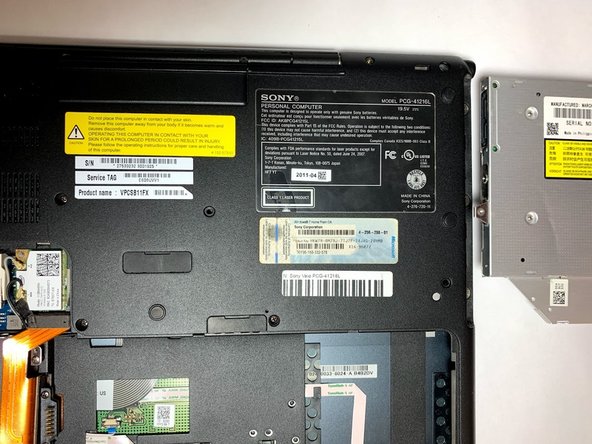
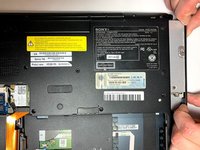
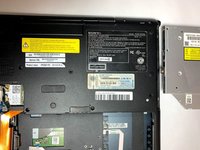
Carefully remove the disk drive by gripping the disk drive by the edges and pulling it out of the computer. Insert the replacement unit in the same orientation and reassemble the unit.
-


 Ask FixBot


Conclusion
To reassemble your device, follow these instructions in reverse order.

Team

Oregon Institute of Technology, Team S1-G4, Lancaster Winter 2019 Member of Oregon Institute of Technology, Team S1-G4, Lancaster Winter 2019
OIT-LANCASTER-W19S1G4
3 Members
59 Guides authored
