Free Shipping on Domestic Orders $75+

Sony Vaio Fit 13A Wireless Card Replacement

Views: 2.4K

View statistics:

Past 24 Hours:
2
Past 7 Days:
24
Past 30 Days:
97
All Time:
2,424
Comments: 1

1 comment on steps.

Completed: 0

No one has marked this guide "completed." Will you be the first?

Favorites: 1

1 person has favorited (and subscribed to) this guide. Will you be next?

Time Required: No estimate
Difficulty: Moderate
Better Introduction

Improve this guide by completing or revising its introduction.

Sony Vaio Fit 13A Wireless Card Replacement

What you need

Tools

    1. Sony Vaio Fit 13A Wireless Card Replacement, Back Cover: step 1, image 1 of 2 Sony Vaio Fit 13A Wireless Card Replacement, Back Cover: step 1, image 2 of 2
      • Starting with the laptop top-down, locate and remove the twelve 1mm Phillips #0 screws securing the back cover to the main body of the computer.

      Ask FixBot

      Add Comment

    2. Sony Vaio Fit 13A Wireless Card Replacement: step 2, image 1 of 2 Sony Vaio Fit 13A Wireless Card Replacement: step 2, image 2 of 2
      • Use the Plastic Opening Tools or Metal Spudger to carefully loosen back cover from the body of the computer.

      • Be sure to avoid headphone jack when removing back cover by lifting cover away from computer and up.

      Ask FixBot

      Add Comment

    3. Sony Vaio Fit 13A Wireless Card Replacement: step 3, image 1 of 1
      • Lift off back cover to access inner components of computer.

      Ask FixBot

      Add Comment

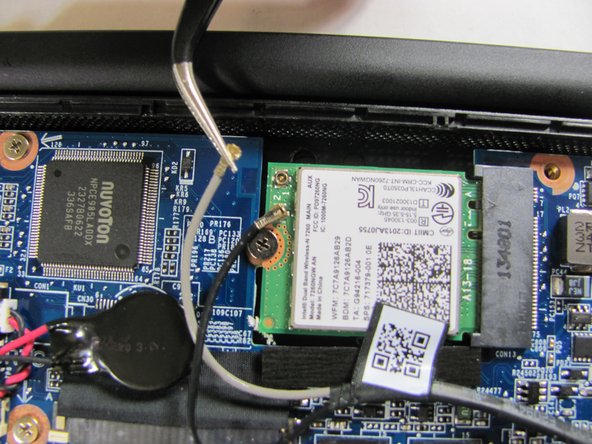
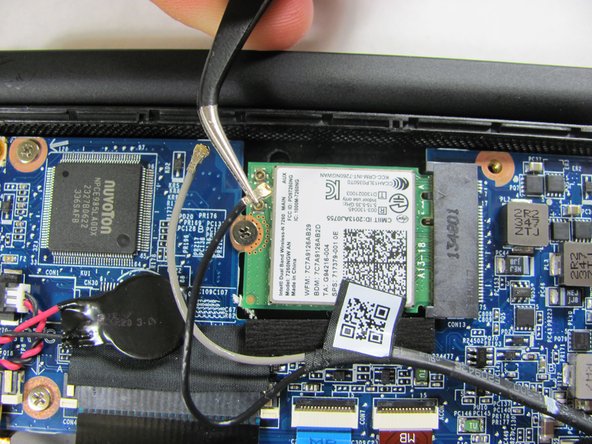
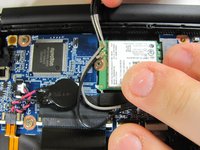
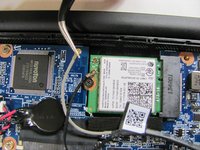
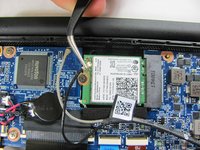
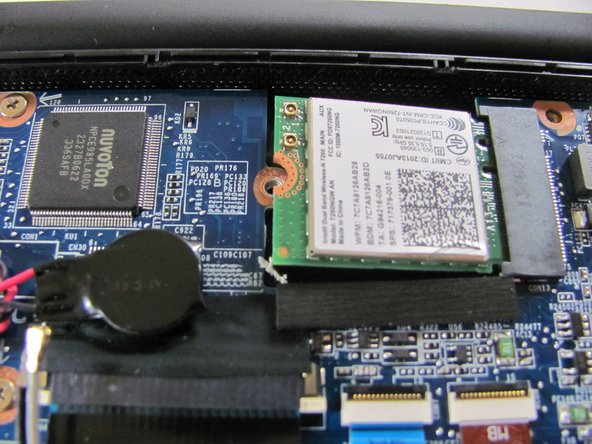
    1. Sony Vaio Fit 13A Wireless Card Replacement, Wireless Card: step 4, image 1 of 3 Sony Vaio Fit 13A Wireless Card Replacement, Wireless Card: step 4, image 2 of 3 Sony Vaio Fit 13A Wireless Card Replacement, Wireless Card: step 4, image 3 of 3
      Tool used on this step:
      Tweezers
      $4.99
      Buy
      • Use a pair of tweezers to gently disconnect the two antenna cables.

      Ask FixBot

      Add Comment

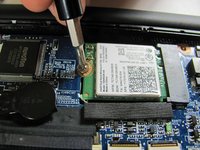
    2. Sony Vaio Fit 13A Wireless Card Replacement: step 5, image 1 of 2 Sony Vaio Fit 13A Wireless Card Replacement: step 5, image 2 of 2
      • Locate and remove the single 1mm Phillips #0 screw that is securing the wireless card to the motherboard.

      Ask FixBot

      Add Comment

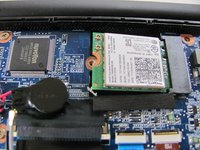
    3. Sony Vaio Fit 13A Wireless Card Replacement: step 6, image 1 of 2 Sony Vaio Fit 13A Wireless Card Replacement: step 6, image 2 of 2
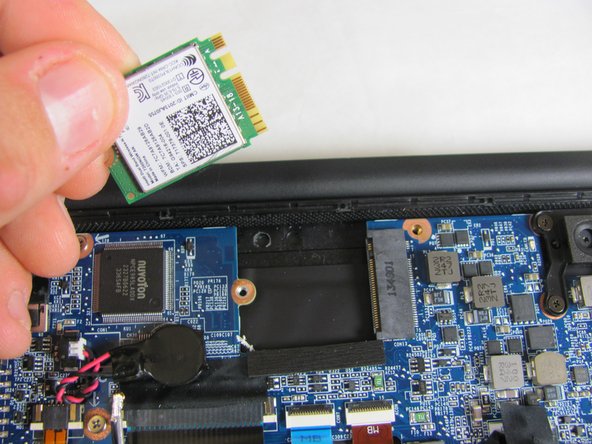
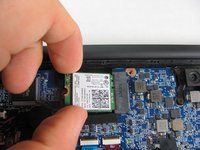
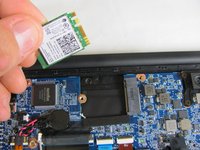
      • Gently grasp wireless card with two fingers and pull away from motherboard to the left.

      • Do not pull the wireless card up when removing it. This could snap the connections.

      Ask FixBot

      Add Comment

Conclusion

To reassemble your device, follow these instructions in reverse order.

Cancel: I did not complete this guide.

Alex Prange

Member since: 01/08/15

533 Reputation

3 Guides authored

Team

Cal Poly, Team 21-19, Maness Winter 2015 Member of Cal Poly, Team 21-19, Maness Winter 2015

CPSU-MANESS-W15S21G19

4 Members

72 Guides authored

0 Guide Comments

Add Comment

View Statistics:

Past 24 Hours: 2

Past 7 Days: 24

Past 30 Days: 97

All Time: 2,424