Introduction
This guide will inform readers on how to safely uninstall the battery of the Sony VAIO VPC-EB33FM laptop.
What you need
-
-
-
Power down the laptop by pressing the power button.
-
Turn the laptop onto its backside.
 Ask FixBot
-
-
-
-
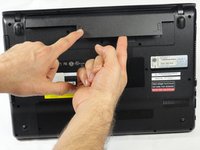
To release the battery, hold both the release button and the unlock button at the same time.
-
-
-
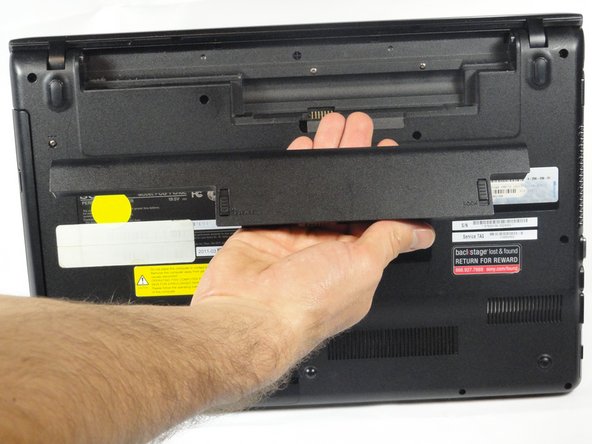
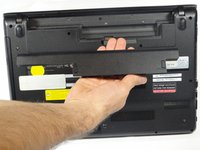
Remove the battery out from the notch while continuing to hold the release button.
-
-


Conclusion
To reassemble your device, follow these instructions in reverse order.

Team

Cal Poly, Team 18-39, Regan Winter 2013 Member of Cal Poly, Team 18-39, Regan Winter 2013
CPSU-REGAN-W13S18G39
5 Members
72 Guides authored
