
Sony UBP-UX80 Power Board Replacement

Ryan Masoud and 3 other contributors
Last updated on May 31, 2023
Views: 515
View statistics:
- Past 24 Hours:
- 3
- Past 7 Days:
- 10
- Past 30 Days:
- 44
- All Time:
- 515
Comments: 0
No one has left comments on this guide. Will you be first?
Go to guide commentsCompleted: 0 1
No one has marked this guide "completed." Will you be the first?
1 person has marked this guide "completed." It's you — great job!
Favorites: 0 1
No one has favorited (and subscribed to) this guide. Will you be the first?
1 person has favorited (and subscribed to) this guide — and that's you!
Introduction
Go to step 1 ↓The power board only needs to be replaced if the device can not turn on and all other troubleshooting options have been attempted. When dealing with a power board, be careful of the capacitors as they can hold charge and shock you. Unplug device before starting.
What you need
Tools


-
-
-
Use a Phillips #2 screwdriver to remove the two 10.5 mm screws that secure the two side panels onto the back of the player.
-
Slide both covers back about a 1/2 inch, then pull them away from the case.
 Ask FixBot
-
-
-
Use a Phillips #2 screwdriver to remove the two 10.5 mm screws on the side of the case, each connecting to a tab on the cover.
-
Use a Phillips #2 screwdriver to remove the two 10.5 mm screws (one next to the Wi-Fi logo and one next to the Blu-ray logo).
-
-
-
Press in the tabs found on the front-sides of the case (connected to the front panel).
-
Slide the top cover forward.
-
Lift off the case.
-
-
-
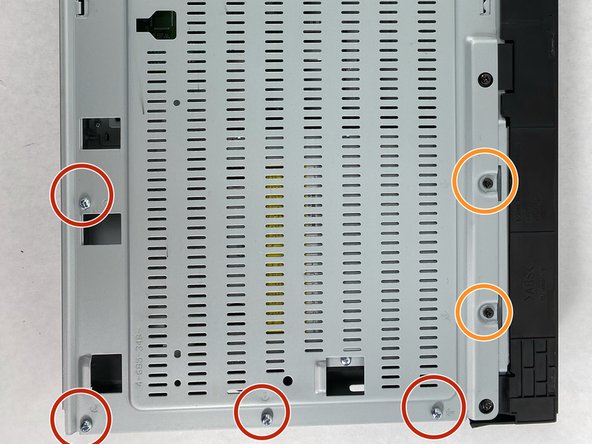
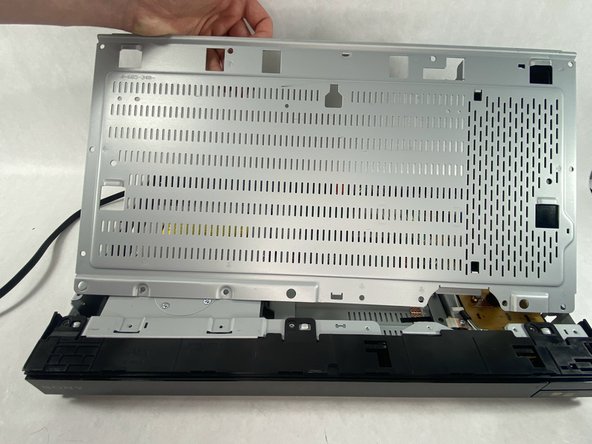
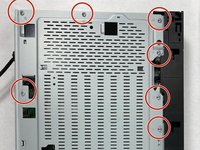
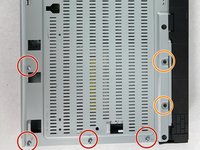
Find the eleven 10.5 mm silver screws and two 6 mm black screws on the perimeter of the silver cover plate.
-
Remove the silver screws using a Phillips #2 screwdriver and the black ones using a Phillips #1 screwdriver.
-
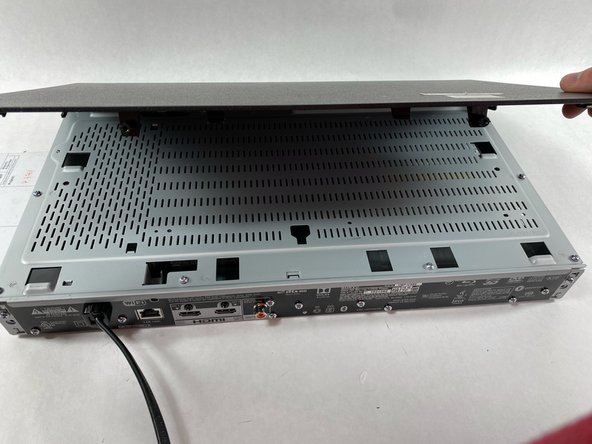
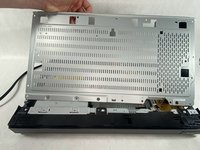
Life the back of the cover up and off of the chasis.
-
-
-
-
-
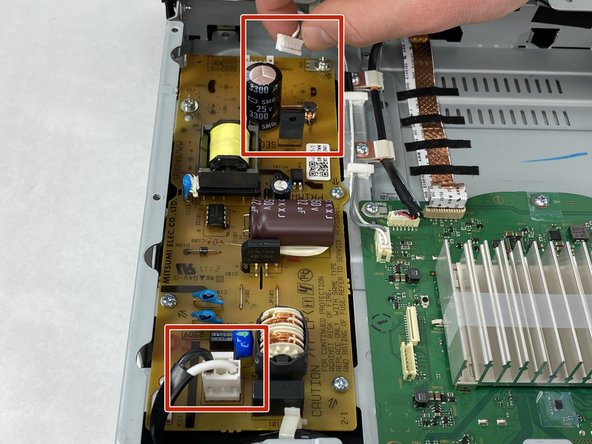
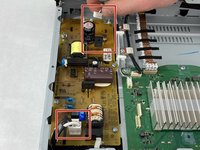
Disconnect the power cable connector and motherboard connector from the power board.
-
-
-
-
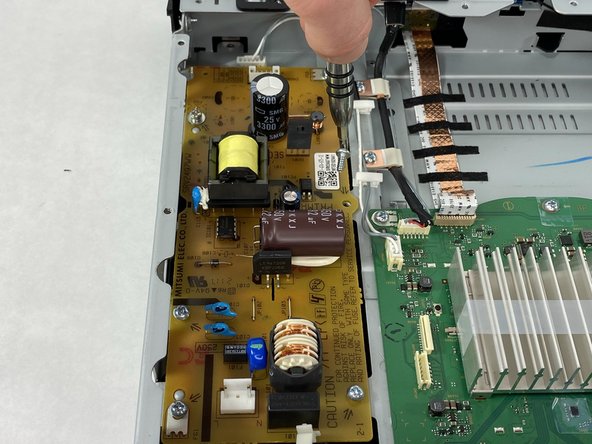
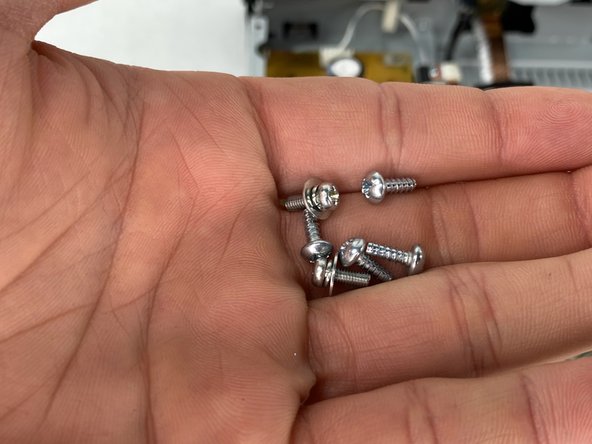
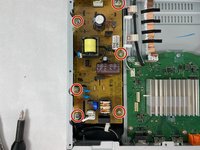
Use a Phillips #2 screwdriver to remove the six 10.5 mm screws that secure the board.
-
-
-
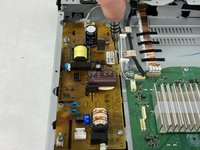
Grab the board by any plastic housing attached. Lift the board up and out of the chassis.
-
-






To reassemble your device, follow these instructions in reverse order.

Team

UMass Dartmouth, Team 2-5, Petersen Spring 2023 Member of UMass Dartmouth, Team 2-5, Petersen Spring 2023
UMASSD-PETERSEN-S23S2G5
4 Members
96 Guides authored
