Introduction
To replace the Wi-Fi card, Bluetooth card, and button control unit, the front cover must be removed in order to access those parts.
Please make sure that the device is unplugged and completely powered down before trying to take the Front Panel off.
What you need
-
-
-
Use a Phillips #2 screwdriver to remove the two 10.5 mm screws that secure the two side panels onto the back of the player.
-
Slide both covers back about a 1/2 inch, then pull them away from the case.
 Ask FixBot
-
-
-
Use a Phillips #2 screwdriver to remove the two 10.5 mm screws on the side of the case, each connecting to a tab on the cover.
-
Use a Phillips #2 screwdriver to remove the two 10.5 mm screws (one next to the Wi-Fi logo and one next to the Blu-ray logo).
-
-
-
Press in the tabs found on the front-sides of the case (connected to the front panel).
-
Slide the top cover forward.
-
Lift off the case.
-
-
-
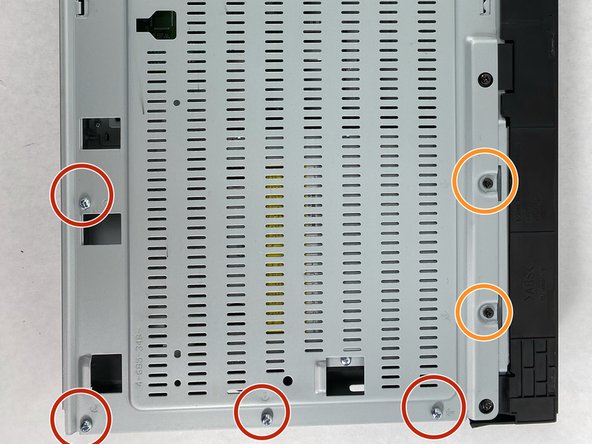
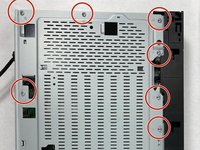
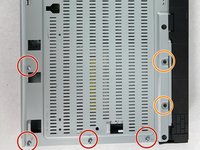
Find the eleven 10.5 mm silver screws and two 6 mm black screws on the perimeter of the silver cover plate.
-
Remove the silver screws using a Phillips #2 screwdriver and the black ones using a Phillips #1 screwdriver.
-
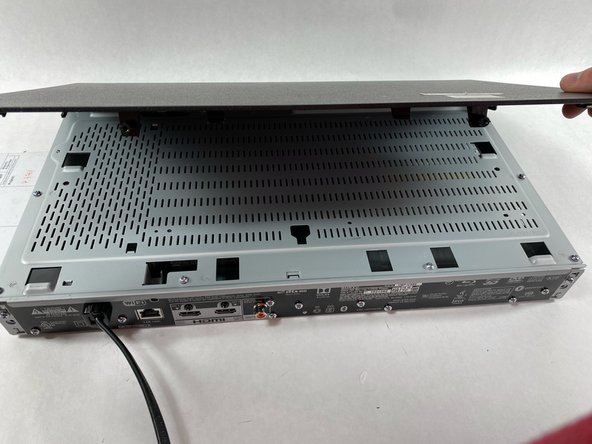
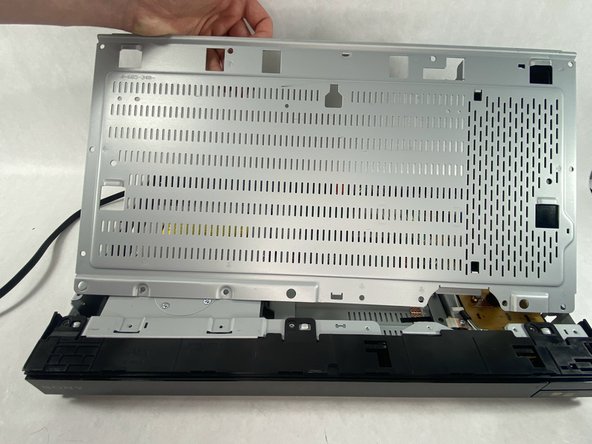
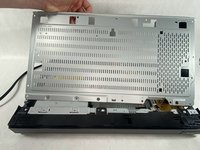
Life the back of the cover up and off of the chasis.
-
-
-
-
-
-
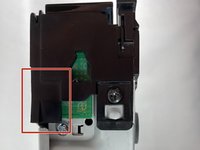
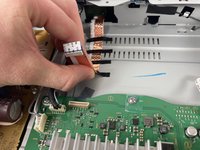
Toward the panel there is a ribbon cable with 4 small black pieces of tape holding it down
-
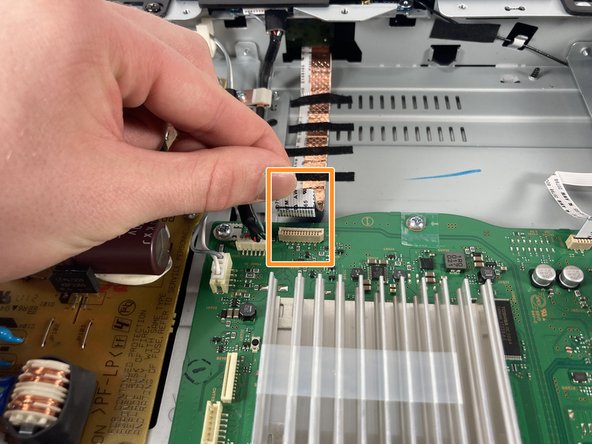
Pull directly up on the ribbon cable to disconnect it from the motherboard
-
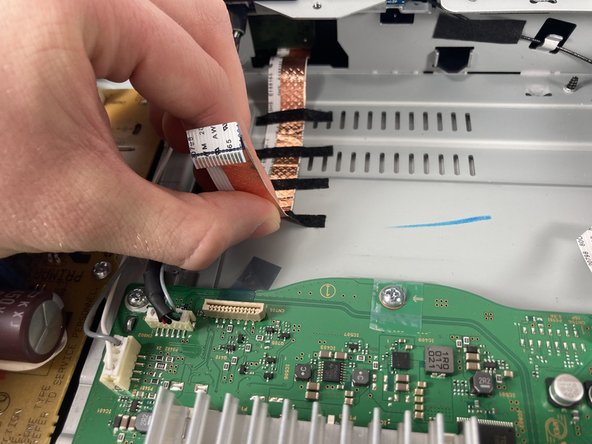
Gently pull the cable back away from the motherboard pulling the tape off with it
-
-
-
Once all pieces of tape have been pulled up, the ribbon cable should look like this.
-
-
-
There are screws on every side of the front panel holding it in. Use a #2 Phillips head screwdriver to remove the nine screws.
-
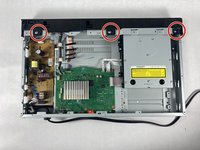
Unscrew the three 10.5 mm long ph #2 screws on the top.
-
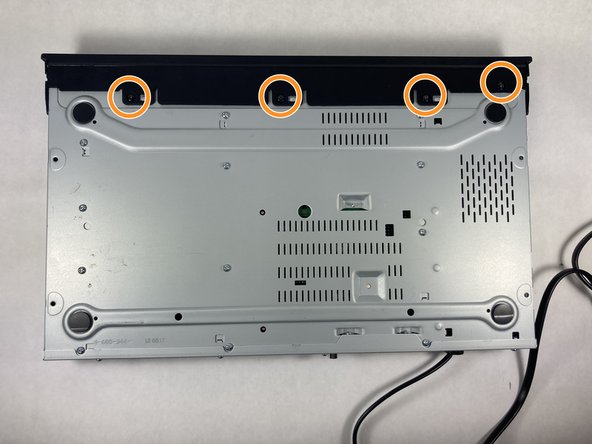
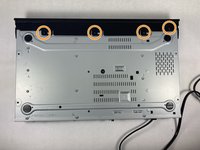
Unscrew the four 10.5 mm long ph #2 screws on the bottom.
-
-
-
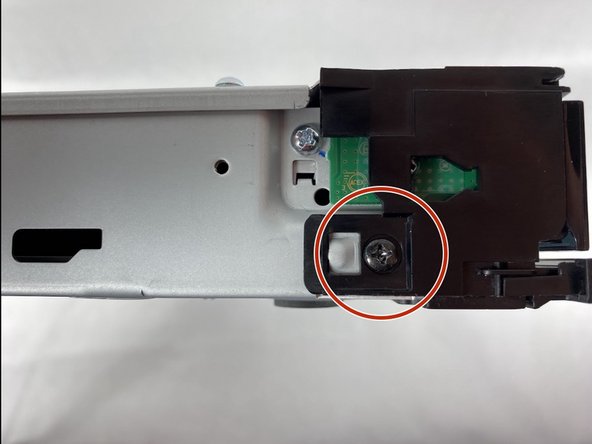
Use a Phillips #2 screwdriver to remove the 10.5 mm screws, one on each side of the device.
-
-
-
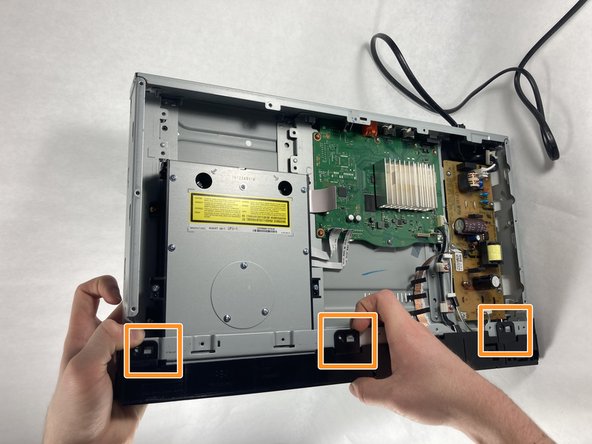
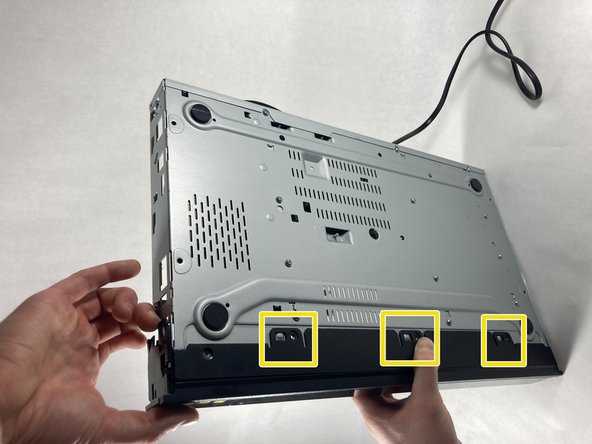
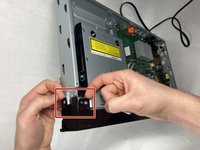
Lift tab on the left side of the device
-
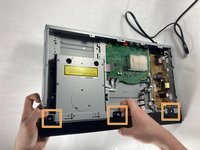
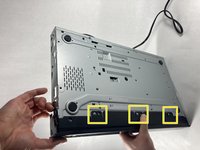
Work your way right, lifting the next tabs. One on the bottom and one the Top
-
Continue working the tabs on the top and bottom, keeping them from snapping back in place.
-
-
-
Once all tabs are disconnected, pull the front panel forward to fully disconnect it
-
-









To reassemble your device, follow these instructions in reverse order.

Team

UMass Dartmouth, Team 2-5, Petersen Spring 2023 Member of UMass Dartmouth, Team 2-5, Petersen Spring 2023
UMASSD-PETERSEN-S23S2G5
4 Members
96 Guides authored
