Introduction
Is your Sony TCM-450 or TCM-450DV not spinning correctly or spinning at wrong speeds? If so, then you may have a capstan/motor issue, and this guide will help replace the motor. The capstan, also called the motor, is a significant piece of the Sony TCM-450 as it is what causes the device to turn and spin. The motor can also be called a capstan. When replacing the motor, the belt must also come off to remove the motor, so both can be replaced at the same time.
What you need
-
-
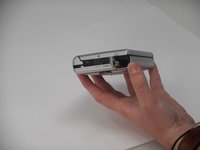
Remove the two 3.5 mm Phillips #00 screws from the bottom of the device.
 Ask FixBot
-
-
-
Open the lid, and carefully remove the two 9.7 mm Phillips #0 screws from the inside of the front cabinet.
-
-
-
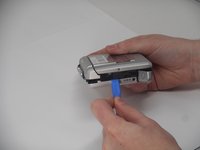
Open the battery cover, and gently remove the back cabinet with the iFixit Opening tool.
-
-
-
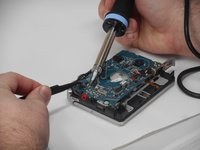
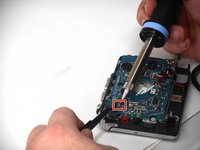
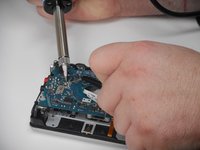
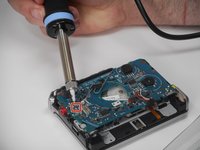
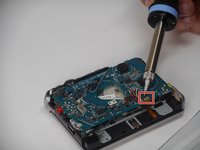
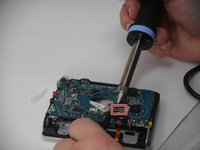
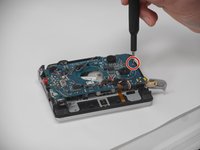
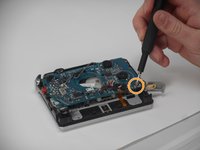
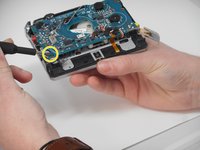
Carefully desolder each connection and gently remove each connected wire.
-
-
-
-
Carefully desolder the next set of connections and gently remove the connected wires.
-
-
-
Carefully desolder the last two groups of connections and gently remove the wires.
-
-
-
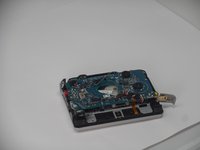
Carefully remove the three inner screws as shown from the circuit board to loosen it.
-
Remove the following screws in this order:
-
A 3.4 mm Phillips #00
-
A 4.6 mm Phillips #00
-
A 9.7 mm Phillips #0. To remove this screw you must lift the PCB at the same time.
-
-
-
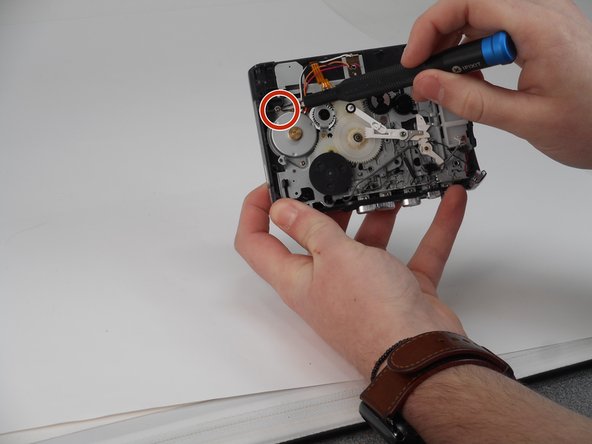
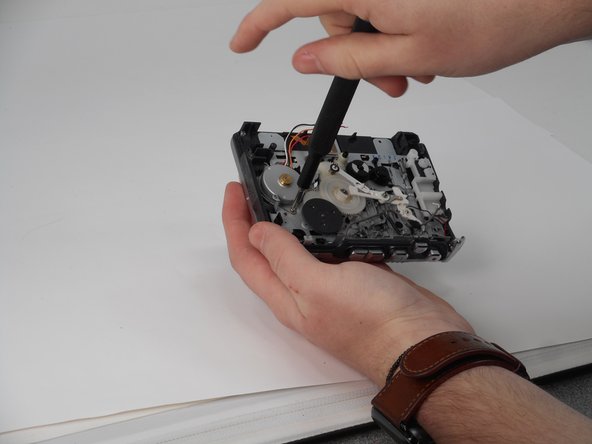
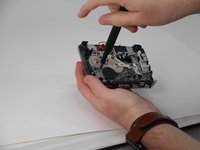
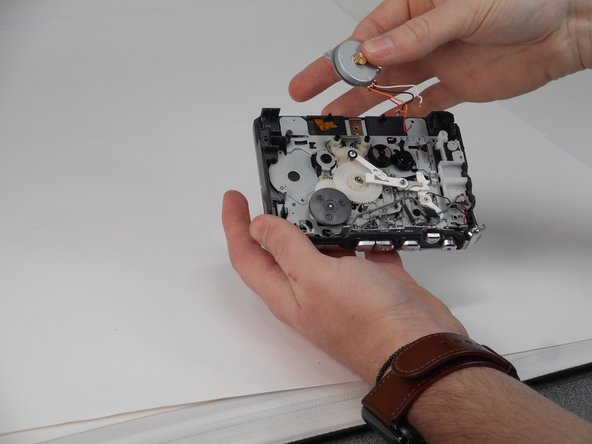
The PCB will already be desoldered from the motor (done through the steps to remove the PCB). Remove the belt from the motor by pulling the belt out and away from the motor and the gear it is around.
-













To reassemble your device, follow these instructions in reverse order.
Cancel: I did not complete this guide.
One other person completed this guide.

Team

University of Memphis, Team 1-3, Sneed Fall 2024 Member of University of Memphis, Team 1-3, Sneed Fall 2024
UM-SNEED-F24S1G3
4 Members
8 Guides authored
