Free Shipping on Domestic Orders $75+

Sony SS-CCP1 Speaker Replacement

Views: 5.3K

View statistics:

Past 24 Hours:
4
Past 7 Days:
36
Past 30 Days:
138
All Time:
5,347
Comments: 1

1 comment on steps.

Completed: 7

7 people have marked this guide "completed." Will you be next?

Favorites: 1

1 person has favorited (and subscribed to) this guide. Will you be next?

Time Required: 10 minutes
Difficulty: Moderate
Featured Student Guide

This guide has been the hard work of our awesome students and is found to be exceptionally cool by the iFixit staff.

Sony SS-CCP1 Speaker Replacement

Introduction

Go to step 1 ↓

This guide will show the steps for removing each speaker from the box and the procedure for removing all wires from the speakers.

What you need

Tools

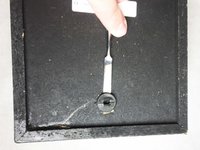
    1. Sony SS-CCP1 Speaker Replacement, Screen: step 1, image 1 of 3 Sony SS-CCP1 Speaker Replacement, Screen: step 1, image 2 of 3 Sony SS-CCP1 Speaker Replacement, Screen: step 1, image 3 of 3
      • Pull screen cover from the edges for removal. This will not require much effort.

      Ask FixBot

      Add Comment

    1. Sony SS-CCP1 Speaker Replacement, Speaker: step 2, image 1 of 2 Sony SS-CCP1 Speaker Replacement, Speaker: step 2, image 2 of 2
      • Remove the seven 18.06mm PH1 screws.

      Ask FixBot

      Add Comment

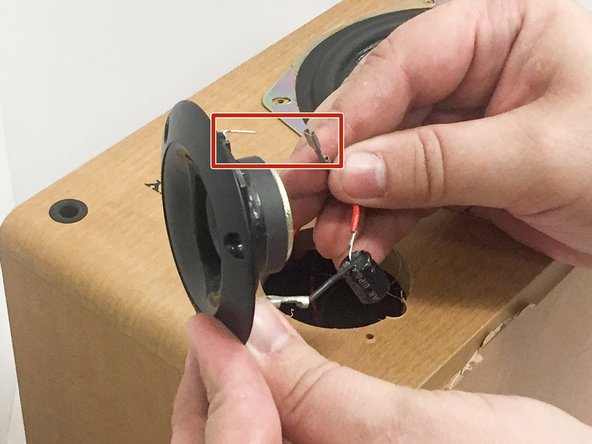
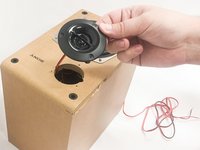
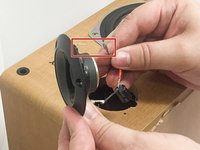
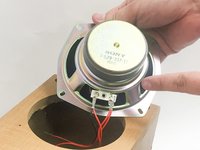
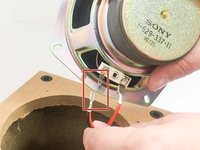
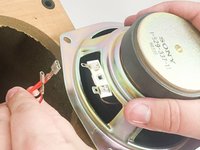
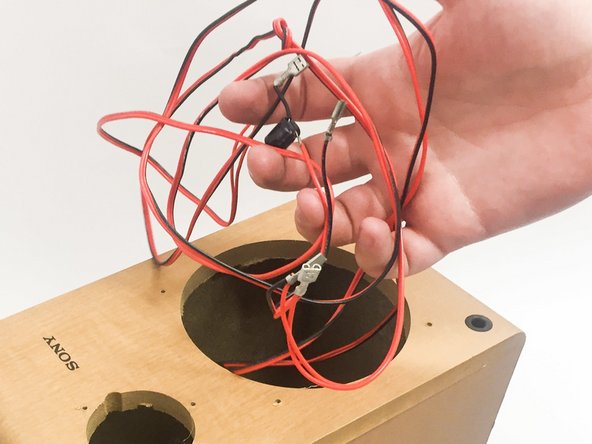
    2. Sony SS-CCP1 Speaker Replacement: step 3, image 1 of 3 Sony SS-CCP1 Speaker Replacement: step 3, image 2 of 3 Sony SS-CCP1 Speaker Replacement: step 3, image 3 of 3
      • Remove the crimps from the tweeter speaker.

      • If its not connected too tightly the crimps can be removed by hand pressure only.

      • If its too tight to be removed by hand, then you can use a pair of pliers to removed the crimps.

      • Never remove by pulling on the cables. Always pull by the metal crimps.

      Ask FixBot

      Add Comment

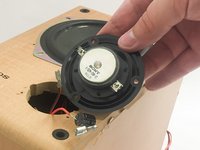
    3. Sony SS-CCP1 Speaker Replacement: step 4, image 1 of 3 Sony SS-CCP1 Speaker Replacement: step 4, image 2 of 3 Sony SS-CCP1 Speaker Replacement: step 4, image 3 of 3
      • Remove the crimps from the 12cm loudspeaker.

      • If its not connected too tightly the crimps can be removed by hand pressure only.

      • If its too tight to be removed by hand, then you can use a pair of pliers to removed the crimps.

      • Never remove by pulling on the cables. Always pull by the metal crimps.

      Ask FixBot

      Add Comment

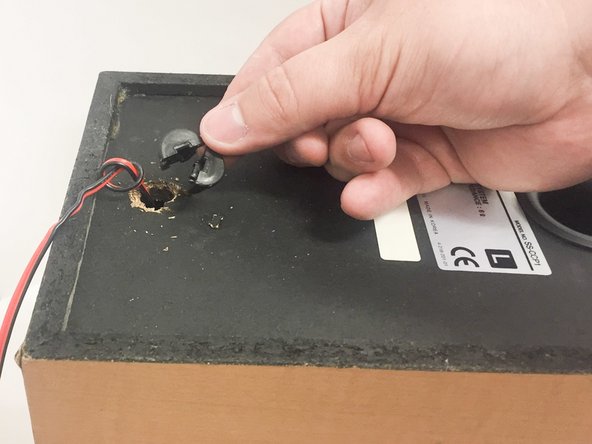
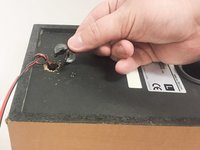
    4. Sony SS-CCP1 Speaker Replacement: step 5, image 1 of 2 Sony SS-CCP1 Speaker Replacement: step 5, image 2 of 2
      • Remove the grommet using an object with a flat edge.

      • The grommet is not made of rubber, it is made of plastic. Be careful when removing it, as it can break easily.

      Ask FixBot

      Add Comment

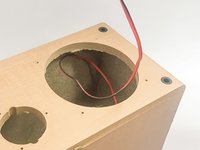
    5. Sony SS-CCP1 Speaker Replacement: step 6, image 1 of 2 Sony SS-CCP1 Speaker Replacement: step 6, image 2 of 2
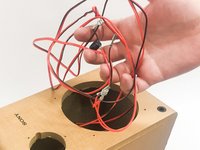
      • Feed the speaker cable through the front of the box.

      Ask FixBot

      Add Comment

Conclusion

To reassemble your device, follow these instructions in reverse order.

Cancel: I did not complete this guide.

7 other people completed this guide.

Dallas

Member since: 10/10/16

1,036 Reputation

3 Guides authored

Team

IUPUI, Team 3-2, Baechle Fall 2016 Member of IUPUI, Team 3-2, Baechle Fall 2016

IUPUI-BAECHLE-F16S3G2

4 Members

36 Guides authored

0 Guide Comments

Add Comment

View Statistics:

Past 24 Hours: 4

Past 7 Days: 36

Past 30 Days: 138

All Time: 5,347