Introduction
If your Sony SRS-XG300 (model XG300) is producing distorted audio or no audio, use this guide to replace the battery.
Before using this guide, review the troubleshooting pages to ensure the best solution is replacing the battery. A functional battery powers internal components, including woofers, tweeters, and passive radiators. As a result, the speaker plays music for extended periods wirelessly. A faulty battery can cause distorted audio or no audio at all.
A faulty battery can struggle to provide enough power to the speaker’s amplifier. At higher volumes, a faulty battery causes audio drops or complete audio failure. Additionally, the age of the battery can lower battery voltage. Battery voltage determines the usable volume. As battery voltage drops, sound will become weaker or distorted.
To check if your battery is swollen and to handle it properly, make sure to take proper precautions.
What you need
-
-
With the Sony label on the left, roll the speaker horizontally to the bottom of the speaker with the rubber stands.
-
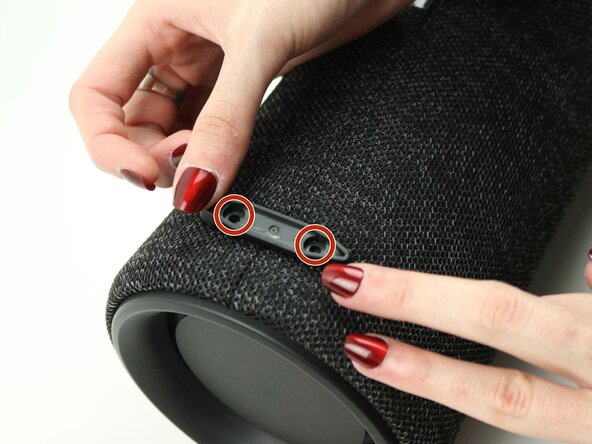
Remove four 12 mm screws with a Phillips #1 screwdriver.
-
Remove the loose rubber feet.
 Ask FixBot
-
-
-
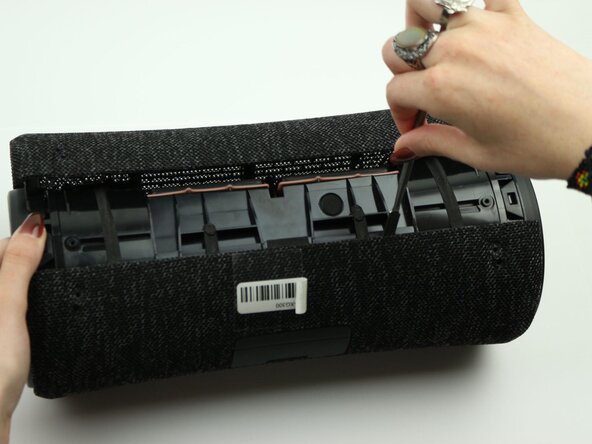
Insert the metal spudger tool at 90-degree angle into the right part of seam.
-
Pry off the top part of the fabric cover using the metal spudger.
-
Follow the seam to completely detach the top part of the fabric cover.
-
Repeat to remove the bottom part of the fabric cover.
-
-
-
Unclip all six trapezoid-shaped notches around the rim of the speaker using the metal spudger.
-
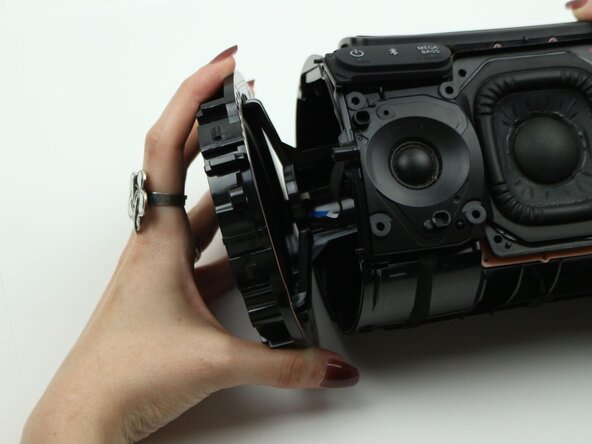
Remove the speaker mounting ring.
-
Repeat the same steps on the other end of the speaker with the power button board.
-
-
-
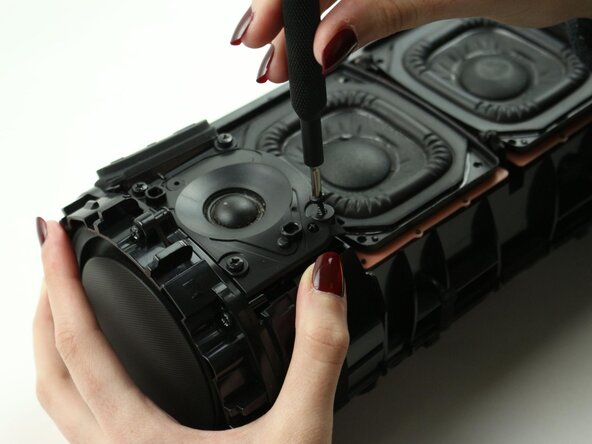
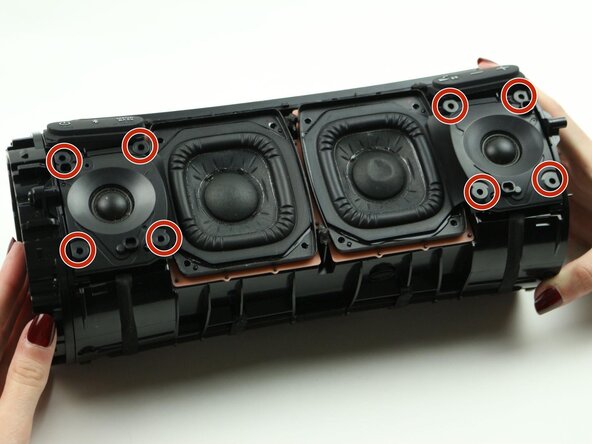
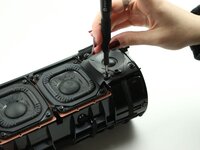
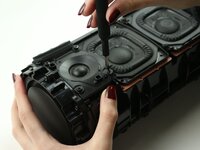
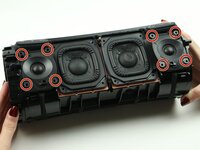
Remove the four 12 mm screws on the corners of each tweeter using the Phillips #1 screwdriver.
-
-
-
Lift the right tweeter up to expose the connected cables at the top and bottom of the right tweeter.
-
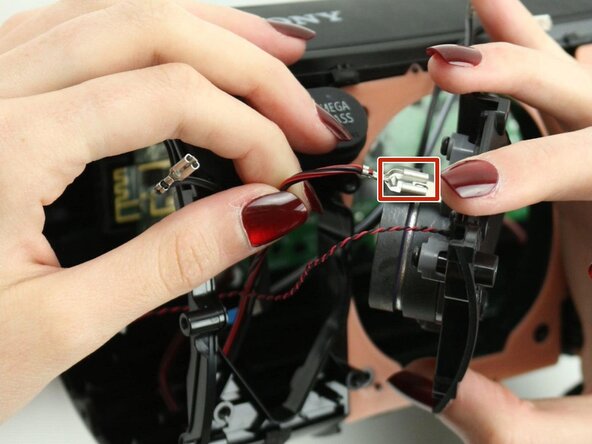
Pinch down on the metal tab and pull outward to disconnect each cable.
-
Lift the right tweeter up and out of the case.
-
-
-
Remove the six 12 mm screws on the rim of the radiator using the Phillips #1 screwdriver.
-
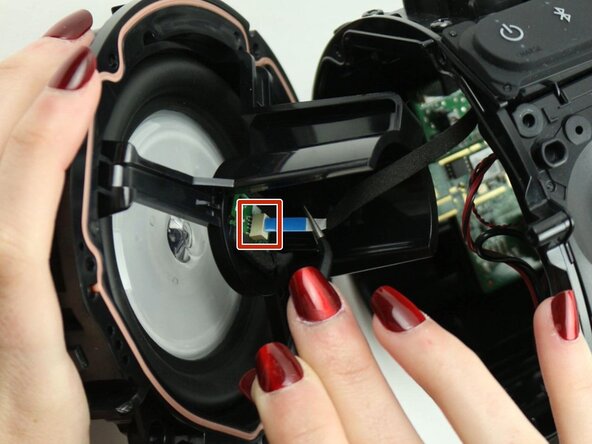
Uncap the left bass radiator. Detach the blue ribbon cable from the bass radiator.
-
Remove the left bass radiator.
-
-
-
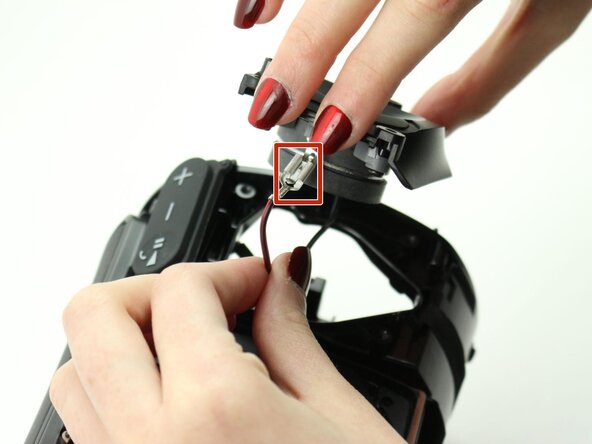
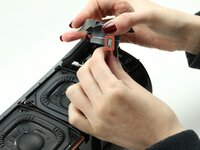
Disconnect the microphone by pulling on the white end of the microphone cable.
-
-
-
-
Lift the left tweeter up to expose the connected cables at the top and bottom of the left tweeter.
-
Pinch down on the metal tab and pull outward to disconnect each cable.
-
Lift the left tweeter up and out of the case.
-
-
-
Remove eight 12 mm screws on the woofers using a Phillips #1 screwdriver.
-
-
-
Lift the right woofer to expose the two connected cables at the bottom of the right woofer.
-
Disconnect both cables by pinching down on the metal end and pulling outward.
-
-
-
Lift the left woofer to expose the two connected cables at the bottom of the right woofer.
-
Disconnect both cables by pinching down on the metal end and pulling outward.
-
-
-
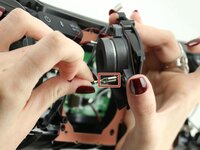
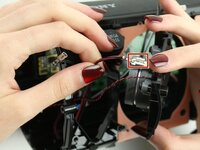
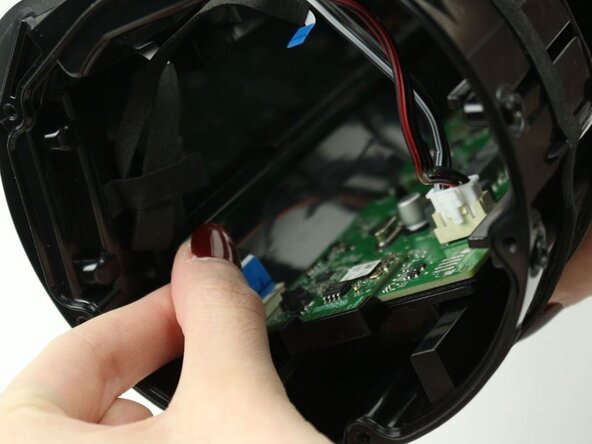
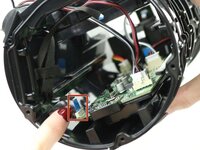
Disconnect the second blue film cable on the left edge of the speaker’s motherboard.
-
-
-
Pull the white end of the left cable cluster to disconnect the set of cables from the motherboard.
-
-
-
Pull the white end of the right cable cluster to disconnect the set of cables from the motherboard.
-
-
-
Remove the six 12 mm screws that attach the motherboard to the base of the speaker using the Phillips #1 screwdriver.
-
-
-
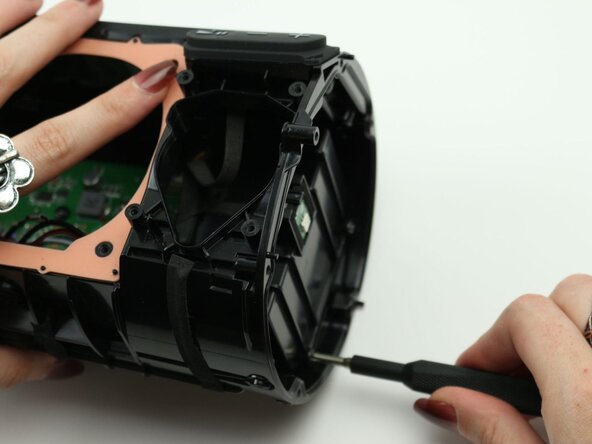
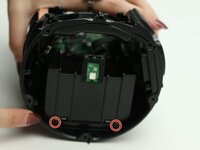
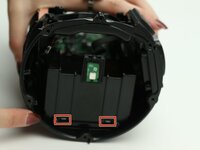
Remove the two 12 mm screws at the bottom of the battery box using the Phillips #1 screwdriver.
-
-
-
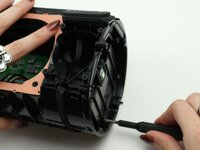
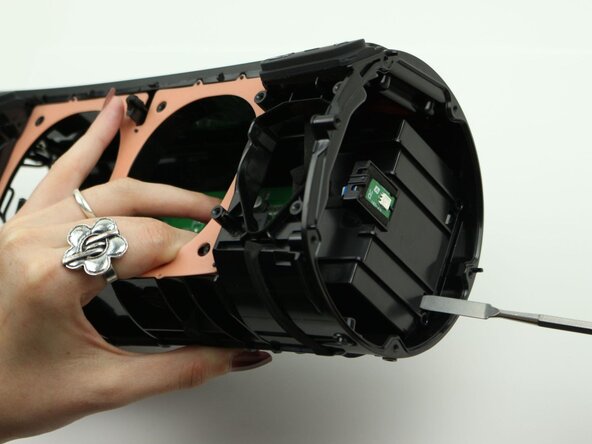
Use the metal spudger to push in the two bottom clips and release the entire motherboard and battery unit.
-
-
-
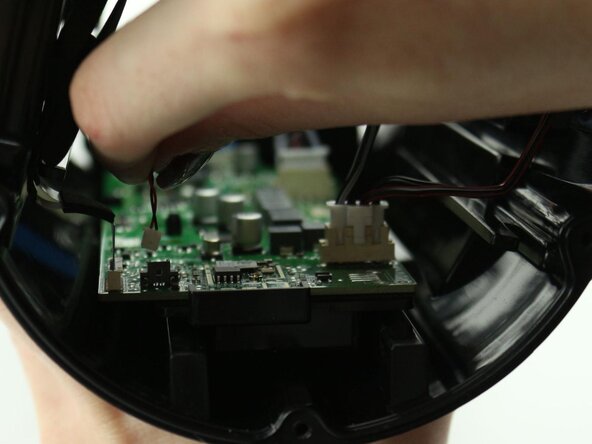
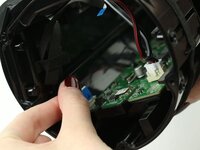
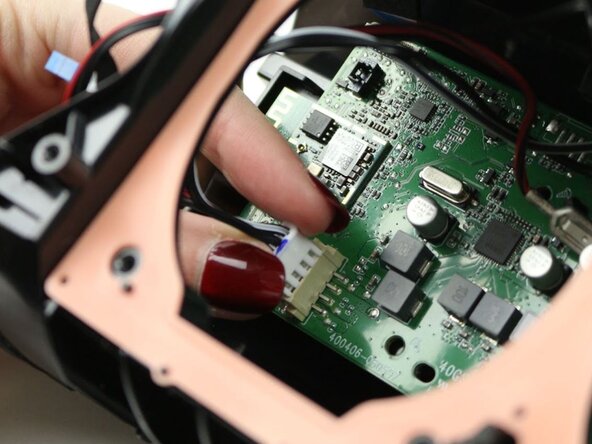
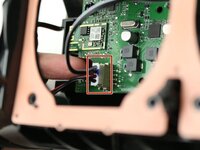
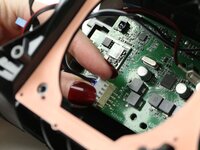
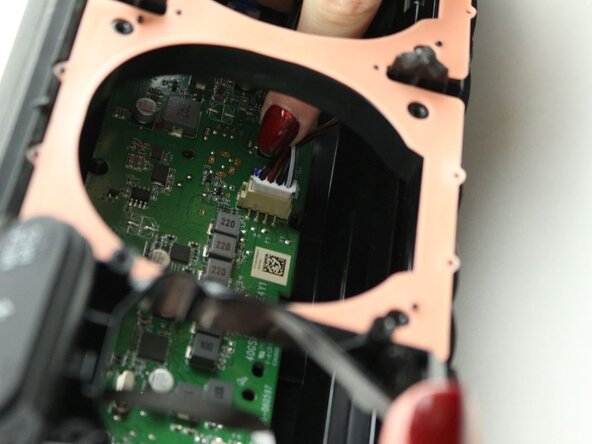
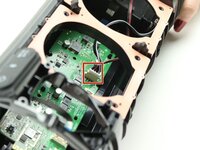
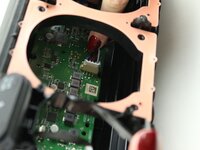
Disconnect the battery cable plug at the top right of corner the motherboard.
-
Pull the white end of the plug to disconnect the battery.
-
-
-
Flip the motherboard and battery unit upside-down.
-
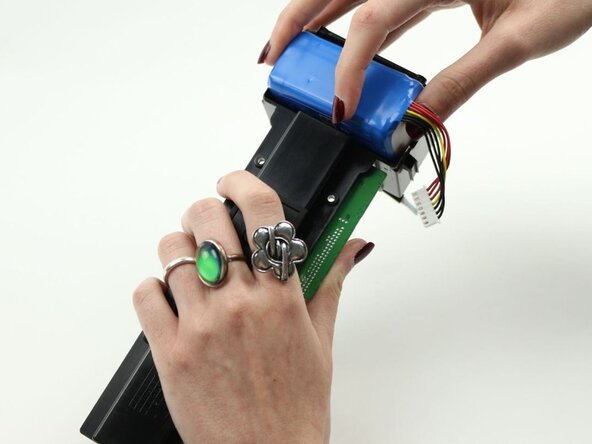
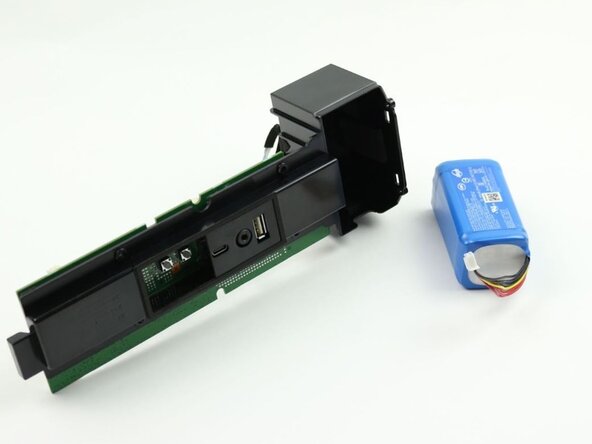
Use your hands to pry the battery up and out of the case.
-
Replace with a new battery.
-




















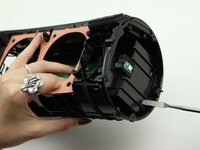


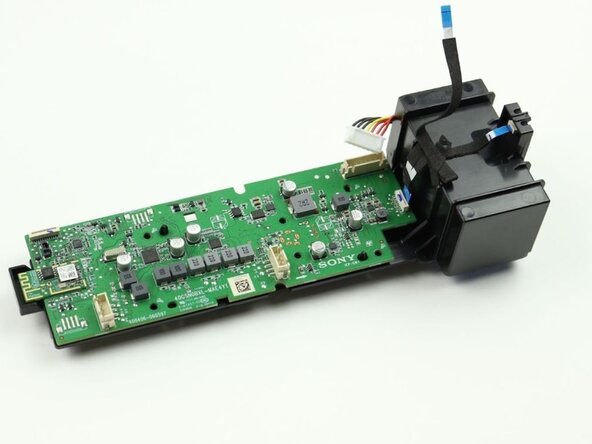
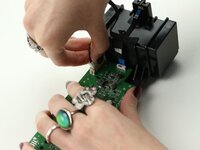
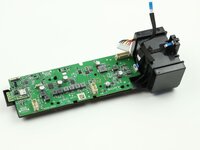


To reassemble your device, follow these instructions in reverse order.
Cancel: I did not complete this guide.
2 other people completed this guide.

Team

Sam Houston State, Team 7-3, Thornton Spring 2025 Member of Sam Houston State, Team 7-3, Thornton Spring 2025
SHSU-THORNTON-S25S7G3
3 Members
5 Guides authored
