Free Shipping on Domestic Orders $75+

Sony NWZ-E473 Front Button Replacement

What you need

  1. Sony NWZ-E473 Front Button Replacement, Back Panel: step 1, image 1 of 1
    • Use a Phillips #00 screwdriver to unscrew the two 5 mm screws located on the bottom of the back of the device.

    Ask FixBot
  2. Sony NWZ-E473 Front Button Replacement: step 2, image 1 of 1
    • Use a plastic opening tool to loosen the bottom portion of device.

    Ask FixBot
  3. Sony NWZ-E473 Front Button Replacement: step 3, image 1 of 1
    • Use a plastic opening tool to loosen the top panel of the device.

    Ask FixBot
  4. Sony NWZ-E473 Front Button Replacement: step 4, image 1 of 1
    • Use a Phillips #00 screwdriver to remove the two 3 mm screws located on the portion under the top panel of the device.

    Ask FixBot
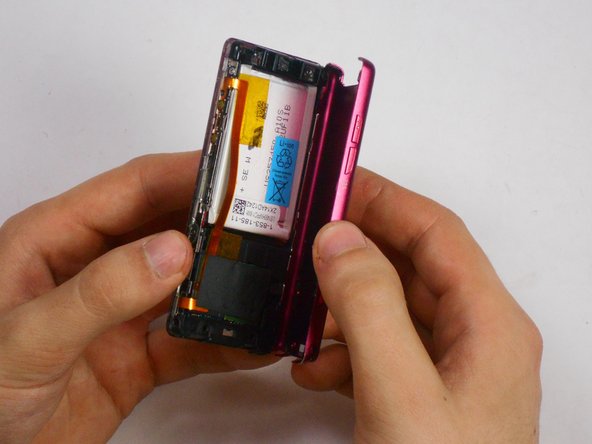
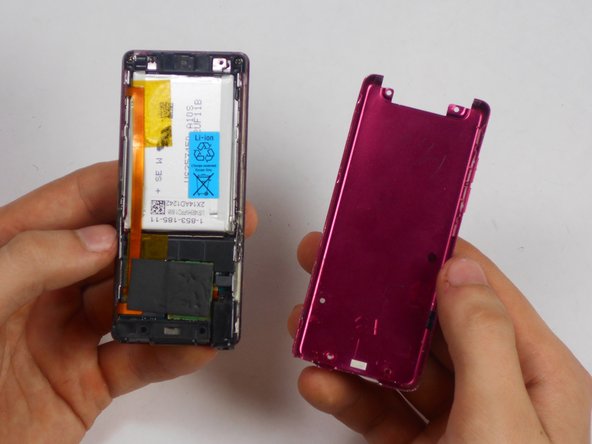
  5. Sony NWZ-E473 Front Button Replacement: step 5, image 1 of 3 Sony NWZ-E473 Front Button Replacement: step 5, image 2 of 3 Sony NWZ-E473 Front Button Replacement: step 5, image 3 of 3
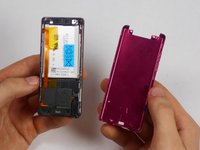
    • Remove the back plate from the device.

    Ask FixBot
  6. Sony NWZ-E473 Front Button Replacement, Battery: step 6, image 1 of 2 Sony NWZ-E473 Front Button Replacement, Battery: step 6, image 2 of 2
    Tool used on this step:
    Tweezers
    $4.99
    Buy
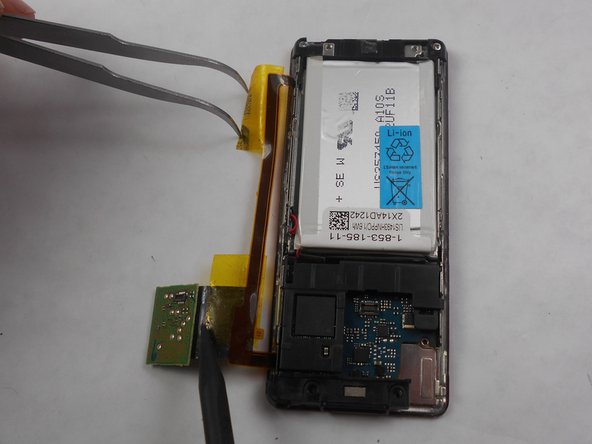
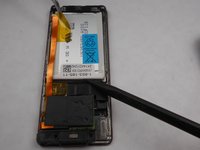
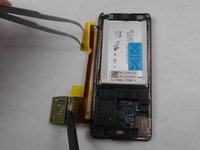
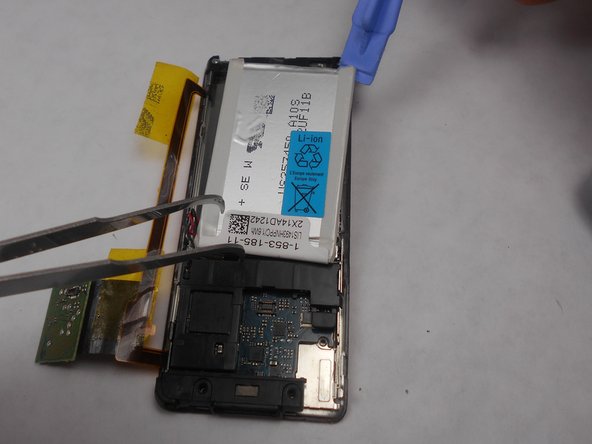
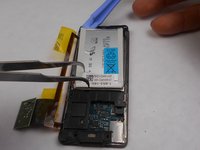
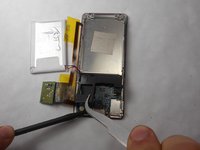
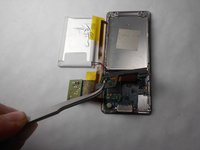
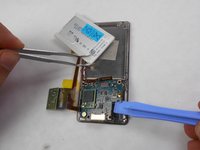
    • Peel back the layer of tape along with the processor, which is located just below the battery, using the tweezers and the spudger.

    Ask FixBot
  7. Sony NWZ-E473 Front Button Replacement: step 7, image 1 of 2 Sony NWZ-E473 Front Button Replacement: step 7, image 2 of 2
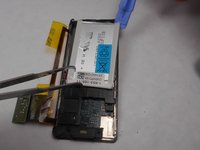
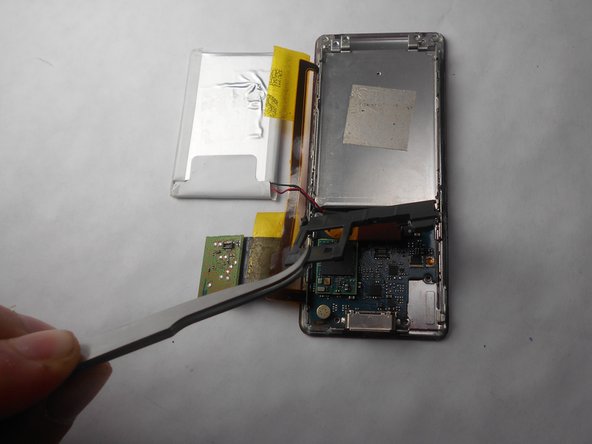
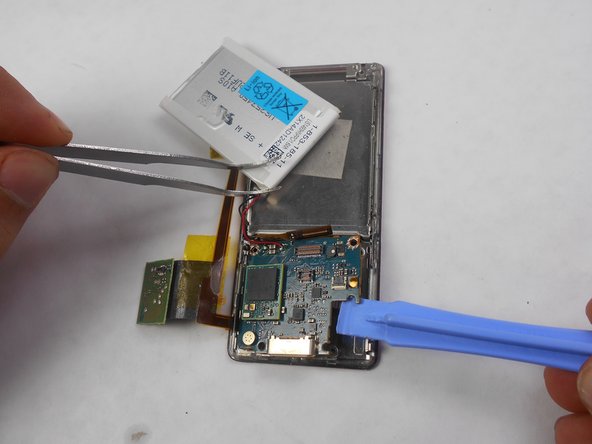
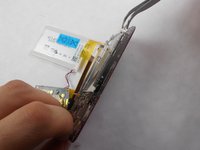
    • Slide a prying tool underneath the top portion of the battery and lift it from the case.

    Ask FixBot
  8. Sony NWZ-E473 Front Button Replacement: step 8, image 1 of 1
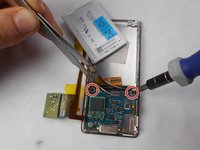
    • Remove the stickers from the battery terminals, which are on the underside of the battery.

    Ask FixBot
  9. Sony NWZ-E473 Front Button Replacement: step 9, image 1 of 1
    • Use a soldering iron to remove the wires from the red and the black terminals.

    Ask FixBot
  10. Sony NWZ-E473 Front Button Replacement, Screen: step 10, image 1 of 1
    Tool used on this step:
    Tweezers
    $4.99
    Buy
    • Use a nylon spudger or tweezers to remove the plastic USB cover.

    Ask FixBot
  11. Sony NWZ-E473 Front Button Replacement: step 11, image 1 of 1
    • Use a Phillips #00 screwdriver to unscrew two 2 mm screws located on the top corners of the device.

    Ask FixBot
  12. Sony NWZ-E473 Front Button Replacement: step 12, image 1 of 1
    • Use a nylon spudger or tweezers to remove the plastic protective plate at the top of device.

    Ask FixBot
  13. Sony NWZ-E473 Front Button Replacement: step 13, image 1 of 2 Sony NWZ-E473 Front Button Replacement: step 13, image 2 of 2
    • Remove the plastic protective frame located over the motherboard with tweezers and a spudger.

    Ask FixBot
  14. Sony NWZ-E473 Front Button Replacement: step 14, image 1 of 1
    • Remove screen connection from motherboard using tweezers and spudger.

    Ask FixBot
  15. Sony NWZ-E473 Front Button Replacement: step 15, image 1 of 1
    • Use a Phillips #00 screwdriver to remove two 3 mm screws at the bottom sides and two 1 mm screws at top sides of the device.

    Ask FixBot
  16. Sony NWZ-E473 Front Button Replacement: step 16, image 1 of 2 Sony NWZ-E473 Front Button Replacement: step 16, image 2 of 2
    • Use a Phillips #00 screwdriver to unscrew two 2 mm screws, and remove the motherboard from the device with tweezers and a plastic opening tool.

    Ask FixBot
  17. Sony NWZ-E473 Front Button Replacement: step 17, image 1 of 2 Sony NWZ-E473 Front Button Replacement: step 17, image 2 of 2
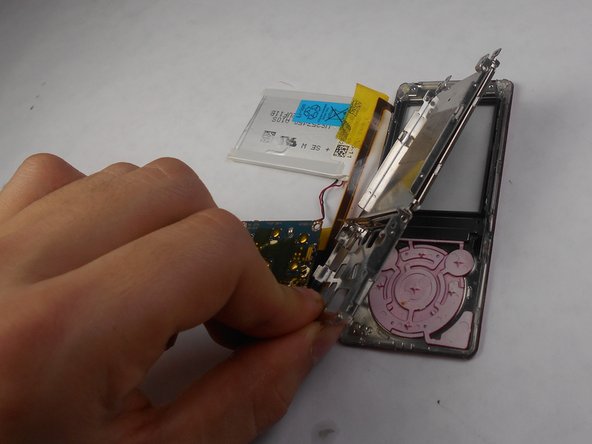
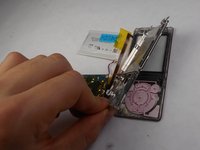
    • Disconnect the metal shielding plate from the front panel with tweezers or a plastic opening tool.

    Ask FixBot
  18. Sony NWZ-E473 Front Button Replacement: step 18, image 1 of 2 Sony NWZ-E473 Front Button Replacement: step 18, image 2 of 2
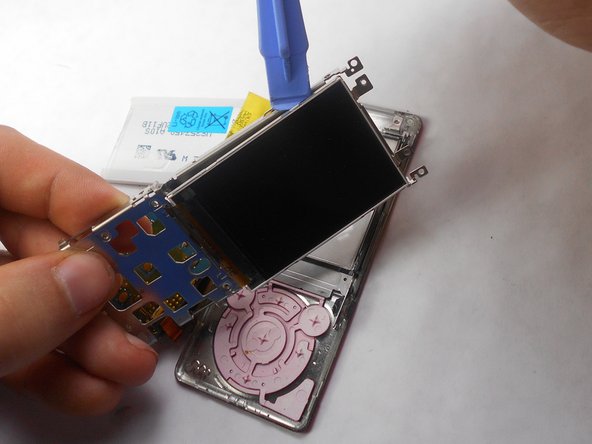
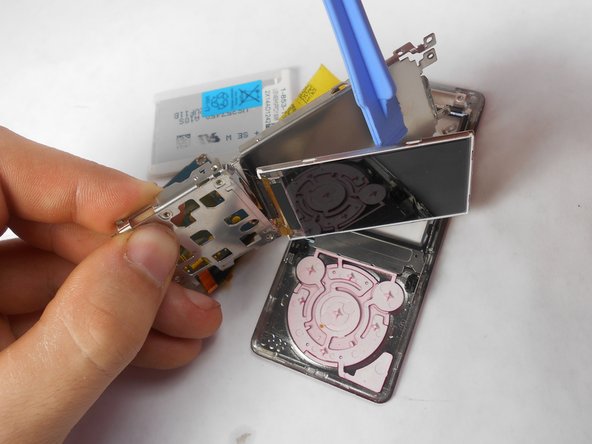
    • Use a plastic opening tool to remove the screen from metal back plate.

    Ask FixBot
  19. Sony NWZ-E473 Front Button Replacement, Front Button: step 19, image 1 of 1
    • Ensure that button connection is completely separated from the buttons.

    Ask FixBot
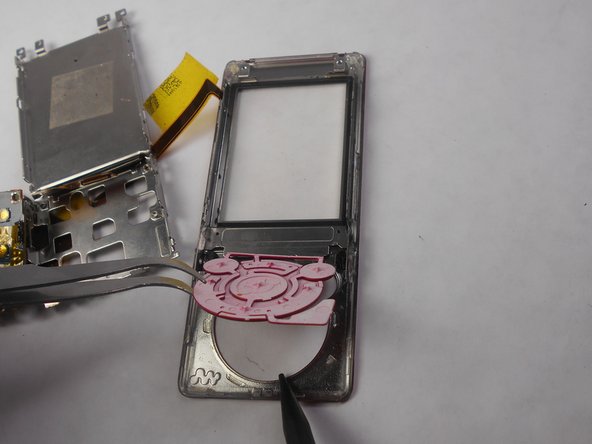
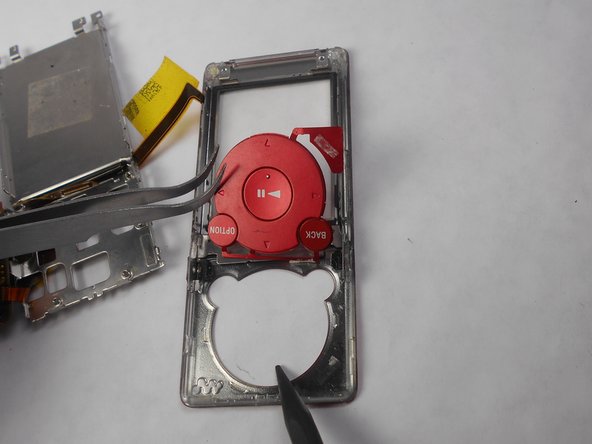
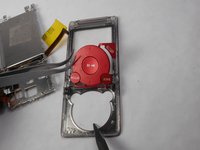
  20. Sony NWZ-E473 Front Button Replacement: step 20, image 1 of 3 Sony NWZ-E473 Front Button Replacement: step 20, image 2 of 3 Sony NWZ-E473 Front Button Replacement: step 20, image 3 of 3
    • Remove buttons from front display panel by pushing button display from the front of the device

    Ask FixBot
Conclusion

To reassemble your device, follow these instructions in reverse order.

Matthew Hintz

Member since: 01/16/15

330 Reputation

3 Guides authored

Team

USF Tampa, Team 17-6, Watkins Winter 2015 Member of USF Tampa, Team 17-6, Watkins Winter 2015

USFT-WATKINS-W15S17G6

4 Members

7 Guides authored

0 Guide Comments

Add Comment

View Statistics:

Past 24 Hours: 3

Past 7 Days: 8

Past 30 Days: 36

All Time: 2,096