Free Shipping on Domestic Orders $75+

Sony MV1 CamCorder Disassembly

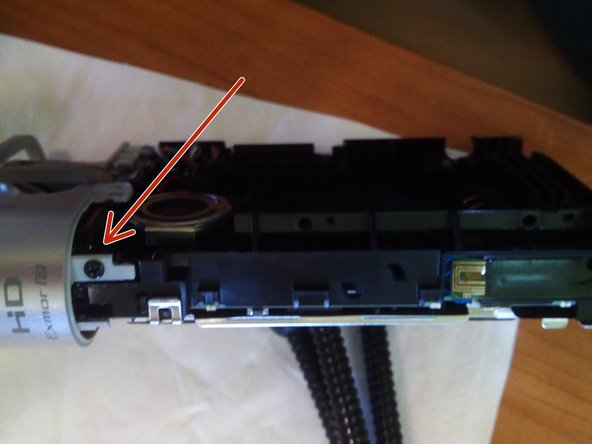
    1. Sony MV1 CamCorder Disassembly, Removing the back cover: step 1, image 1 of 3 Sony MV1 CamCorder Disassembly, Removing the back cover: step 1, image 2 of 3 Sony MV1 CamCorder Disassembly, Removing the back cover: step 1, image 3 of 3
      • Unscrew the two screws next to the battery compartment.

      • Then the four on the bottom.

      • Now you can pull off the back cover.

      Ask FixBot

      Add Comment

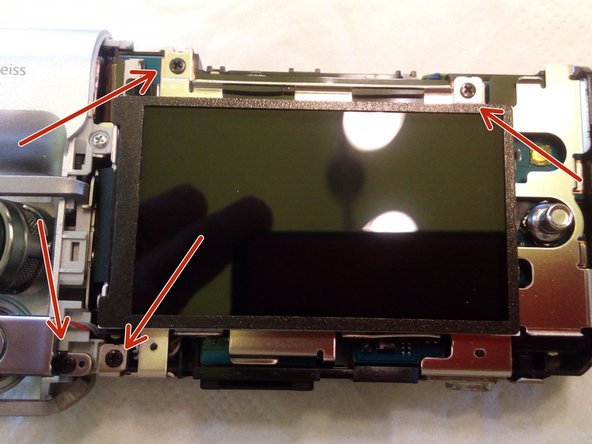
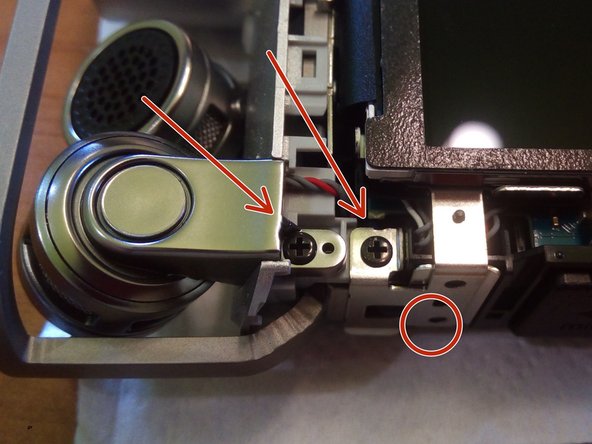
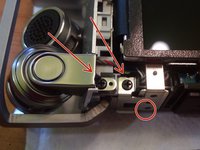
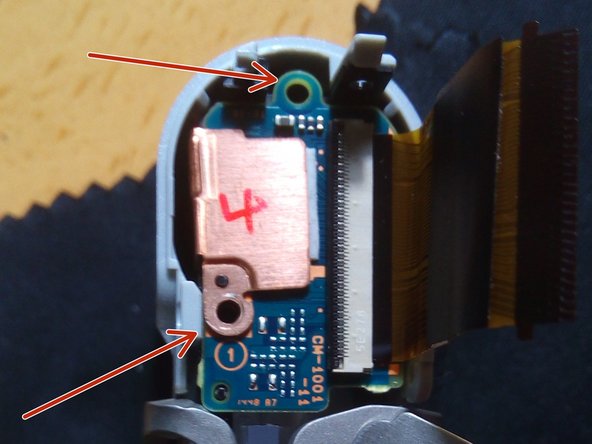
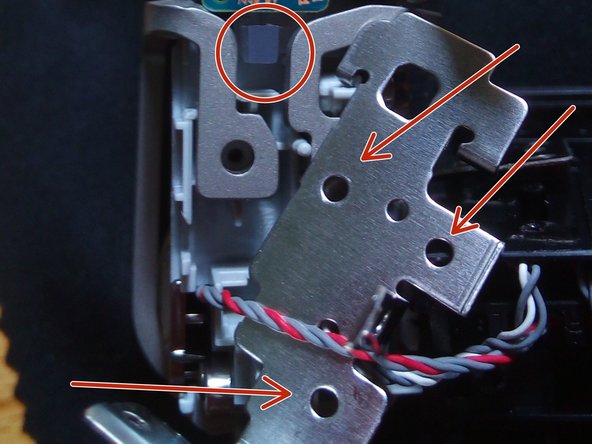
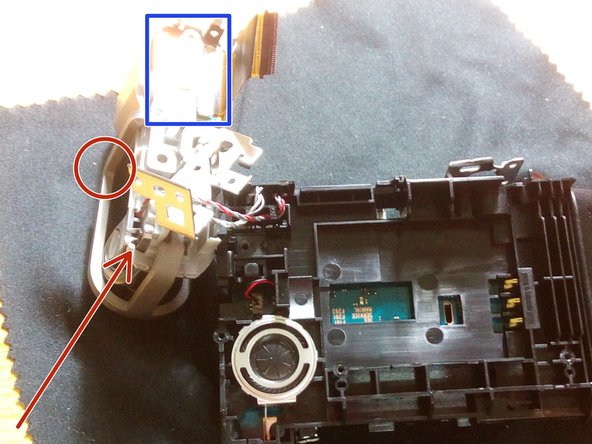
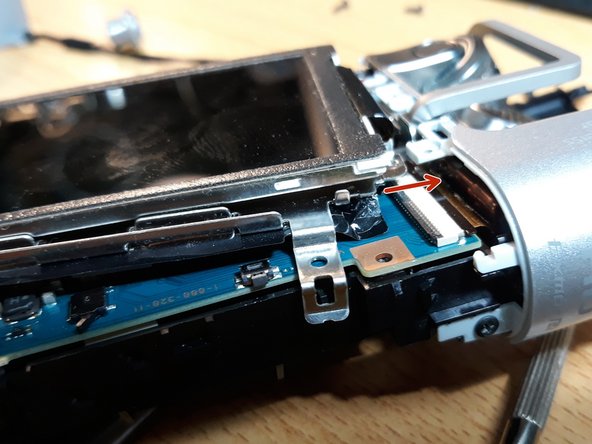
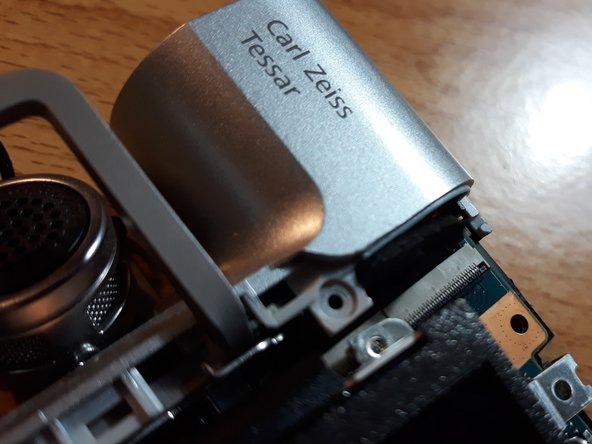
    2. Sony MV1 CamCorder Disassembly, Removing the screen cover: step 2, image 1 of 3 Sony MV1 CamCorder Disassembly, Removing the screen cover: step 2, image 2 of 3 Sony MV1 CamCorder Disassembly, Removing the screen cover: step 2, image 3 of 3
      • Remove the two Phillips head screws on the side of the camera.

      • Now loosen the bracket holding the camera.

      • Now unscrew the two screws as seen in the third image.

      Ask FixBot

      Add Comment

    3. Sony MV1 CamCorder Disassembly, Removing the metal screen support: step 3, image 1 of 3 Sony MV1 CamCorder Disassembly, Removing the metal screen support: step 3, image 2 of 3 Sony MV1 CamCorder Disassembly, Removing the metal screen support: step 3, image 3 of 3
      • Insert instructions here

      Ask FixBot

      Add Comment

    4. Sony MV1 CamCorder Disassembly, Removing the microphone/lens support: step 4, image 1 of 3 Sony MV1 CamCorder Disassembly, Removing the microphone/lens support: step 4, image 2 of 3 Sony MV1 CamCorder Disassembly, Removing the microphone/lens support: step 4, image 3 of 3
      • Insert instructions here

      Ask FixBot

      Add Comment

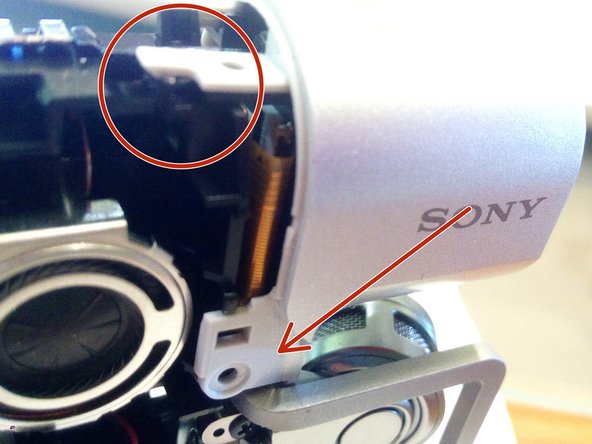
    5. Sony MV1 CamCorder Disassembly, Removing the lens: step 5, image 1 of 3 Sony MV1 CamCorder Disassembly, Removing the lens: step 5, image 2 of 3 Sony MV1 CamCorder Disassembly, Removing the lens: step 5, image 3 of 3
      • 1 - Remove 2 screws from the lens board.
      • 2 - On the second photo one "can't see" the screws, but remove 3 of them, then remove gently in the circle the recording plastic light.

      • 3 - Remove the mic screw, so that you can remove the metal protection to free the lens board.

      Ask FixBot

      Add Comment

    6. Sony MV1 CamCorder Disassembly, Focussing manually the lens: step 6, image 1 of 2 Sony MV1 CamCorder Disassembly, Focussing manually the lens: step 6, image 2 of 2
      • 1 - The lens can be rotated manually until you can see it.

      • 2 - With camera open insert battery, hold it by hand to make contact.

      • 3 - Click the power button and start the camera.

      • 4 - Look at the screen and with the other hand focus the lense.

      Ask FixBot

      Add Comment

      • Insert battery, hold power button. Check screen and focus lens manually. Enjoy!

      Ask FixBot

      Add Comment

    7. Sony MV1 CamCorder Disassembly, Applying hot glue to the lens of Sony MV1: step 8, image 1 of 2 Sony MV1 CamCorder Disassembly, Applying hot glue to the lens of Sony MV1: step 8, image 2 of 2
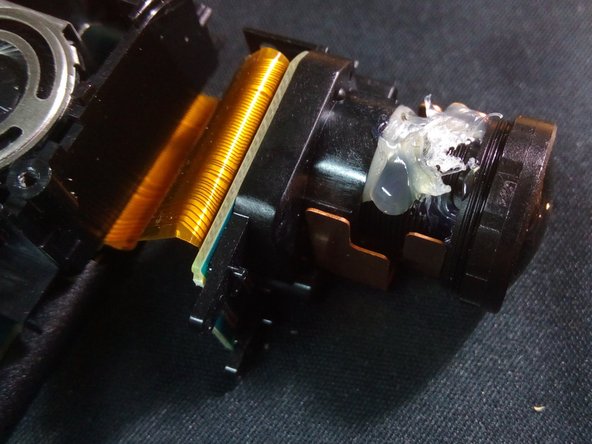
      • After you tuned the "lens" you should get some hot glue on the lens, cause with time it will get out of place. I had to open my camera two times for this reason.

      Ask FixBot

      Add Comment

    8. Sony MV1 CamCorder Disassembly, "Black Screen" on Sony MV-1: step 9, image 1 of 3 Sony MV1 CamCorder Disassembly, "Black Screen" on Sony MV-1: step 9, image 2 of 3 Sony MV1 CamCorder Disassembly, "Black Screen" on Sony MV-1: step 9, image 3 of 3
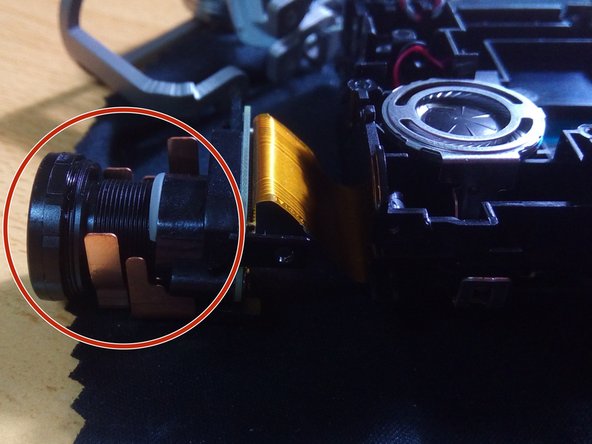
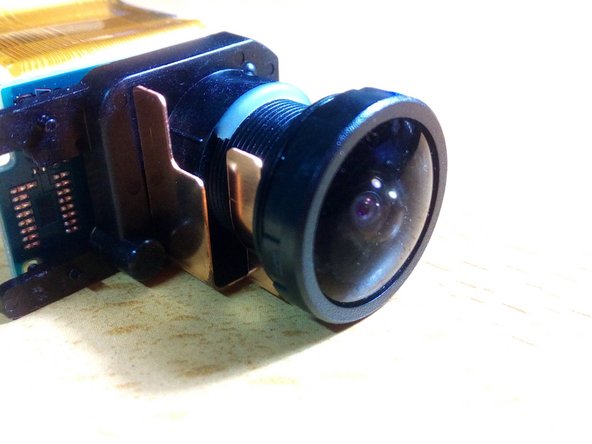
      • Over time, the lens recedes from its original position.

      • It will start having contact with the small metal base where the screw is.

      • With a metal file, remove the metal base of the screw a little.

      • Before assembling the camera, put the battery in and try to turn it on!

      • Check if the display is working.

      Ask FixBot

      Add Comment

Conclusion

To reassemble your device, follow these instructions in reverse order.

Cancel: I did not complete this guide.

3 other people completed this guide.

Special thanks to these translators:

pt en

100%

These translators are helping us fix the world! Want to contribute?
Start translating ›

Cafony

Member since: 02/17/15

687 Reputation

4 Guides authored

0 Guide Comments

Add Comment

View Statistics:

Past 24 Hours: 0

Past 7 Days: 5

Past 30 Days: 27

All Time: 1,646