
Sony Ericsson xPeria Active Screen Replacement

Alex Tobin and 2 other contributors
Last updated on Jan 9, 2015
Views: 2.9K
View statistics:
- Past 24 Hours:
- 2
- Past 7 Days:
- 24
- Past 30 Days:
- 109
- All Time:
- 2,888
Comments: 2
1 comment on steps, 1 guide comment.
Go to guide commentsCompleted: 5 6
5 people have marked this guide "completed." Will you be next?
6 people have marked this guide "completed." Including you — great job!
Favorites: 1 2
1 person has favorited (and subscribed to) this guide. Will you be next?
2 people have favorited (and subscribed to) this guide — including you!
Introduction
Go to step 1 ↓Sometimes, the screen can become cracked, damaged, or just simply not work. This can be frustrating, but never fear, as this replacement guide will make everything easier.
What you need
Tools


-
-
-
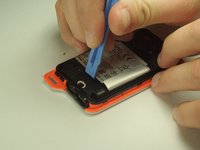
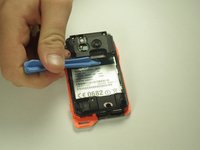
Open the flaps and remove the back cover using the plastic opening device.
 Ask FixBot
-
-
-
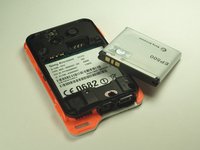
Remove the battery shield with the plastic opening device.
-
-
-
-
-
-
Unscrew the 5mm screws with the T5 head.
-
Unscrew the 6mm screw with the T6 head.
-
-
-
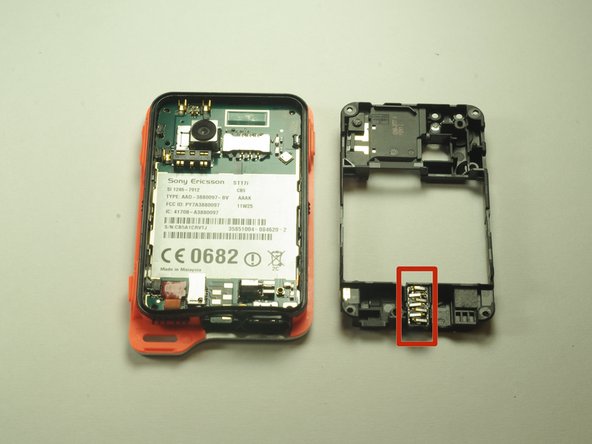
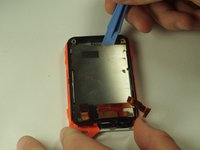
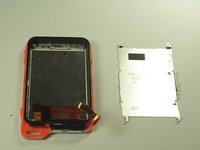
Remove the black cover with the plastic opening tool.
-
Remove the headphone jack from its slot.
-
-
-
-
-
Unplug the power cable by carefully prying it away from the motherboard.
-
-
-
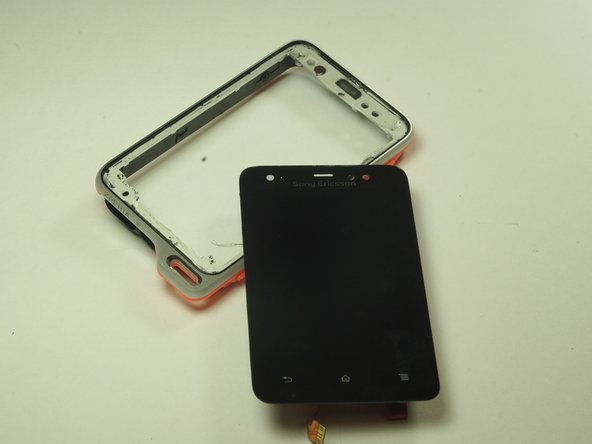
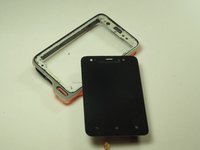
Push the screen through the front of the case, gently.
-
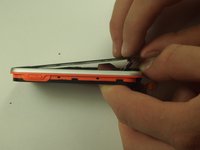
It may be a little tough, just work your way around the edges of the screen until it separates from the main case.
-
-




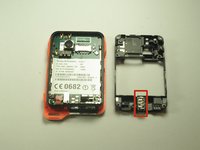

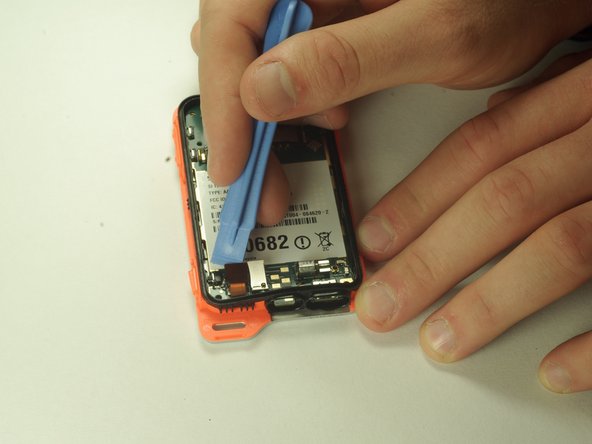

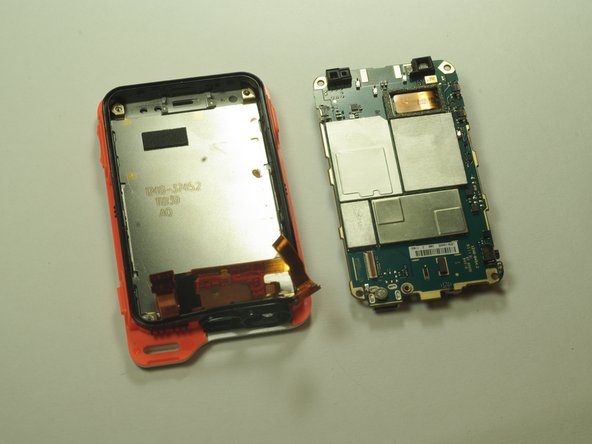

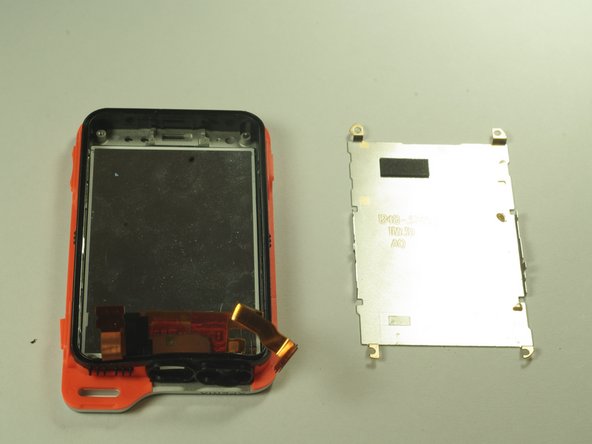

To reassemble your device, follow these instructions in reverse order.
Cancel: I did not complete this guide.
5 other people completed this guide.

Team

USF Tampa, Team 14-5, Leahy Fall 2014 Member of USF Tampa, Team 14-5, Leahy Fall 2014
USFT-LEAHY-F14S14G5
3 Members
60 Guides authored
