
Sony Ericsson Xperia Pro MK16A Power Button Replacement

John Emery and 3 other contributors
Last updated on Jan 9, 2015
Views: 1.2K
View statistics:
- Past 24 Hours:
- 2
- Past 7 Days:
- 26
- Past 30 Days:
- 106
- All Time:
- 1,167
Comments: 0
No one has left comments on this guide. Will you be first?
Go to guide commentsCompleted: 0 1
No one has marked this guide "completed." Will you be the first?
1 person has marked this guide "completed." It's you — great job!
Favorites: 0 1
No one has favorited (and subscribed to) this guide. Will you be the first?
1 person has favorited (and subscribed to) this guide — and that's you!
Introduction
Go to step 1 ↓Follow this guide to install a new power button in about 5 minutes.
What you need
Tools


-
-
-
Use a plastic opening tool to get the back cover off your phone.
 Ask FixBot
-
-
-
Locate the battery in your phone.
-
Find the divot below the battery.
-
Use your thumb to lift the battery out of the phone.
-
-
-
-
-
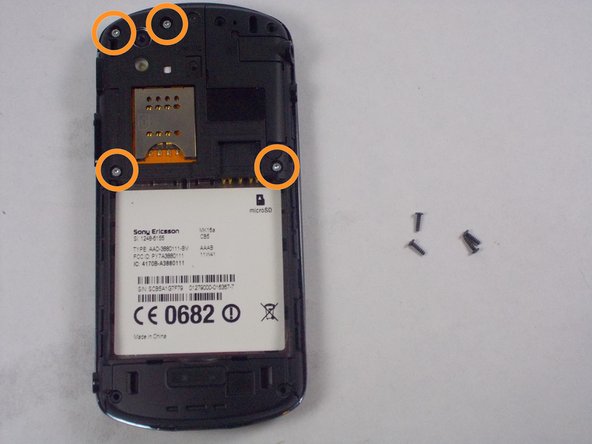
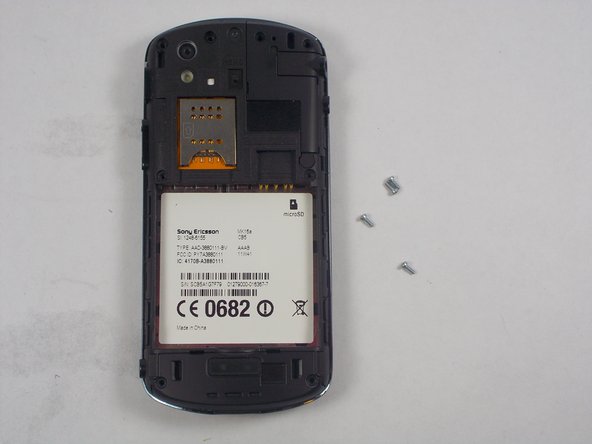
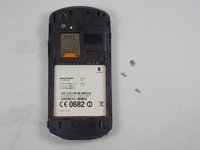
Remove the 4 black screws with the Phillips screwdriver.
-
Remove the 4 silver screws with the Torx screwdriver.
-
-
-
Insert the plastic opening tool in between the two halves of the case. Pry around the phone to detach the back case.
-
-
-
-
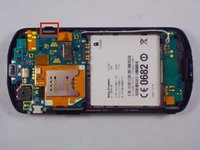
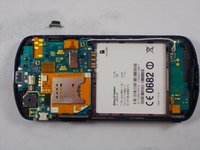
When the inner back cover is off, locate and remove the power button.
-
-




To reassemble your device, follow these instructions in reverse order.

Team

UMass Dartmouth, Team 6-5, Vijaybhaskar Fall 2014 Member of UMass Dartmouth, Team 6-5, Vijaybhaskar Fall 2014
UMASSD-VIJAYBHASKAR-F14S6G5
3 Members
48 Guides authored
