Free Shipping on Domestic Orders $75+

Sony Ericsson W300i Main Screen Replacement

What you need

  1. Sony Ericsson W300i Main Screen Replacement, Main Screen: step 1, image 1 of 2 Sony Ericsson W300i Main Screen Replacement, Main Screen: step 1, image 2 of 2
    • Here is the phone in question: The Sony Ericsson W300i.

    • To access the interior of the phone, you need the a plastic opening tool, and a T6 Torx screwdriver.

    Ask FixBot

    Add Comment

  2. Sony Ericsson W300i Main Screen Replacement: step 2, image 1 of 3 Sony Ericsson W300i Main Screen Replacement: step 2, image 2 of 3 Sony Ericsson W300i Main Screen Replacement: step 2, image 3 of 3
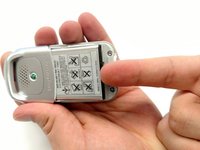
    • Before removing the screen, you must first remove the battery.

    • Remove the battery cover by applying pressure while sliding the base cover away from the phone and then lifting the cover up.

    Ask FixBot

    Add Comment

  3. Sony Ericsson W300i Main Screen Replacement: step 3, image 1 of 3 Sony Ericsson W300i Main Screen Replacement: step 3, image 2 of 3 Sony Ericsson W300i Main Screen Replacement: step 3, image 3 of 3
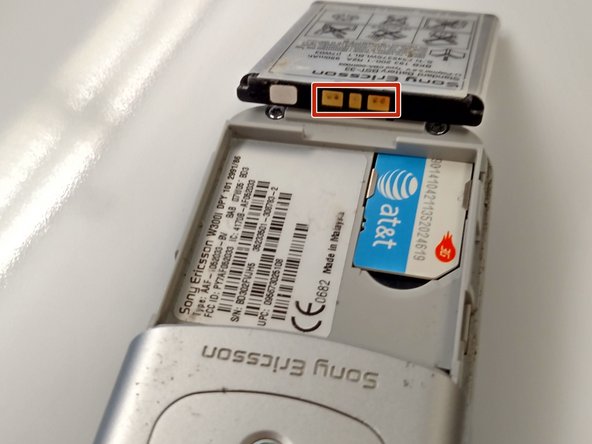
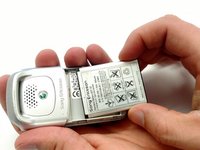
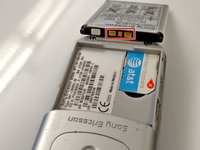
    • Using your fingers, lift the end of the battery up and then pry the battery from the phone base.

    • During reassembly you must reinsert the battery so the gold markings are at the top of the battery.

    Ask FixBot

    Add Comment

  4. Sony Ericsson W300i Main Screen Replacement: step 4, image 1 of 3 Sony Ericsson W300i Main Screen Replacement: step 4, image 2 of 3 Sony Ericsson W300i Main Screen Replacement: step 4, image 3 of 3
    • This step may take a few minutes.

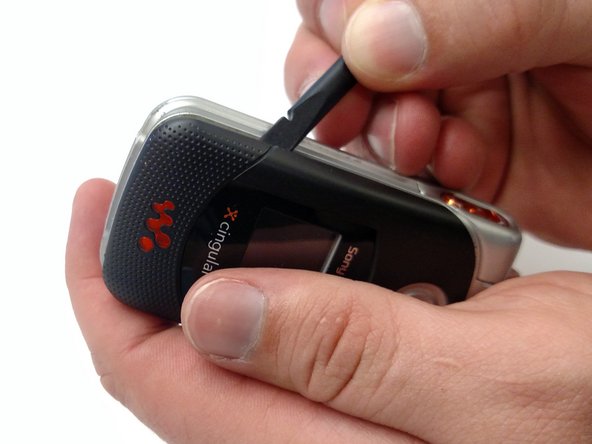
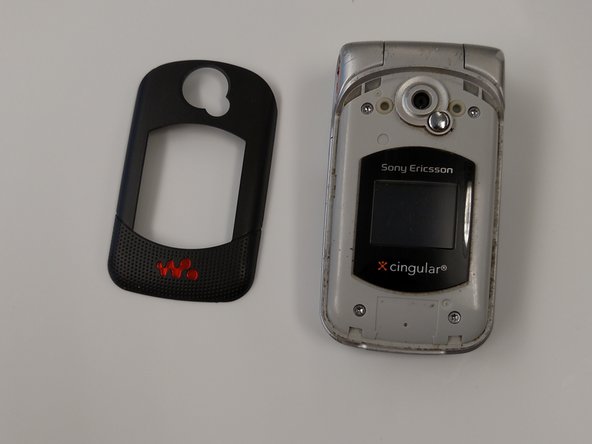
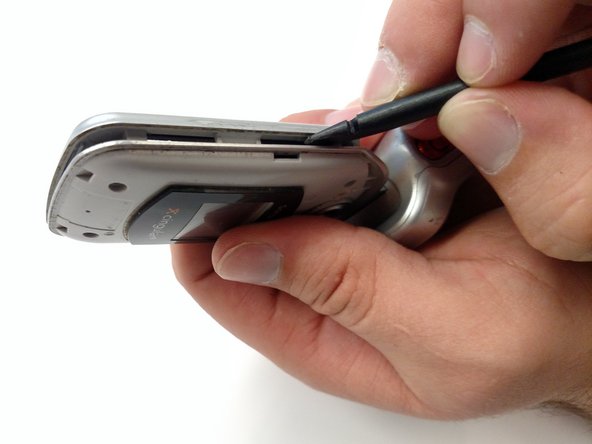
    • Remove the front plate off the phone with a plastic opening tool to gain access to the screws beneath.

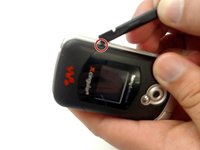
    • Use the point indicated on the photo as a good prying point.

    • Use a moderate amount of force.

    • Be aware of the sharp edges of the prying tool.

    Ask FixBot

    Add Comment

  5. Sony Ericsson W300i Main Screen Replacement: step 5, image 1 of 2 Sony Ericsson W300i Main Screen Replacement: step 5, image 2 of 2
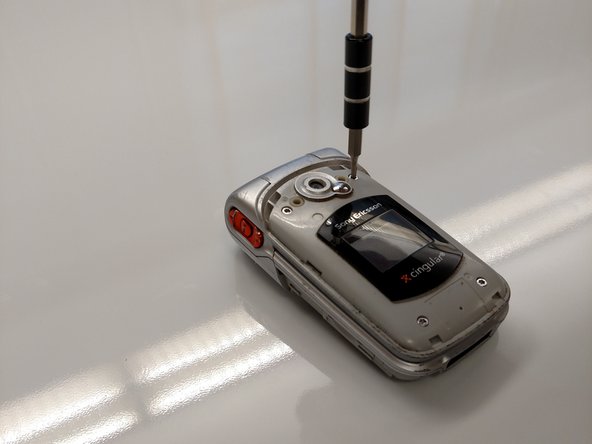
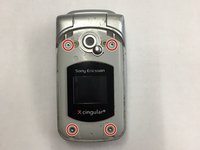
    • Use the T6 Torx screwdriver to remove the four screws.

    • Place screws in a safe location to avoid losing them.

    Ask FixBot

    Add Comment

  6. Sony Ericsson W300i Main Screen Replacement: step 6, image 1 of 3 Sony Ericsson W300i Main Screen Replacement: step 6, image 2 of 3 Sony Ericsson W300i Main Screen Replacement: step 6, image 3 of 3
    • This step may take a few minutes.

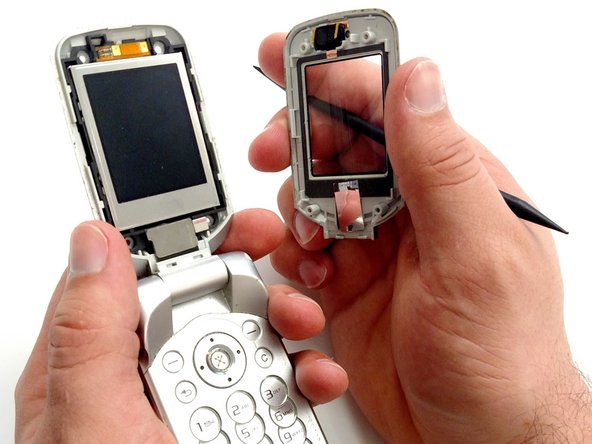
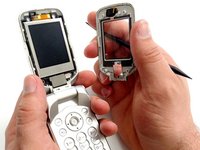
    • Use a plastic opening tool to separate the screen cover from the top half of the phone.

    • Slide the corner of the opening tool along the side of the phone toward the bottom corner.

    • With the phone screen facing away from you, press into the screen crevice at an angle so that the tool pushes away towards the main screen.

    • Use a moderate amount of force.

    • Be aware of the sharp edges of the prying tool.

    • Once the seal has been broken, tug the cover away.

    Ask FixBot

    Add Comment

  7. Sony Ericsson W300i Main Screen Replacement: step 7, image 1 of 3 Sony Ericsson W300i Main Screen Replacement: step 7, image 2 of 3 Sony Ericsson W300i Main Screen Replacement: step 7, image 3 of 3
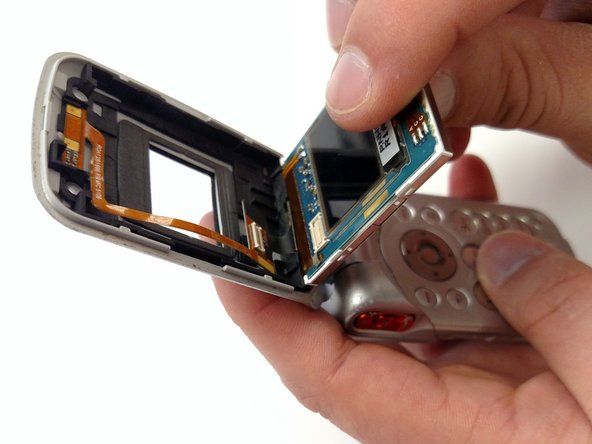
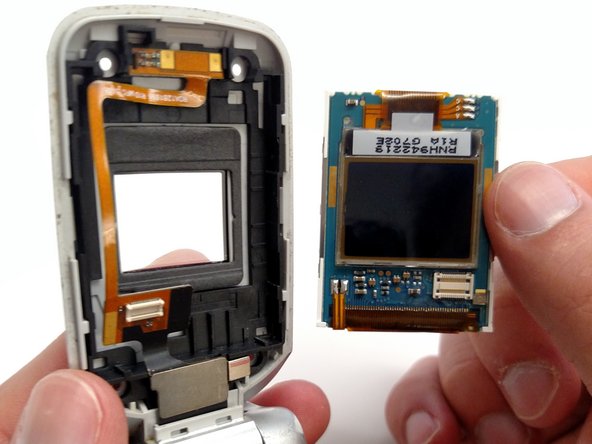
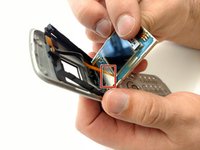
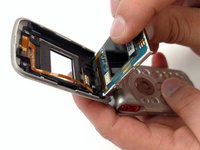
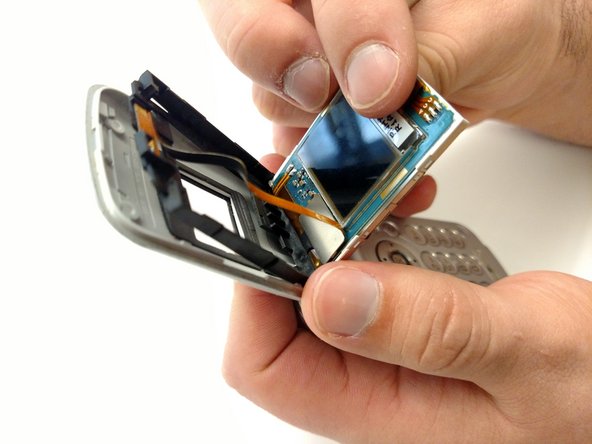
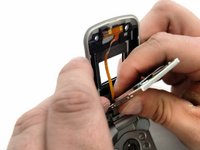
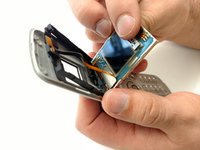
    • Use your fingers to pry the plug end of the orange ribbon cable away from the screen.

    • Remove screen.

    Ask FixBot

    Add Comment

  8. Sony Ericsson W300i Main Screen Replacement: step 8, image 1 of 2 Sony Ericsson W300i Main Screen Replacement: step 8, image 2 of 2
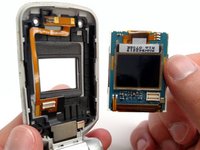
    • Using the new screen, reattach the plug end of the orange ribbon cable.

    • Push new screen into the phone.

    Ask FixBot

    Add Comment

Conclusion

Reassemble the phone following the steps in reverse.

Cancel: I did not complete this guide.

3 other people completed this guide.

Michael Faist

Member since: 02/17/16

178 Reputation

1 Guide authored

1 Guide Comment

nicely done, no fuss, no jargon, nice and clear and simple ...and it worked :D

Jim O - Reply Share
Add Comment

View Statistics:

Past 24 Hours: 5

Past 7 Days: 12

Past 30 Days: 35

All Time: 1,299