Free Shipping on Domestic Orders $75+

Sony Ericsson QuickShare T630 Keypad Maintenance and Replacement

What you need

  1. Sony Ericsson QuickShare T630 Keypad Maintenance and Replacement, Sony Ericsson QuickShare T630 Phone Enclosure: step 1, image 1 of 1
    • Begin the disassembly by placing your Sony Ericsson QuickShare T630 on a flat surface.

    Ask FixBot

    Add Comment

  2. Sony Ericsson QuickShare T630 Keypad Maintenance and Replacement: step 2, image 1 of 2 Sony Ericsson QuickShare T630 Keypad Maintenance and Replacement: step 2, image 2 of 2
    • Slide the protective panel on the backside of the phone downward and remove it entirely, revealing the battery underneath.

    Ask FixBot

    Add Comment

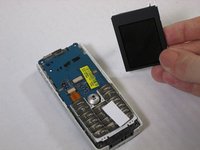
  3. Sony Ericsson QuickShare T630 Keypad Maintenance and Replacement: step 3, image 1 of 1
    • Slide the battery upward to remove.

    Ask FixBot

    Add Comment

  4. Sony Ericsson QuickShare T630 Keypad Maintenance and Replacement: step 4, image 1 of 2 Sony Ericsson QuickShare T630 Keypad Maintenance and Replacement: step 4, image 2 of 2
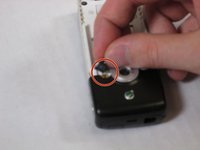
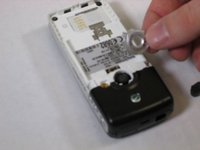
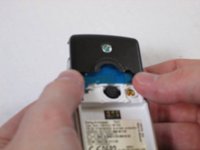
    • Remove the rubber plug located near the camera by gently prying upward with your fingers.

    • Gently lift the camera shield after removal of the rubber plug.

    Ask FixBot

    Add Comment

  5. Sony Ericsson QuickShare T630 Keypad Maintenance and Replacement: step 5, image 1 of 2 Sony Ericsson QuickShare T630 Keypad Maintenance and Replacement: step 5, image 2 of 2
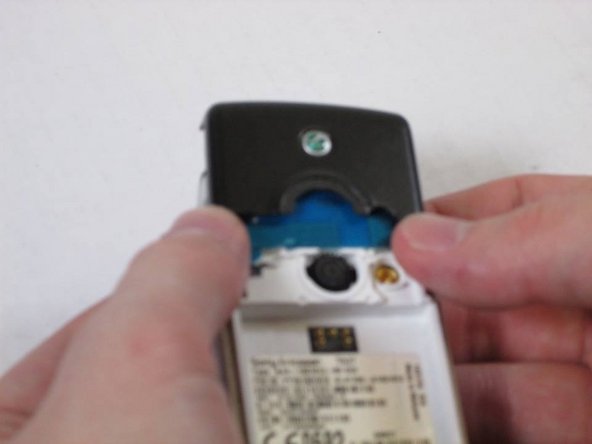
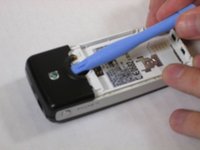
    • Pry the remaining panel to loosen its contact to the phone using a spudger.

    • Slide the panel upward to remove it completely.

    • These steps will require a slight appliance of force.

    Ask FixBot

    Add Comment

  6. Sony Ericsson QuickShare T630 Keypad Maintenance and Replacement: step 6, image 1 of 1
    • Slide the aerial upward to remove it.

    Ask FixBot

    Add Comment

  7. Sony Ericsson QuickShare T630 Keypad Maintenance and Replacement: step 7, image 1 of 2 Sony Ericsson QuickShare T630 Keypad Maintenance and Replacement: step 7, image 2 of 2
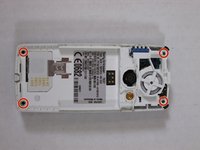
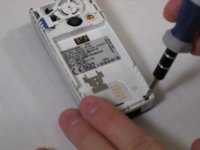
    • Remove the four screws located at each corner of the device.

    Ask FixBot

    Add Comment

  8. Sony Ericsson QuickShare T630 Keypad Maintenance and Replacement: step 8, image 1 of 2 Sony Ericsson QuickShare T630 Keypad Maintenance and Replacement: step 8, image 2 of 2
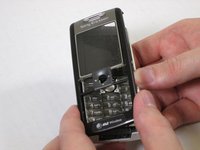
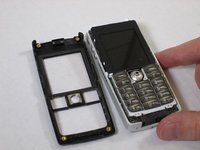
    • Gently lift and remove the front panel of the phone after removing the screws.

    Ask FixBot

    Add Comment

  9. Sony Ericsson QuickShare T630 Keypad Maintenance and Replacement: step 9, image 1 of 3 Sony Ericsson QuickShare T630 Keypad Maintenance and Replacement: step 9, image 2 of 3 Sony Ericsson QuickShare T630 Keypad Maintenance and Replacement: step 9, image 3 of 3
    • This step is NOT required for joystick maintenance or keypad maintenance and replacement! Continue on to step 10 if you are attempting to achieve either of these goals.

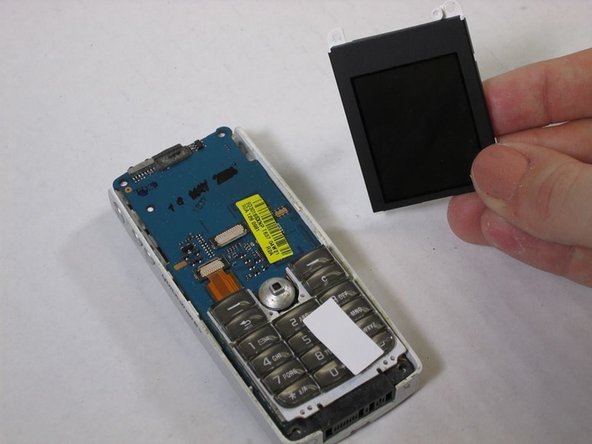
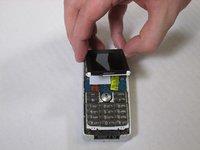
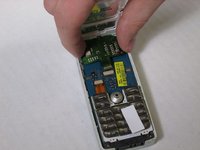
    • Slowly lift the screen to reveal the green circuit ribbon connecting the screen to the phone.

    • Gently pull the ribbon from the circuit.

    • Remove the now disconnected screen.

    Ask FixBot

    Add Comment

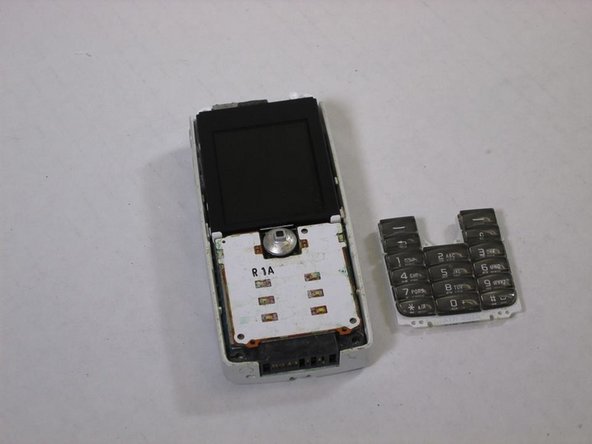
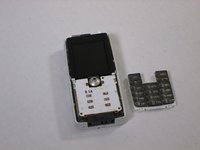
  10. Sony Ericsson QuickShare T630 Keypad Maintenance and Replacement: step 10, image 1 of 3 Sony Ericsson QuickShare T630 Keypad Maintenance and Replacement: step 10, image 2 of 3 Sony Ericsson QuickShare T630 Keypad Maintenance and Replacement: step 10, image 3 of 3
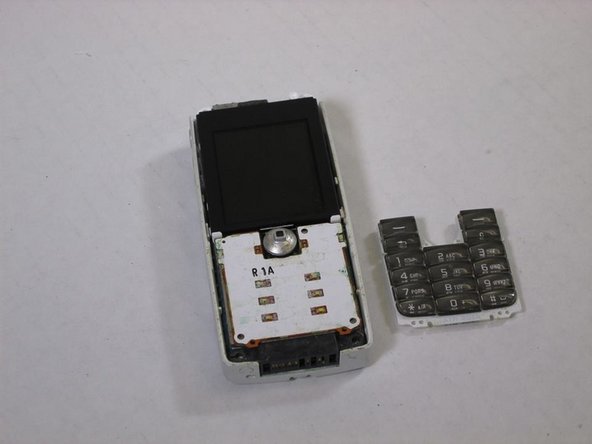
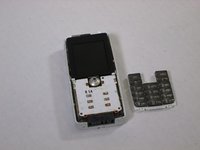
    • Remove the keyboard by slowly pulling it away from the circuit board.

    • There are no direct connections between the keyboard and phone.

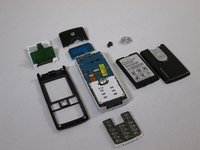
    • These are all of the parts covered in this disassembly that make up the Sony Ericsson QuickShare T630.

    Ask FixBot

    Add Comment

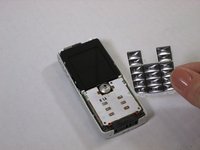
  11. Sony Ericsson QuickShare T630 Keypad Maintenance and Replacement, Sony Ericsson QuickShare T630 Keypad Maintenance and Replacement: step 11, image 1 of 2 Sony Ericsson QuickShare T630 Keypad Maintenance and Replacement, Sony Ericsson QuickShare T630 Keypad Maintenance and Replacement: step 11, image 2 of 2
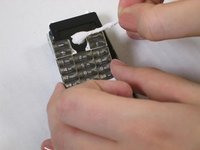
    • After wetting the cotton swab with the rubbing alcohol, rub the keypad with the swab until the buttons are clean.

    • Dry out the keypad by placing it on a flat surface before reassembling the device.

    Ask FixBot

    Add Comment

  12. Sony Ericsson QuickShare T630 Keypad Maintenance and Replacement: step 12, image 1 of 1
    Ask FixBot

    Add Comment

Conclusion

To reassemble your device, follow these instructions in reverse order.

Cancel: I did not complete this guide.

Kelsey

Member since: 10/28/13

107 Reputation

1 Guide authored

Team

0 Guide Comments

Add Comment

View Statistics:

Past 24 Hours: 0

Past 7 Days: 4

Past 30 Days: 17

All Time: 1,080