Introduction
Before following this guide refer to the troubleshooting guide to make sure this is the right guide to fix your device.
Use this guide to replace the motherboard within a Sony BDP-S3500. The motherboard controls every process within the device. The motherboard could be broken because of a power surge or physical damage. This component should be one of the last components one should replace after all other attempted fixes failed.
Before beginning this guide, make sure the device is turned off and completely unplugged from all external sources.
What you need
-
-
Use the Phillips #2 screwdriver to remove the two 9mm screws located on the back of the device.
 Ask FixBot
-
-
-
Slide the top panel off towards the back of the device.
-
Remove the top panel.
-
-
-
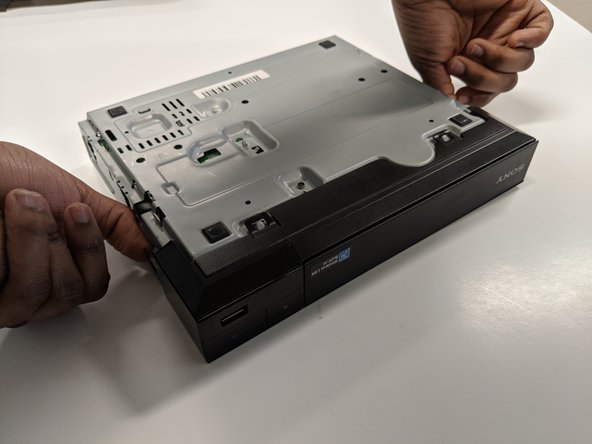
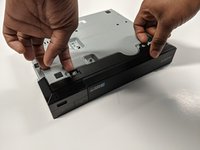
Unclip the plastic tags from the bottom of the device.
-
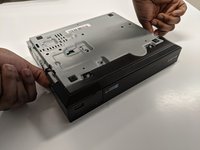
Unclip the plastic tags from the sides of the device.
-
Slide the front panel off.
-
-
-
-
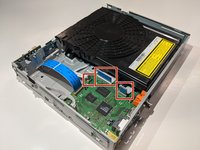
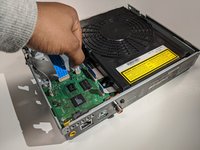
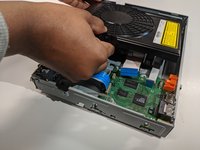
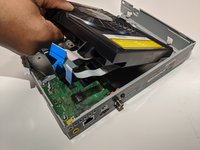
Remove the three ribbon cables by gently pulling the cables out of each connector.
-
-
-
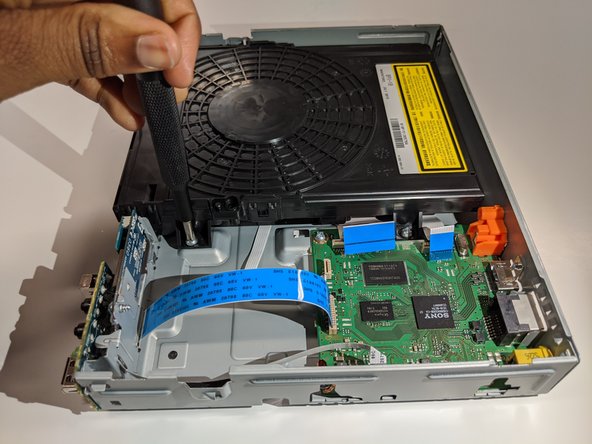
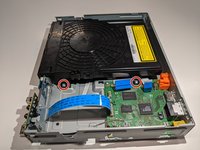
Use a Phillips #2 screwdriver to remove the two 9mm screws that are holding the disk drive in place.
-
-
-
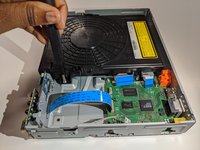
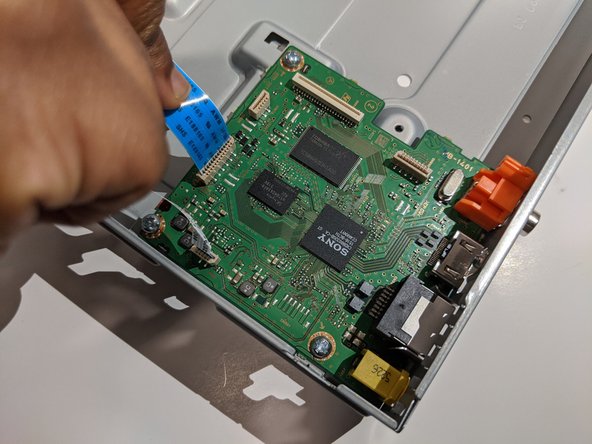
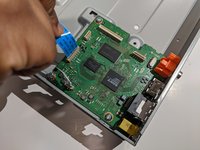
Remove the ribbon cables by holding onto the cable and gently pulling straight up.
-
-
-
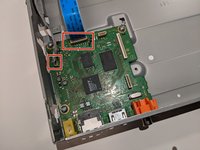
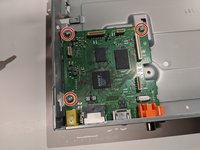
Use the Phillips #2 screwdriver to remove three 9mm screws securing the motherboard to the case.
-
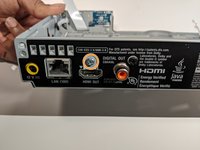
Remove one 5.5mm Phillips #2 from the back of the case near the ports.
-
-
-
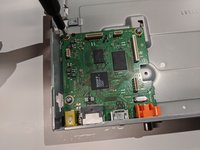
Slide the motherboard away from the back of the case and then lift up to remove.
-











To reassemble your device, follow these instructions in reverse order.
Cancel: I did not complete this guide.
One other person completed this guide.

Team

York University, Team S8-G4, Turner Winter 2020 Member of York University, Team S8-G4, Turner Winter 2020
YORK-TURNER-W20S8G4
4 Members
5 Guides authored
