Introduction
If you need to access the internal components of your Sony BDP-BX320 Blu-ray player, follow this guide to remove the top case.
What you need
-
-
Power off and unplug the device from any power source.
-
Place the Blue-ray player on a clean, stable surface.
 Ask FixBot
-
-
Tool used on this step:Magnetic Project Mat$19.95
-
Use a Phillips #1 screwdriver to remove the three 8.3 mm screws on the back of the device.
-
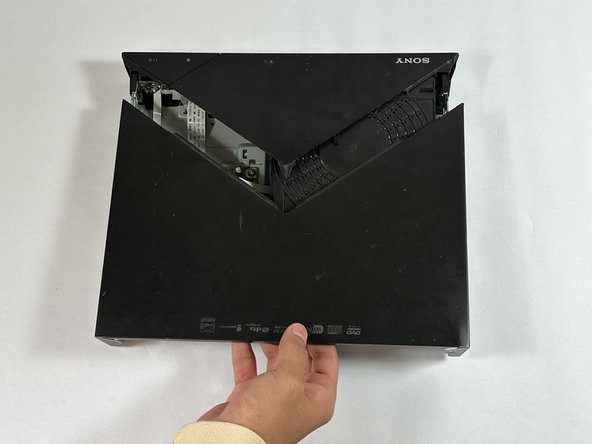
Slide the back section of the top case off the device.
-
-
-
-
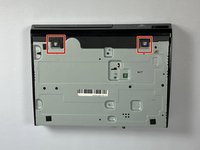
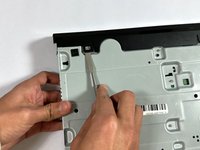
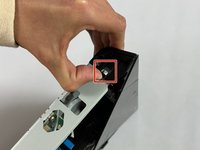
Use your hands or a metal spudger to gently disconnect the case from the small tabs on the bottom and sides of the device.
-
-
-
Slide off the front section of the top case to expose the internal components.
-





To reassemble your device, follow these instructions in reverse order.
Cancel: I did not complete this guide.
One other person completed this guide.

Team

CSU Los Angeles, Team 5-2, Kershman Fall 2024 Member of CSU Los Angeles, Team 5-2, Kershman Fall 2024
CSULA-KERSHMAN-F24S5G2
6 Members
3 Guides authored
