
Sony AZ1VR Microphones Replacement

Michael Martin and 6 other contributors
Last updated on Jan 15, 2026
Views: 595
View statistics:
- Past 24 Hours:
- 1
- Past 7 Days:
- 12
- Past 30 Days:
- 85
- All Time:
- 595
Comments: 0
No one has left comments on this guide. Will you be first?
Go to guide commentsCompleted: 0 1
No one has marked this guide "completed." Will you be the first?
1 person has marked this guide "completed." It's you — great job!
Favorites: 0 1
No one has favorited (and subscribed to) this guide. Will you be the first?
1 person has favorited (and subscribed to) this guide — and that's you!
Action Shots
Be an action hero! This guide needs images that better demonstrate how to perform specific actions.
Needs More Images
A few more images would make this guide's procedures crystal clear.
Slice and Dice
The steps in this guide should be split up and made into a series of prerequisite guides.
Introduction
Go to step 1 ↓This guide will take you through the replacement of a microphone unit in the Sony AZ1VR camcorder. This camcorder is designed to record both video and audio, and provide playback. Audio recording issues can be caused by problems with the connection, assembly, or the unit itself. Resolving this may require repair or replacement, and details the steps of both.
What you need


-
-
-
Start by removing the two screws on the bottom of the device using your small screwdriver, which should reveal the battery room.
-
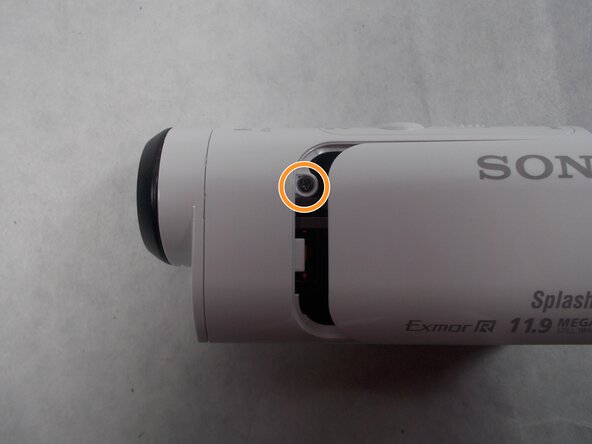
Remove the screw inside the battery room.
-
Save these screws for later so they can be used to reassemble.
 Ask FixBot
-
-
-
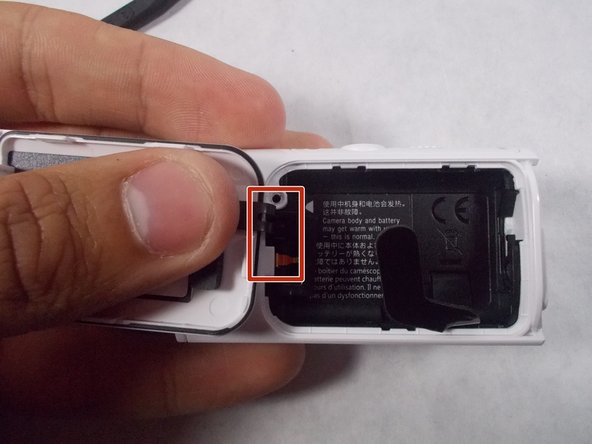
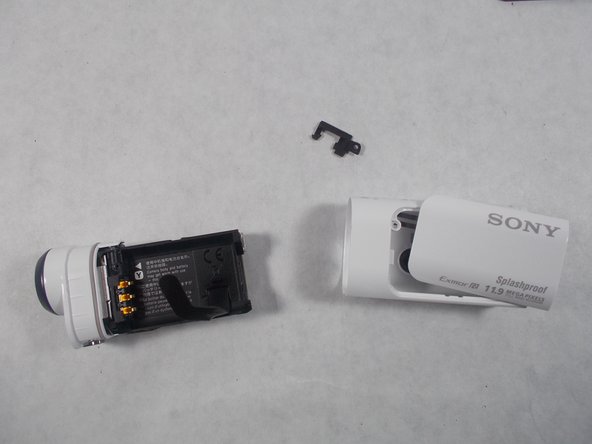
Once these are removed, slide the door out in the direction away from the screw holes.
-
Slide out the small piece of plastic with the door.
-
-
-
Now, locate the lens, the large domed piece in the front.
-
Grab the lens and pull the body gently out of the plastic. This will reveal the insides of the device.
-
-
-
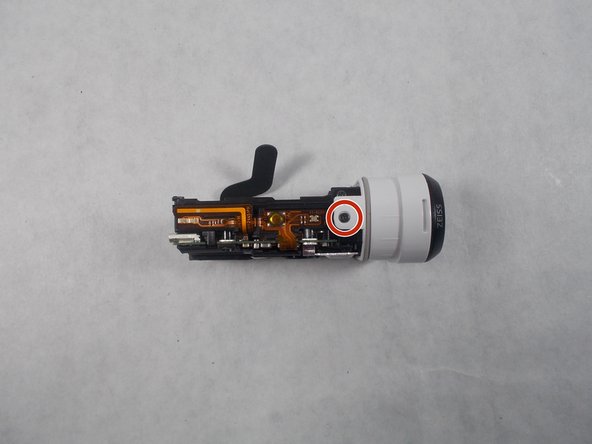
You'll see a screw on the top of the device, towards the front in the white plastic casing. Remove this screw.
-
-
-
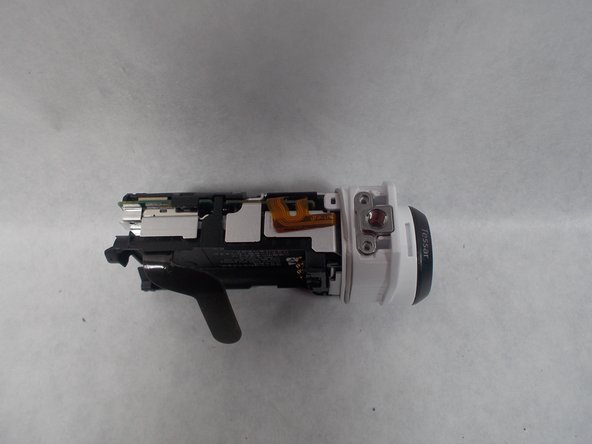
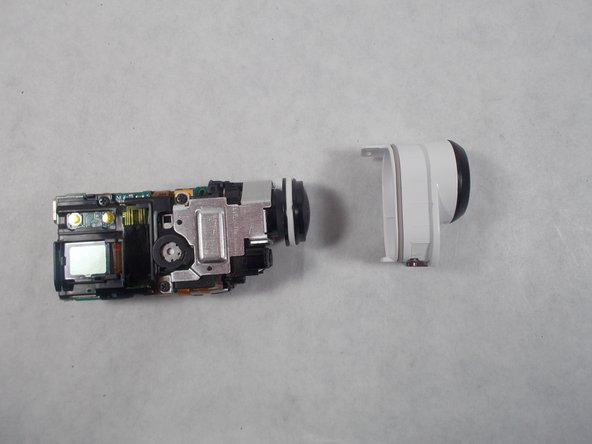
Next pull the tabs on the bottom and top of the lens, and pull outward, this will remove the lens housing from the body.
-
Once removed, flip the device onto its side, leaving the LCD display facing up. This will be the side with the silver metal panel and rectangular screen.
-
-
-
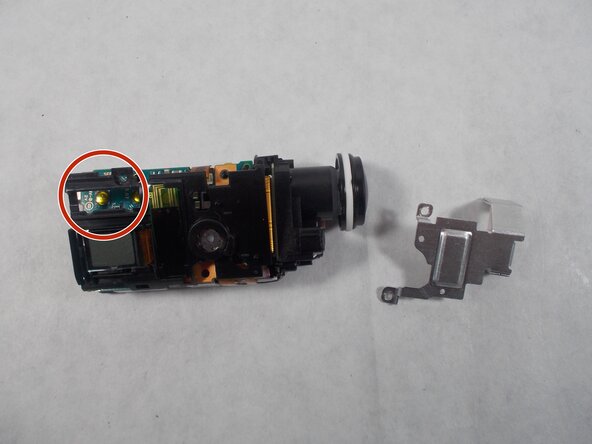
Carefully remove the screws connected to the silver metal plate.
-
Once done, remove the plate by pulling gently up on the back of the plate (the back end of the lens unit) and pushing it towards the front (the lens). It should slide out without too much resistance.
-
-
-
Now remove the screw directly above the LCD display, the thin rectangle near the rear of the lens unit. This will loosen the black plastic casing over the internal circuitry.
-
-
-
-
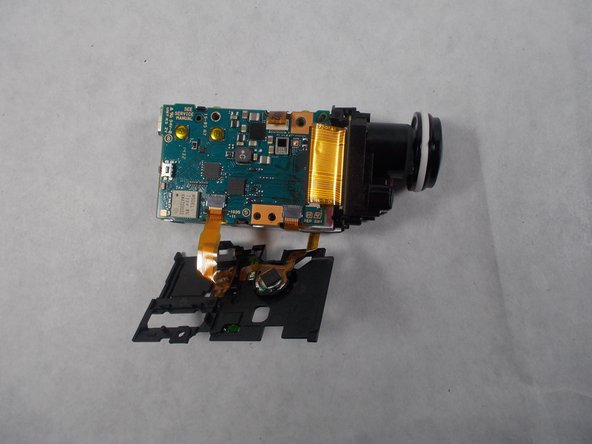
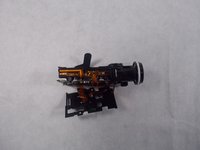
This will reveal the thick golden yellow cable at the front of the unit near the lens. Carefully pull this cable towards the front. The cable should not provide too much resistance if it is done correctly.
-
-
-
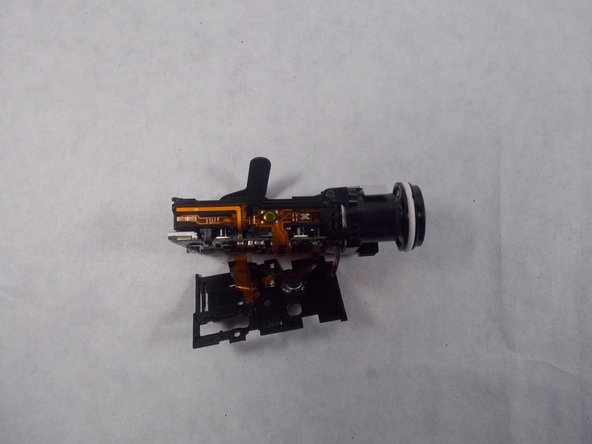
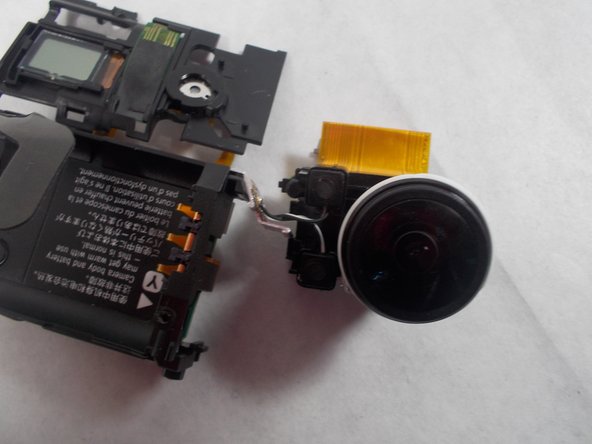
Next remove one last screw on the top of the device, and slowly pull the lens out.
-
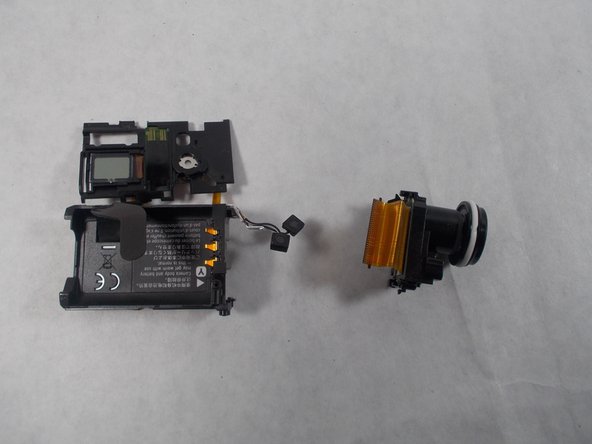
You'll notice that the microphone is still connected to the lens, just pop these out and the lens is off.
-
-
-
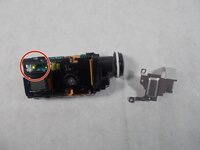
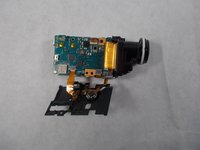
Next unsolder the microphone cables from the board using the soldering iron. This can be accomplished by heating the existing soldered areas with the iron until they liquify and removing the connecting components.
-
Keep track of where each wire was soldered, and replace with the same wire in the new part. You can resolder them to the spots by reheating the area until the metal liquifies and placing the wire in.
-
-


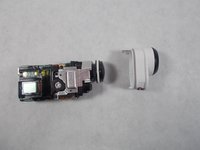


To reassemble your device, follow these instructions in reverse order.

Team

UMass Dartmouth, Team S3-G5, Botvin Spring 2017 Member of UMass Dartmouth, Team S3-G5, Botvin Spring 2017
UMASSD-BOTVIN-S17S3G5
3 Members
60 Guides authored
