Introduction
This guide shows how to replace the Optical Audio Port from the Sonos Playbase, which supplies the audio input to the Playbase.
What you need
-
Tool used on this step:Pro Tech Toolkit$79.95
-
Turn the Playbase upside down so that the "Sonos Playbase" imprint is face up.
-
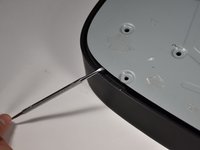
Remove the bottom panel with an Opening Tool by inserting underneath and prying upwards.
 Ask FixBot
-
-
Tool used on this step:Pro Tech Toolkit$79.95
-
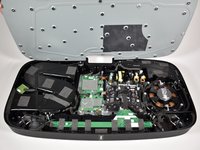
Remove the metal plate with a Opening Tool by inserting underneath and prying upwards.
-
-
-
-
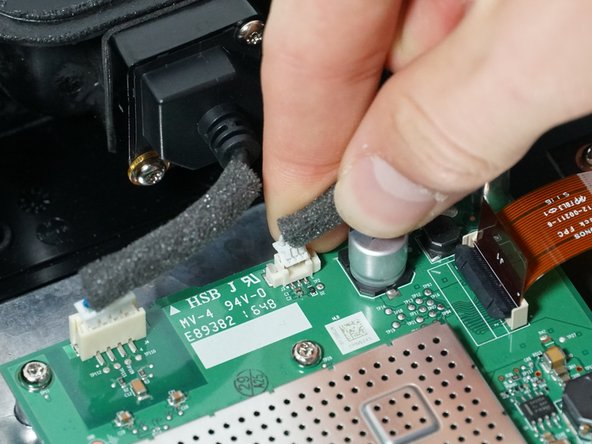
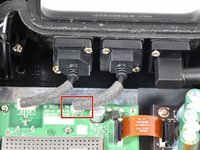
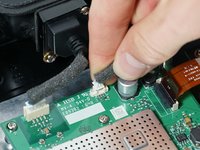
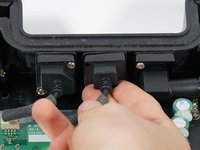
Unplug the optical audio port from the main circuit board by pinching the white clip and pulling upward.
-
-
-
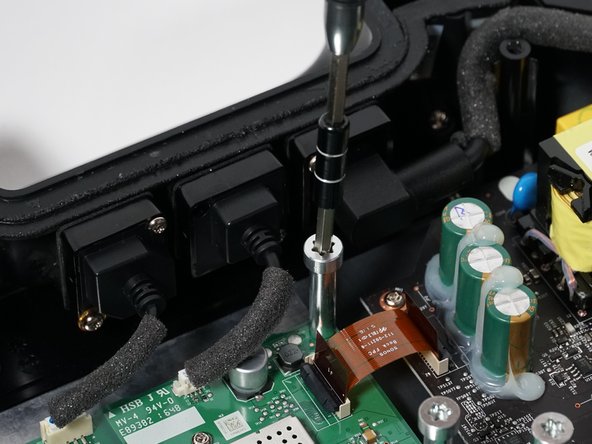
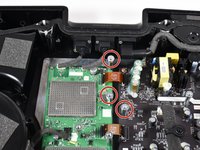
Remove the three 38mm T-55 screws preventing you from removing the Optical Audio Port screws by turning them counterclockwise.
-
-
Tool used on this step:Pro Tech Toolkit$79.95
-
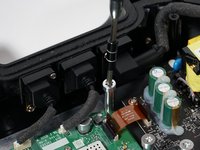
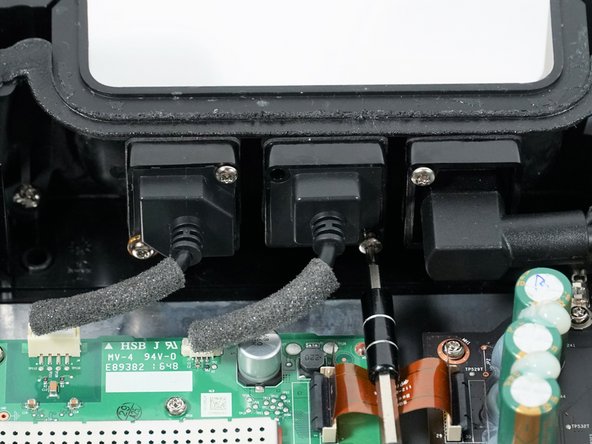
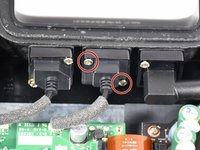
Remove the two 18mm T-10 screws holding the Ethernet Port in place by turning them counterclockwise.
-
-
-
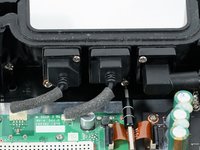
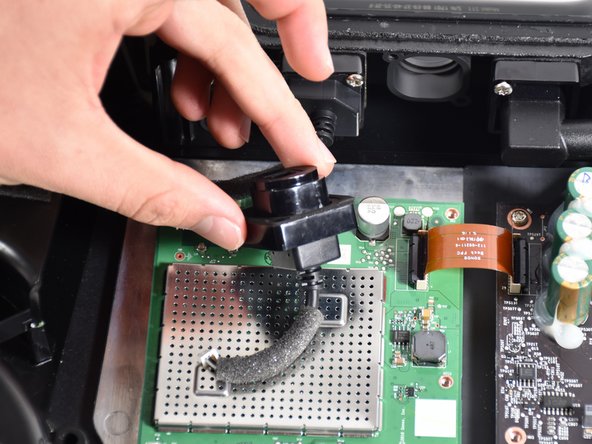
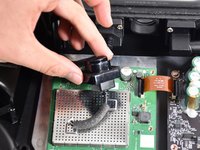
Remove the Optical Audio Port from the housing by pinching the sides and pulling outward.
-






To reassemble your device, follow these instructions in reverse order.

Team

Cal Poly, Team S17-G2, White Fall 2018 Member of Cal Poly, Team S17-G2, White Fall 2018
CPSU-WHITE-F18S17G2
4 Members
8 Guides authored
1 Guide Comment
Thank you for this guide, but any idea where to purchase a replacement optical audio port from?
