Introduction
Do you need to replace any of the parts on your Sonos Era 100? Get started by following this guide!
What you need
-
-
Gently pull off the rubber foot on the the bottom of the speaker.
-
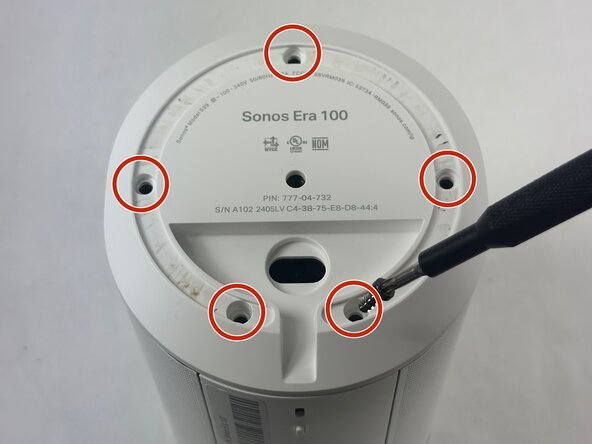
Remove the five 11 mm Torx T20 screws that secure the bottom plate.
-
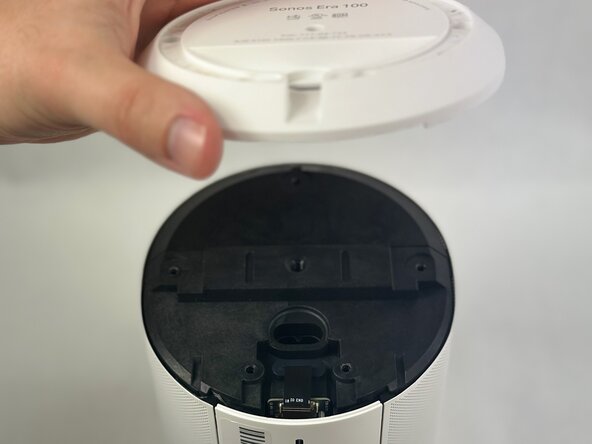
Carefully lift off the bottom plate.
 Ask FixBot
-
-
-
Carefully disconnect the ribbon cable connected underneath the bottom panel.
-
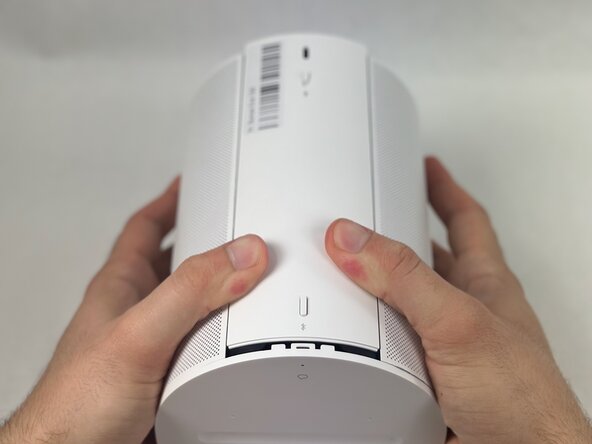
To detach the back panel, gently push it in a downward motion.
-
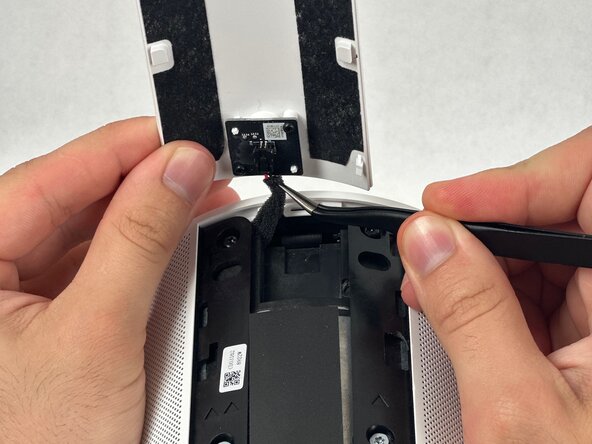
Use tweezers to disconnect the USB-C PCB from the back panel.
-
-
-
-
Using a halberd spudger, carefully remove the foam tape. Do this by keeping tension on the foam shown in the images and slicing underneath the tape.
-
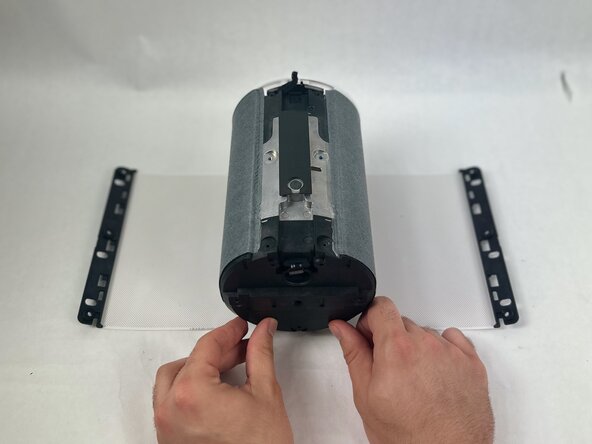
Pull the speaker grille off.
-
-
-
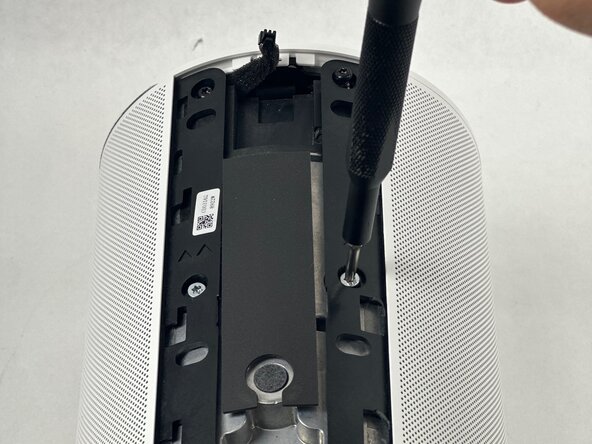
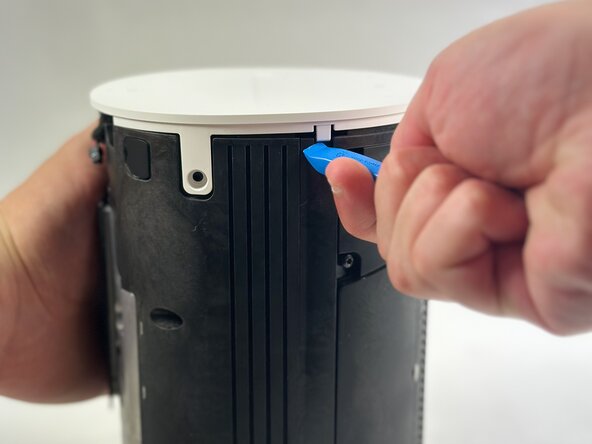
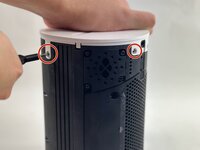
Remove all four T10 Torx screws securing the touch bar assembly.
-
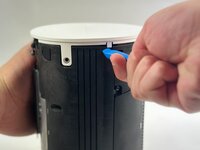
Use an opening tool to release all four white retaining clips.
-
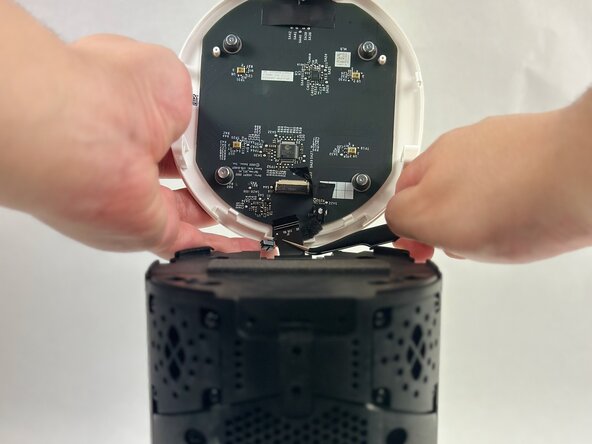
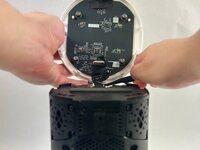
Lift the touch bar assembly perpendicular to the unit, with care not to strain the connected ribbon cable.
-
Lift the black ZIF locking flap that secures the touch bar assembly ribbon cable.
-
Disconnect the ribbon cable.
-
Remove the touch bar assembly.
-





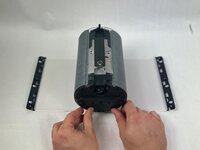

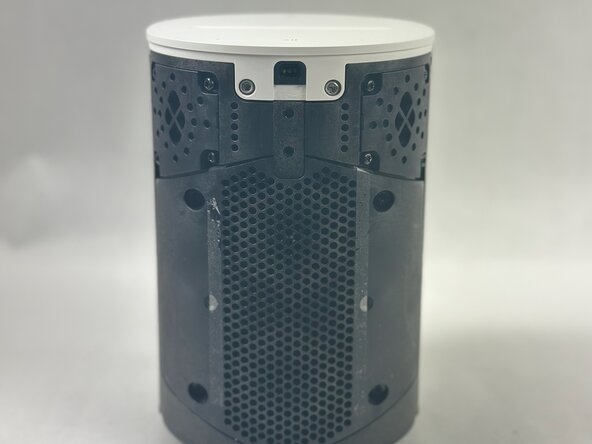
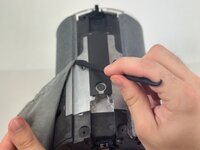

To reassemble your device, follow these instructions in reverse order.
Cancel: I did not complete this guide.
One other person completed this guide.

Team

UMass Dartmouth, Team 2-1, Botvin Spring 2025 Member of UMass Dartmouth, Team 2-1, Botvin Spring 2025
UMASSD-BOTVIN-S25S2G1
3 Members
7 Guides authored
