
Singing Machine Shine Duets LED Lights Replacement

Ethan Dodson and 2 other contributors
Last updated on May 19, 2023
Views: 479
View statistics:
- Past 24 Hours:
- 0
- Past 7 Days:
- 7
- Past 30 Days:
- 46
- All Time:
- 479
Comments: 0
No one has left comments on this guide. Will you be first?
Go to guide commentsCompleted: 0 1
No one has marked this guide "completed." Will you be the first?
1 person has marked this guide "completed." It's you — great job!
Favorites: 0 1
No one has favorited (and subscribed to) this guide. Will you be the first?
1 person has favorited (and subscribed to) this guide — and that's you!
Introduction
Go to step 1 ↓If your Singing Machine Shine Duets karaoke machine's LED lights are not functioning on one or more sides, access the LED board and motherboard by following our guide. Because the LED board needs to be connected to the device by pins and a screw, you will need to attach/reattach it using our guide. This repair is not particularly difficult, but it will require some relatively forceful part separation, so be careful and methodical.
What you need
Tools


-
-
-
Remove the 10 mm screws on either side of the machine using a Phillips #1 screwdriver.
 Ask FixBot
-
-
-
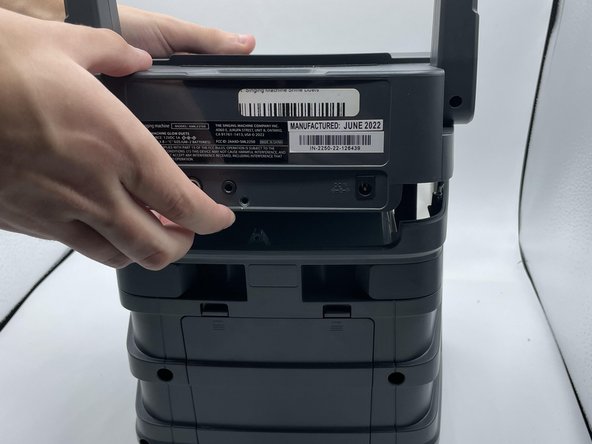
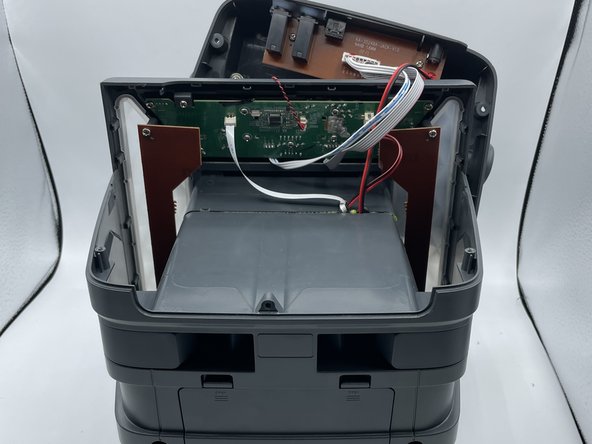
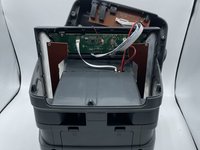
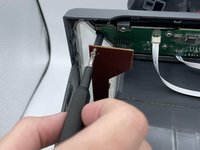
Use the opening tool or your hands to carefully pry open the now-loosened top panel.
-
-
-
-
-
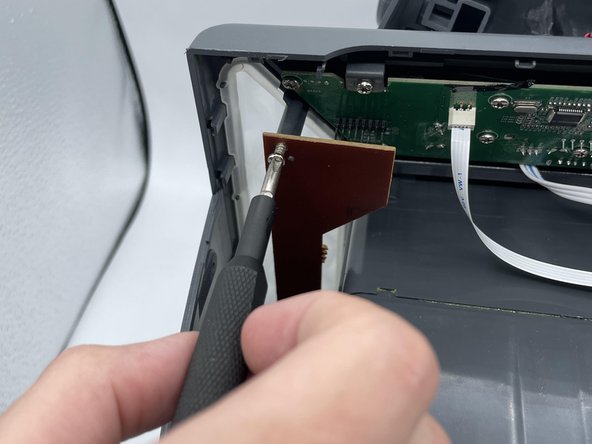
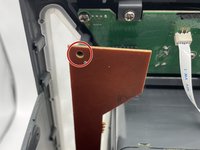
Remove the 10 mm screw from the LED lightboard using a Phillips #0 screwdriver.
-
-
-
-
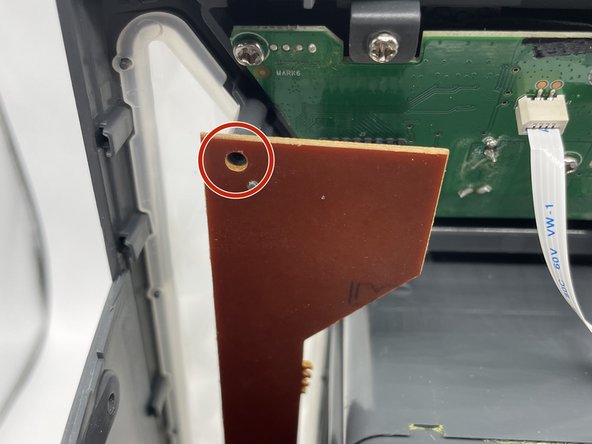
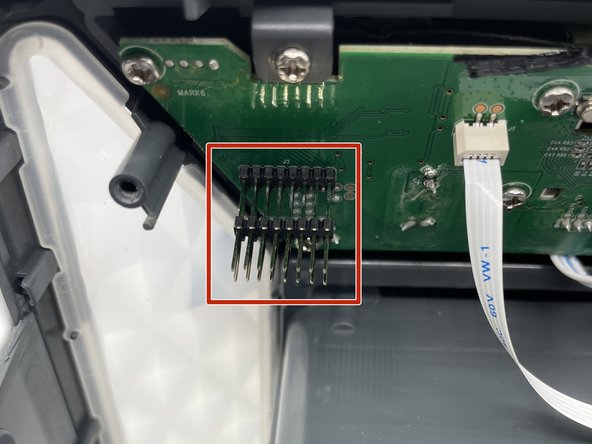
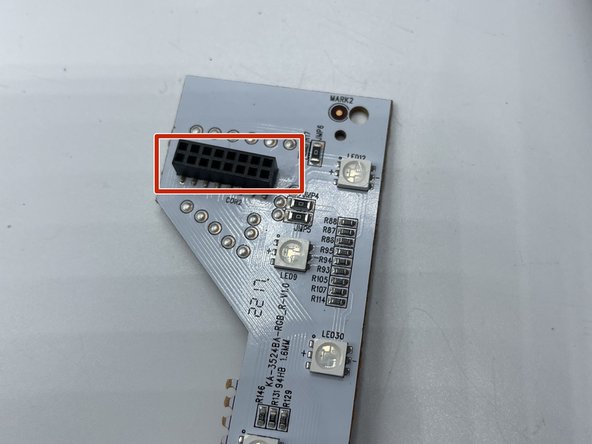
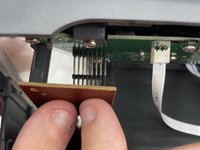
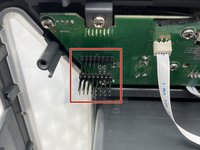
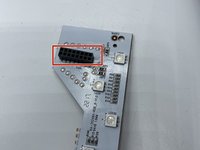
Carefully remove the lightboard from the device, taking care not to damage any pins.
-
-



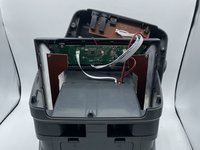

To reassemble your device, follow these instructions in reverse order.

Team

University of North Texas, Team 2-3, Saru Jimmy Spring 2023 Member of University of North Texas, Team 2-3, Saru Jimmy Spring 2023
UNT-SARU JIMMY-S23S2G3
4 Members
48 Guides authored
