Free Shipping on Domestic Orders $75+

Singing Machine Shine Duets Audio/Power Jack Replacement

Views: 1.3K

View statistics:

Past 24 Hours:
2
Past 7 Days:
11
Past 30 Days:
42
All Time:
1,315
Comments: 1

1 comment on steps.

Completed: 0

No one has marked this guide "completed." Will you be the first?

Favorites: 0

No one has favorited (and subscribed to) this guide. Will you be the first?

Time Required: 15 minutes
Difficulty: Difficult
Singing Machine Shine Duets Audio/Power Jack Replacement

Introduction

Go to step 1 ↓

If your Singing Machine Shine Duets audio or power jacks are not functioning, use this guide as a means to replace it. If any parts which are removed in this guide have glue on them, use a metal scraping device to remove it. For our purposes, tweezers were sufficient.

What you need

Tools

    1. Singing Machine Shine Duets Audio/Power Jack Replacement, Singing Machine Shine Duets Shell Dissassembly: step 1, image 1 of 3 Singing Machine Shine Duets Audio/Power Jack Replacement, Singing Machine Shine Duets Shell Dissassembly: step 1, image 2 of 3 Singing Machine Shine Duets Audio/Power Jack Replacement, Singing Machine Shine Duets Shell Dissassembly: step 1, image 3 of 3
      • Remove the 10 mm screws on either side of the machine using a Phillips #1 screwdriver.

      Ask FixBot

      Add Comment

    2. Singing Machine Shine Duets Audio/Power Jack Replacement: step 2, image 1 of 3 Singing Machine Shine Duets Audio/Power Jack Replacement: step 2, image 2 of 3 Singing Machine Shine Duets Audio/Power Jack Replacement: step 2, image 3 of 3
      • Remove the three 8 mm screws with a Phillips #0 screwdriver.

      Ask FixBot

      Add Comment

    3. Singing Machine Shine Duets Audio/Power Jack Replacement: step 3, image 1 of 3 Singing Machine Shine Duets Audio/Power Jack Replacement: step 3, image 2 of 3 Singing Machine Shine Duets Audio/Power Jack Replacement: step 3, image 3 of 3
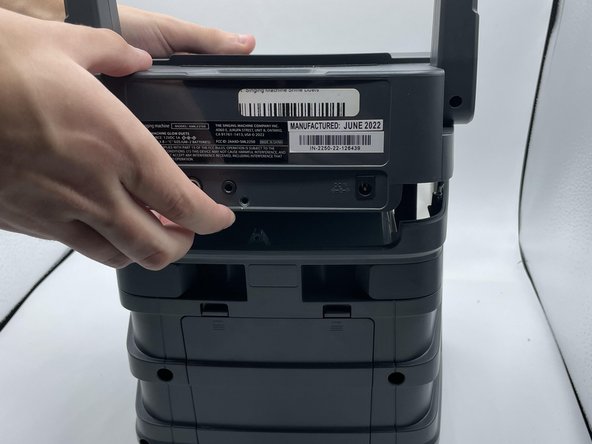
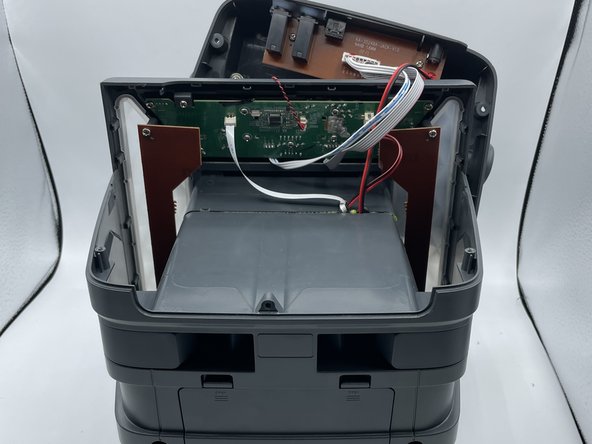
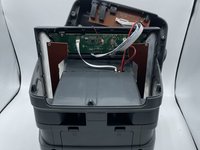
      • Use the opening tool or your hands to carefully pry open the now-loosened top panel.

      • The top portion of the shell is open, and the inside of the device is now accessible.

      Ask FixBot

      Add Comment

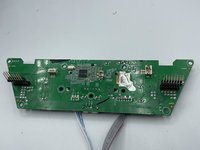
    1. Singing Machine Shine Duets Audio/Power Jack Replacement, Motherboard: step 4, image 1 of 1
      • The motherboard is located right behind the control buttons.

      Ask FixBot

      Add Comment

    2. Singing Machine Shine Duets Audio/Power Jack Replacement: step 5, image 1 of 2 Singing Machine Shine Duets Audio/Power Jack Replacement: step 5, image 2 of 2
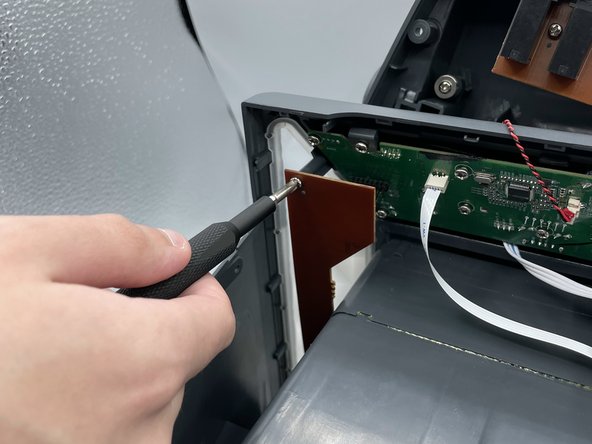
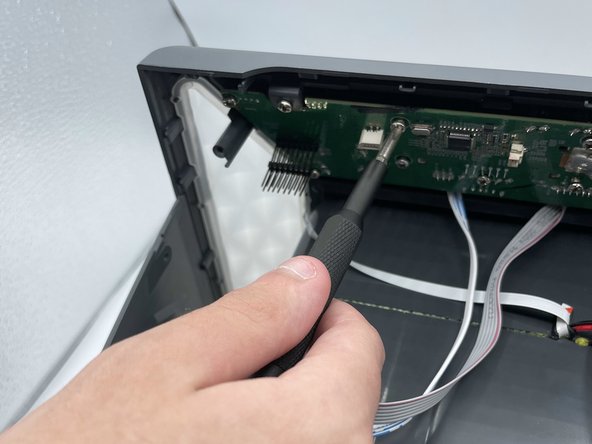
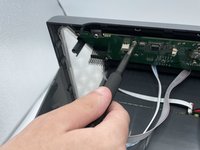
      • Remove the two screws holding the LED board in place.

      Ask FixBot

      Add Comment

    3. Singing Machine Shine Duets Audio/Power Jack Replacement: step 6, image 1 of 2 Singing Machine Shine Duets Audio/Power Jack Replacement: step 6, image 2 of 2
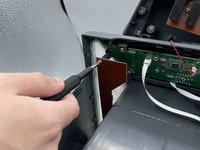
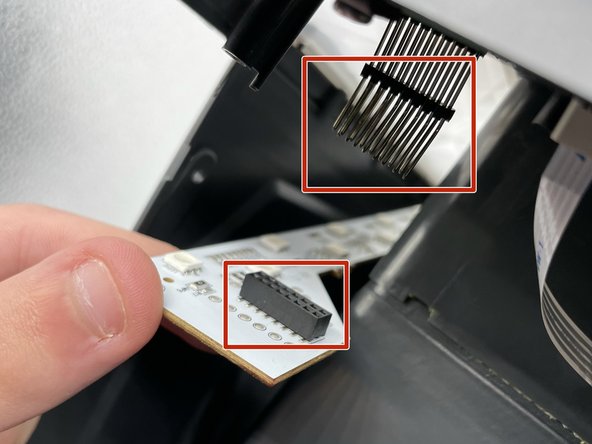
      • Remove both LED boards from their pins.

      Ask FixBot

      Add Comment

    4. Singing Machine Shine Duets Audio/Power Jack Replacement: step 7, image 1 of 2 Singing Machine Shine Duets Audio/Power Jack Replacement: step 7, image 2 of 2
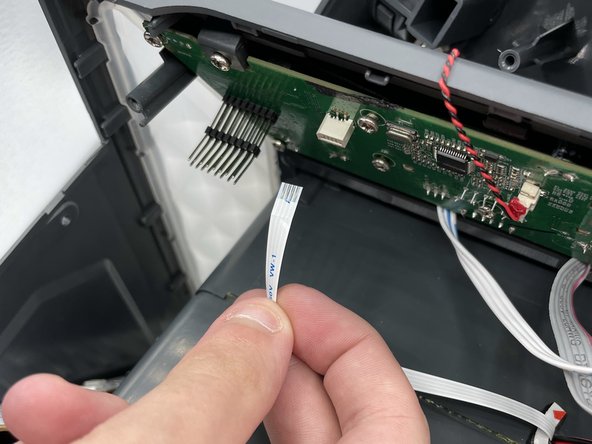
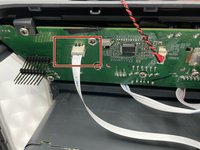
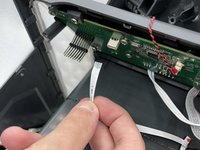
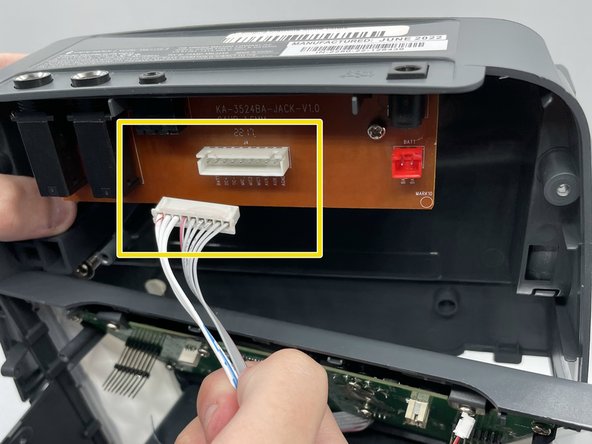
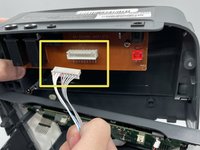
      • Detach the white cable from its connector on the motherboard.

      Ask FixBot

      Add Comment

    5. Singing Machine Shine Duets Audio/Power Jack Replacement: step 8, image 1 of 2 Singing Machine Shine Duets Audio/Power Jack Replacement: step 8, image 2 of 2
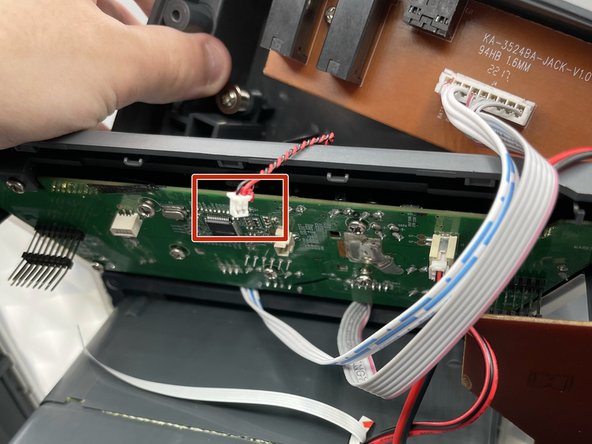
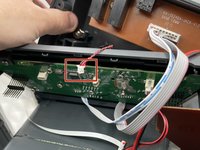
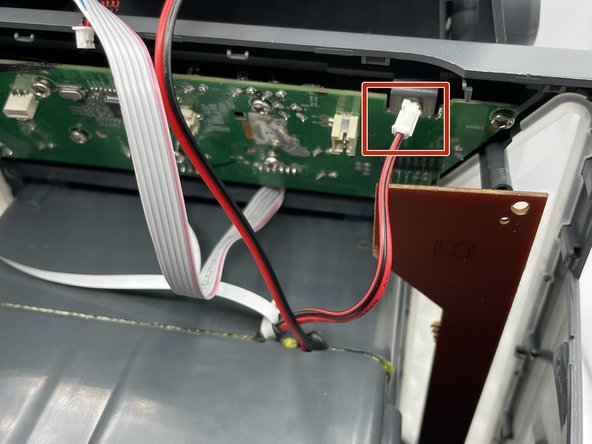
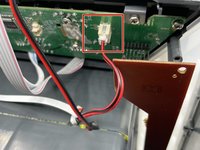
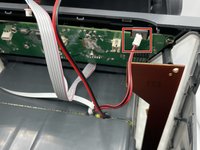
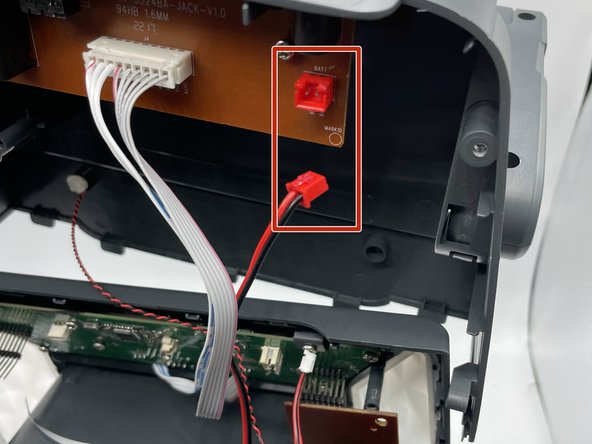
      • Carefully disconnect this red-and-black wire from the motherboard.

      Ask FixBot

      Add Comment

    6. Singing Machine Shine Duets Audio/Power Jack Replacement: step 9, image 1 of 2 Singing Machine Shine Duets Audio/Power Jack Replacement: step 9, image 2 of 2
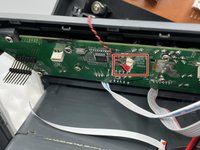
      • Remove the thicker red-and-black wire from its socket on the motherboard.

      Ask FixBot

      Add Comment

    7. Singing Machine Shine Duets Audio/Power Jack Replacement: step 10, image 1 of 3 Singing Machine Shine Duets Audio/Power Jack Replacement: step 10, image 2 of 3 Singing Machine Shine Duets Audio/Power Jack Replacement: step 10, image 3 of 3
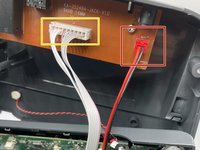
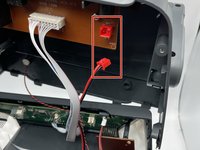
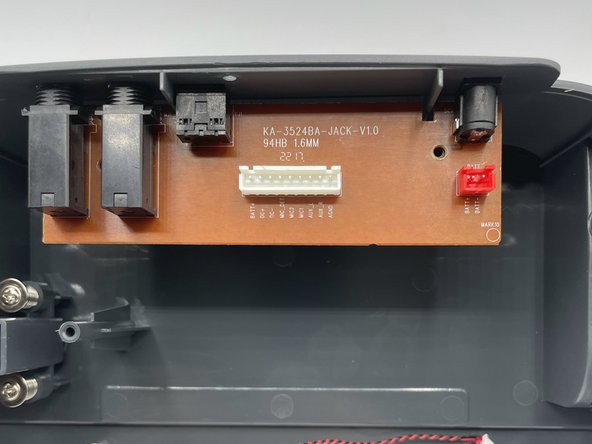
      • Disconnect the red port on the board which holds all of the external plugs

      • Disconnect the white wires from the board.

      Ask FixBot

      Add Comment

    8. Singing Machine Shine Duets Audio/Power Jack Replacement: step 11, image 1 of 2 Singing Machine Shine Duets Audio/Power Jack Replacement: step 11, image 2 of 2
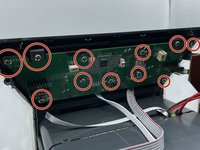
      • Remove eleven 8 mm screws from the motherboard with a Phillips #0 screwdriver.

      Ask FixBot

      Add Comment

    9. Singing Machine Shine Duets Audio/Power Jack Replacement: step 12, image 1 of 3 Singing Machine Shine Duets Audio/Power Jack Replacement: step 12, image 2 of 3 Singing Machine Shine Duets Audio/Power Jack Replacement: step 12, image 3 of 3
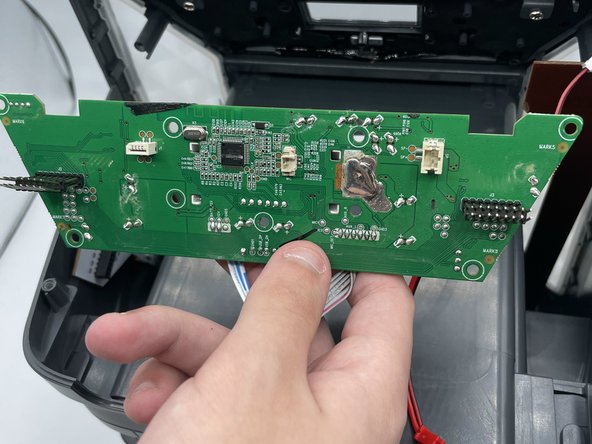
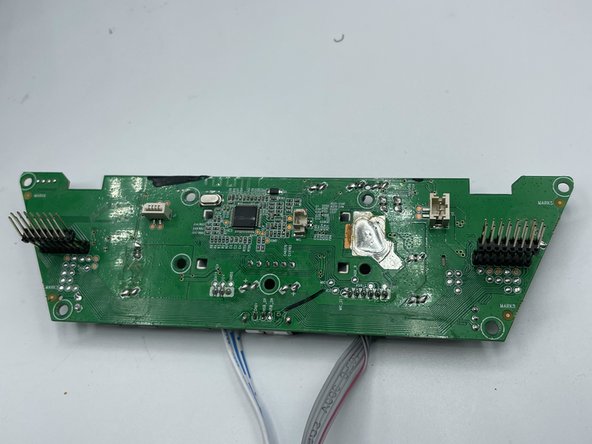
      • Remove the motherboard from the shell.

      Ask FixBot

      Add Comment

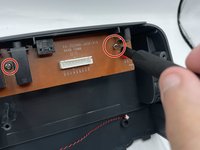
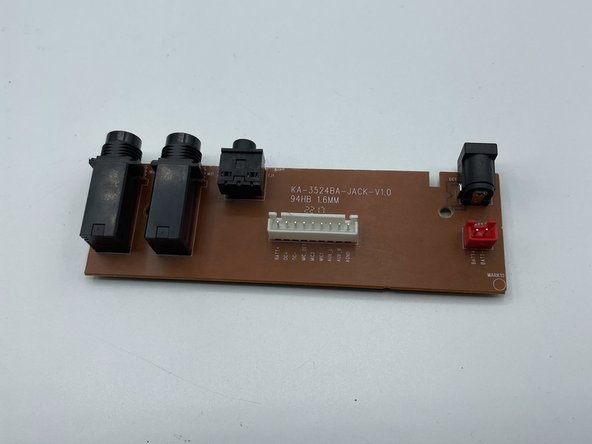
    1. Singing Machine Shine Duets Audio/Power Jack Replacement, Audio/Power Jack: step 13, image 1 of 2 Singing Machine Shine Duets Audio/Power Jack Replacement, Audio/Power Jack: step 13, image 2 of 2
      • Remove both screws from the board.

      • Use caution when removing the screw in between the two ports.

      Ask FixBot

      Add Comment

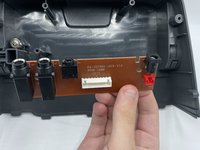
    2. Singing Machine Shine Duets Audio/Power Jack Replacement: step 14, image 1 of 2 Singing Machine Shine Duets Audio/Power Jack Replacement: step 14, image 2 of 2
      • Remove the board from the shell.

      Ask FixBot

      Add Comment

Conclusion

To reassemble your device, follow these instructions in reverse order.

Cancel: I did not complete this guide.

0 Guide Comments

Add Comment

View Statistics:

Past 24 Hours: 2

Past 7 Days: 11

Past 30 Days: 42

All Time: 1,315