
Sharp SPC026 Snooze Button Replacement

Chad Sousa and 3 other contributors
Last updated on Jun 24, 2019
Views: 2.1K
View statistics:
- Past 24 Hours:
- 9
- Past 7 Days:
- 32
- Past 30 Days:
- 135
- All Time:
- 2,100
Comments: 0
No one has left comments on this guide. Will you be first?
Go to guide commentsCompleted: 1 2
1 person has marked this guide "completed." Will you be next?
2 people have marked this guide "completed." Including you — great job!
Favorites: 1 2
1 person has favorited (and subscribed to) this guide. Will you be next?
2 people have favorited (and subscribed to) this guide — including you!
Step Trimmer
This guide has unnecessary steps. Trim them to be more concise!
Introduction
Go to step 1 ↓Use this guide to replace the snooze button on the Sharp SPC026 alarm clock. The alarm clock should be fairly simple to handle and take apart. If you follow the directions, it should be an easy repair.
What you need
Tools

-
-
-
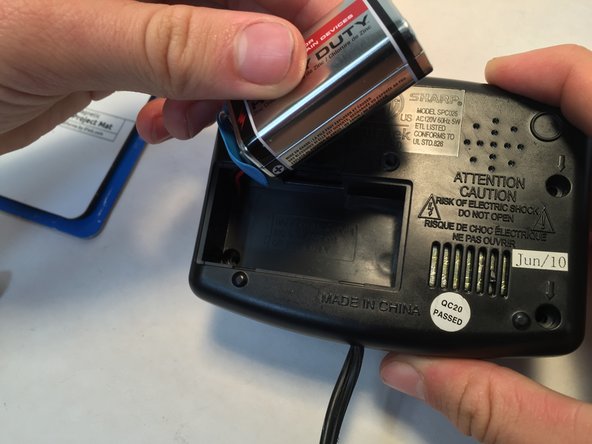
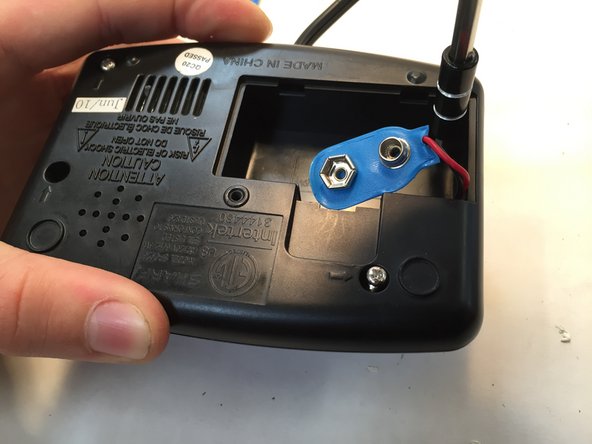
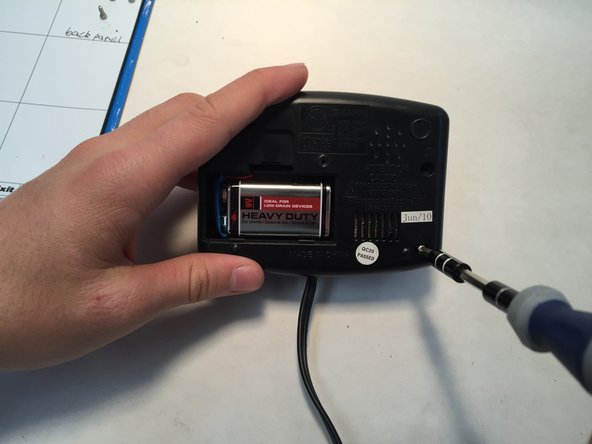
Locate and remove the screws found underneath the alarm clock.
-
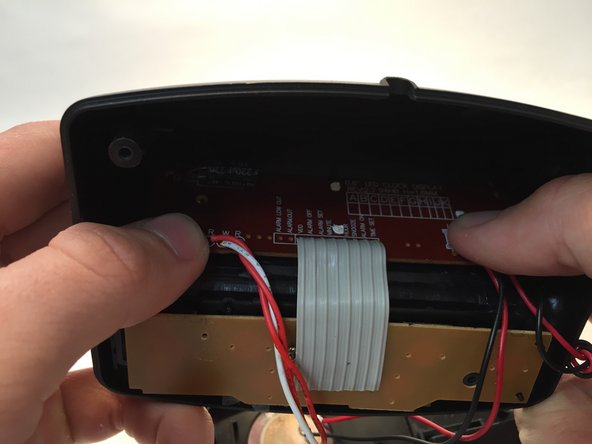
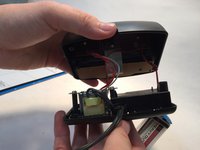
Separate the bottom and top of the alarm clock by pulling them apart.
-
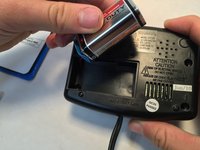
Disconnect the battery.
 Ask FixBot
-
-
-
Find and remove the button pad on the back side, and locate the broken metal button.
-
Gently lift the tape and the button will come off.
-
Replace the old snooze button with the new one and reattach the tape.
-
-
-
Replace the button pad.
-
Replace the battery.
-
Fit the pieces back together and replace the screws.
-
-
-



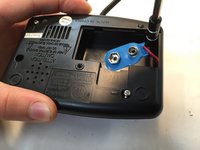
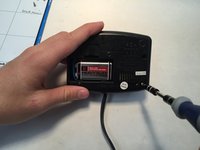

To reassemble your device, follow these instructions in reverse order.
Cancel: I did not complete this guide.
One other person completed this guide.

Team

Central Coast New Tech High, Team 7-9, Rushing Spring 2016 Member of Central Coast New Tech High, Team 7-9, Rushing Spring 2016
CCNTH-RUSHING-S16S7G9
2 Members
12 Guides authored
