Free Shipping on Domestic Orders $75+

Sharp EL-546XT Battery Replacement

What you need

    1. Sharp EL-546XT Battery Replacement, Battery: step 1, image 1 of 2 Sharp EL-546XT Battery Replacement, Battery: step 1, image 2 of 2
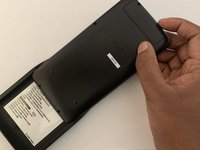
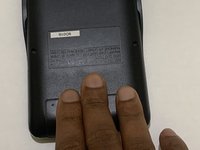
      • Place the calculator on a clean workspace with the back facing up.

      Ask FixBot

      Add Comment

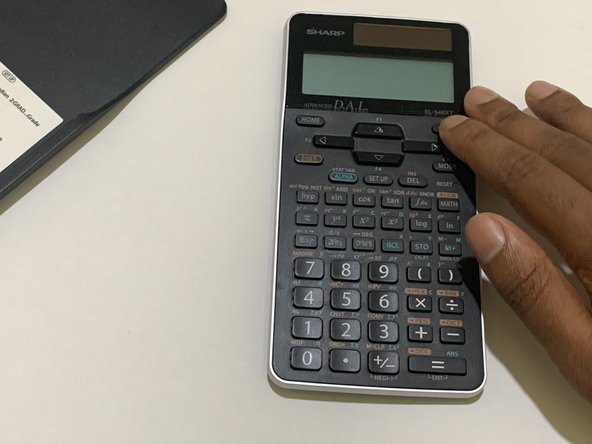
    2. Sharp EL-546XT Battery Replacement: step 2, image 1 of 3 Sharp EL-546XT Battery Replacement: step 2, image 2 of 3 Sharp EL-546XT Battery Replacement: step 2, image 3 of 3
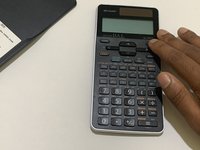
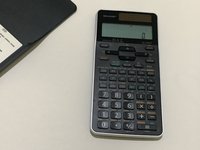
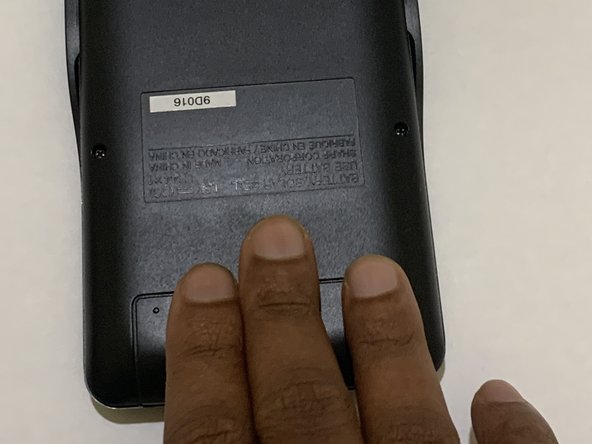
      • Remove the calculator cover if you had it on.

      • Turn off the calculator using the 2nd F button then clicking the ON button.

      Ask FixBot
      Add Comment

    3. Sharp EL-546XT Battery Replacement: step 3, image 1 of 3 Sharp EL-546XT Battery Replacement: step 3, image 2 of 3 Sharp EL-546XT Battery Replacement: step 3, image 3 of 3
      • Put the calculator cover back on to ensure you don't accidentally press any buttons.

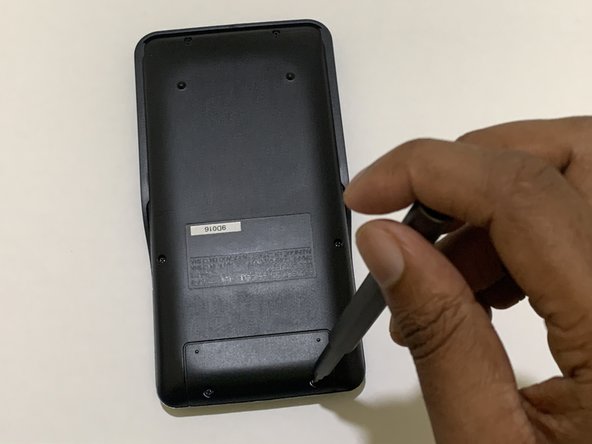
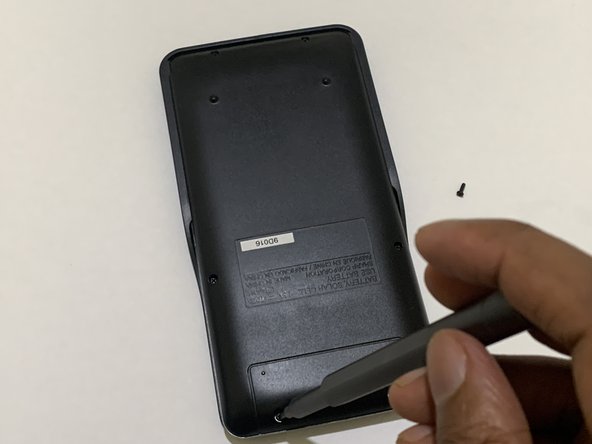
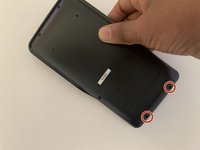
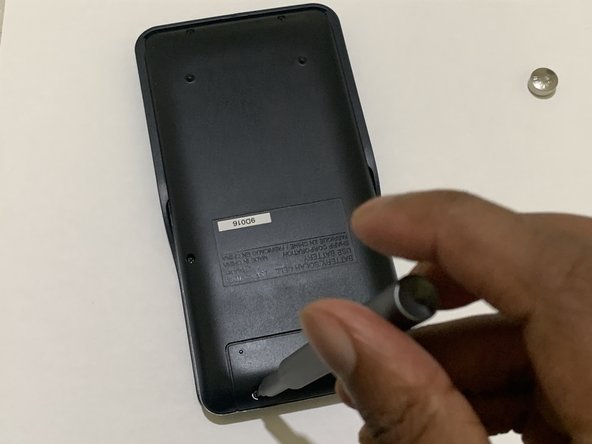
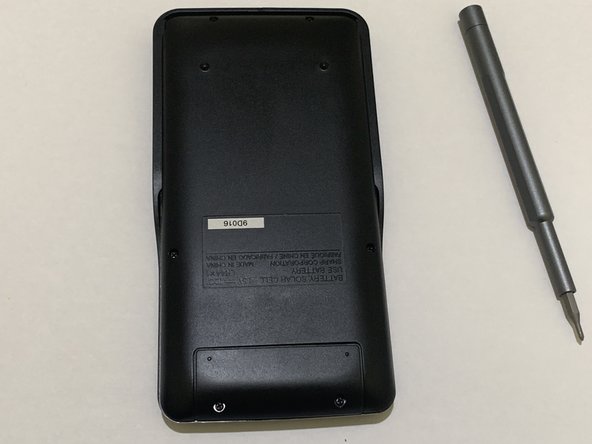
      • Remove the screws from the battery door.

      • Do not remove the other screws as they are not for the battery compartment.

      Ask FixBot
      Add Comment

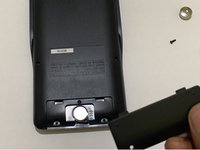
    4. Sharp EL-546XT Battery Replacement: step 4, image 1 of 2 Sharp EL-546XT Battery Replacement: step 4, image 2 of 2
      • Remove the battery door from the calculator.

      Ask FixBot
      Add Comment

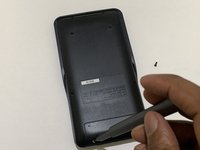
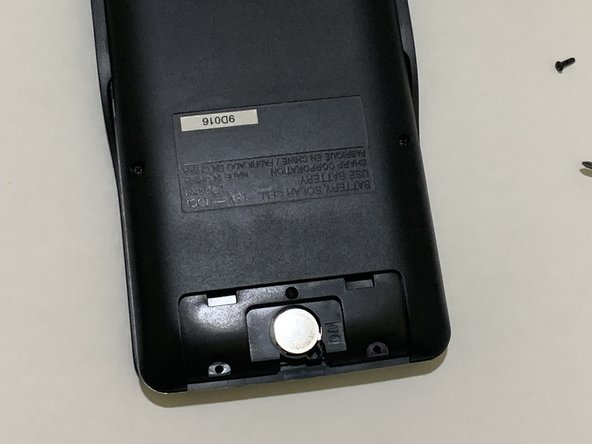
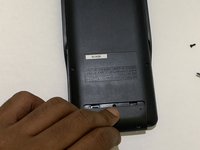
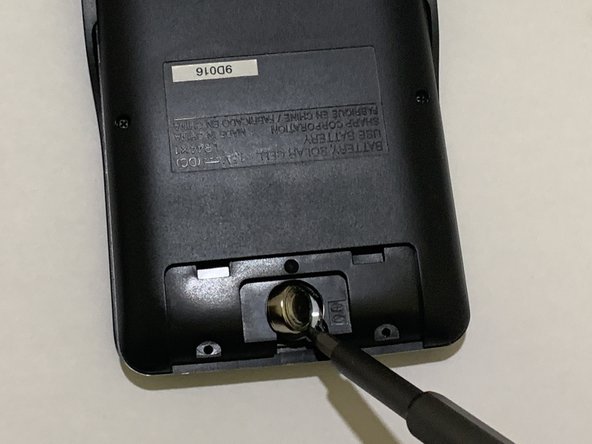
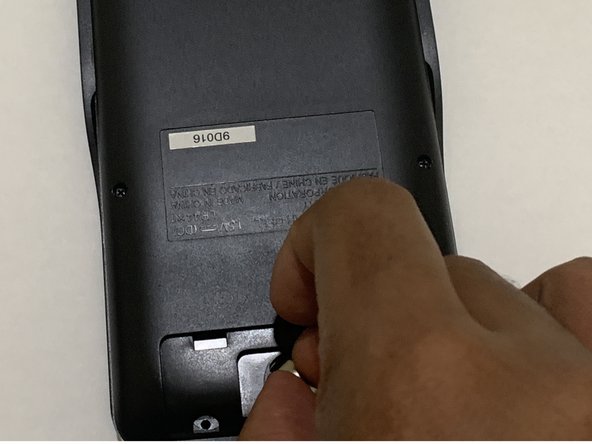
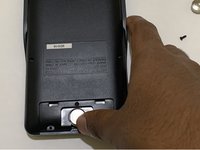
    5. Sharp EL-546XT Battery Replacement: step 5, image 1 of 3 Sharp EL-546XT Battery Replacement: step 5, image 2 of 3 Sharp EL-546XT Battery Replacement: step 5, image 3 of 3
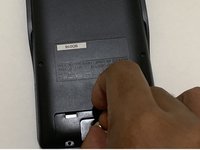
      • Use a spudger to gently push the coin battery out through the small hole located below the battery.

      • Be careful not to apply too much force when pushing the old battery out to avoid damaging the calculator or the battery compartment.

      Ask FixBot

      Add Comment

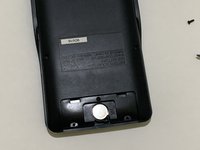
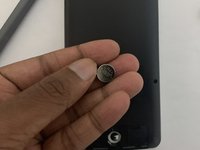
    6. Sharp EL-546XT Battery Replacement: step 6, image 1 of 3 Sharp EL-546XT Battery Replacement: step 6, image 2 of 3 Sharp EL-546XT Battery Replacement: step 6, image 3 of 3
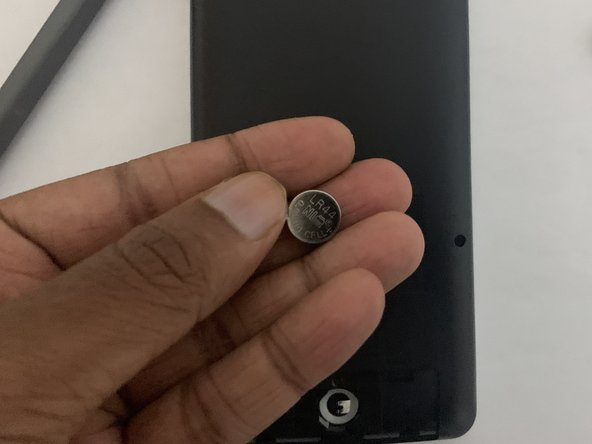
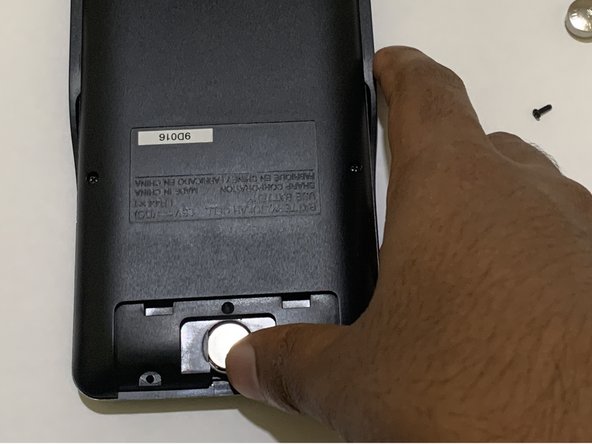
      • Gently insert the new battery into the battery compartment.

      • Handle the new batteries with care.

      Ask FixBot
      Add Comment

    7. Sharp EL-546XT Battery Replacement: step 7, image 1 of 2 Sharp EL-546XT Battery Replacement: step 7, image 2 of 2
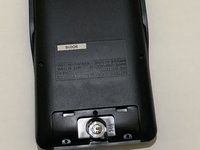
      • Ensure the battery is properly slotted in the battery compartment.

      • Close the battery compartment with the battery door.

      Ask FixBot
      Add Comment

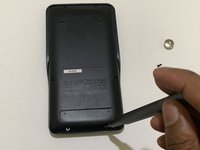
    8. Sharp EL-546XT Battery Replacement: step 8, image 1 of 3 Sharp EL-546XT Battery Replacement: step 8, image 2 of 3 Sharp EL-546XT Battery Replacement: step 8, image 3 of 3
      • Attach the screws back to the battery door.

      Ask FixBot
      Add Comment

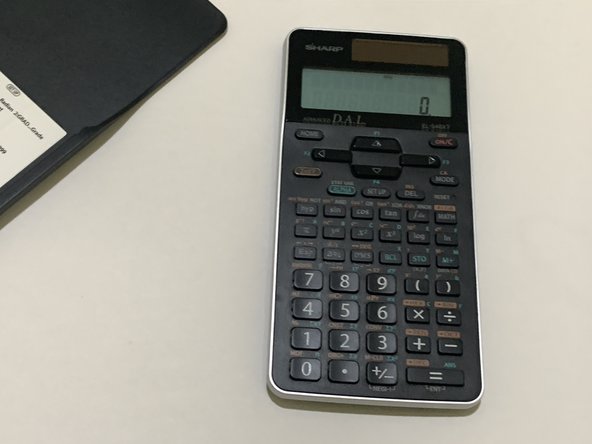
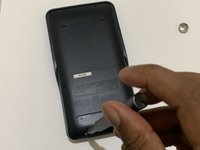
    9. Sharp EL-546XT Battery Replacement: step 9, image 1 of 3 Sharp EL-546XT Battery Replacement: step 9, image 2 of 3 Sharp EL-546XT Battery Replacement: step 9, image 3 of 3
      • Take the calculator out of the cover.

      • Turn on the calculator and test if it's functioning.

      Ask FixBot
      Add Comment

Finish Line

Cancel: I did not complete this guide.
One other person completed this guide.

Mithunan Sivagnanam

Member since: 05/22/23

196 Reputation

1 Guide authored

Team

0 Guide Comments

Add Comment

View Statistics:

Past 24 Hours: 2

Past 7 Days: 7

Past 30 Days: 44

All Time: 1,534