Introduction
This guide will provide instruction for how to replace the power control board. The battery life of the Shark UltraCyclone CH951 is 15 minutes per 6 hours of charging. If you notice that the vacuum does not turn on at all, or is not staying on while fully charged, you may need to replace the power switch.
Please note that you must remove the battery connection first, as dealing with electric components could be potentially hazardous. However, the entire battery does not need to be removed.
What you need
-
-
-
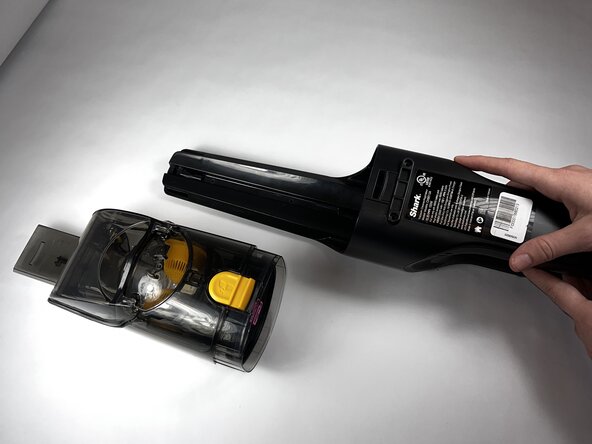
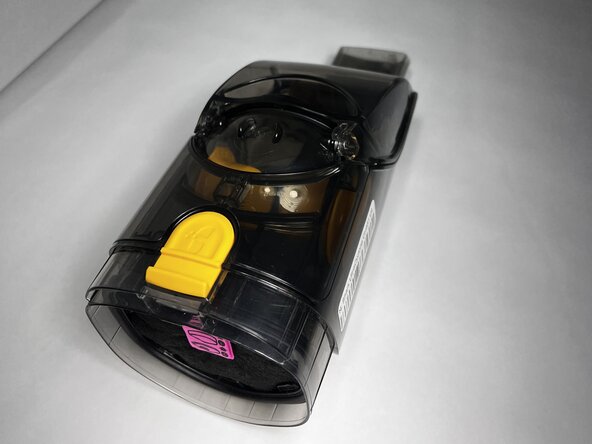
Press the dust cup release button and gently pull the dust cup away from the body of the vacuum.
 Ask FixBot
-
-
-
-
-
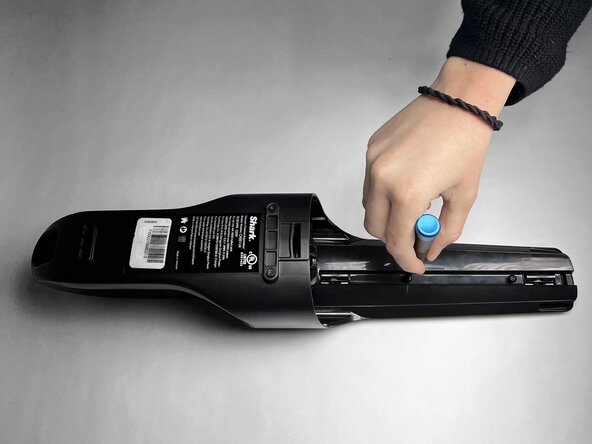
Use a TR9 Torx screwdriver to remove the two 8.7 mm screws previously behind the dust cup.
-
-
-
Remove the two 12.2 mm screws underneath the dust cup button using a TR9 Torx screwdriver.
-
-
-
-
Remove the 13.9 mm screw beneath the charging port using a TR9 Torx screwdriver.
-
-
-
Use the TR9 Torx screwdriver to remove two 11.6 mm screws that hold the exterior motor in place.
-
-
-
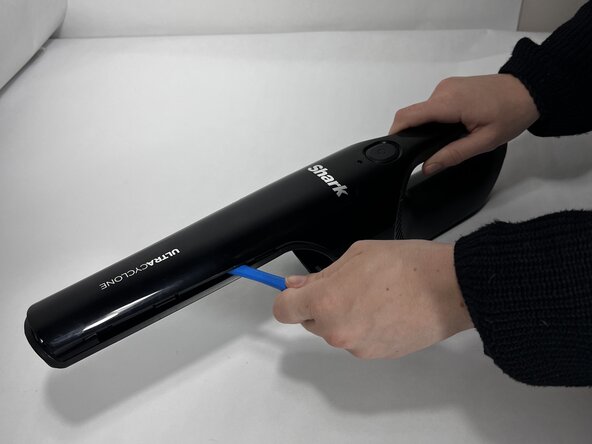
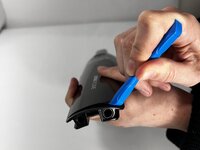
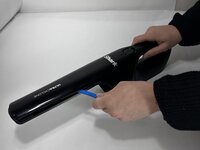
Run an iFixit Opening Tool under the casing along the vacuum body until the shell is removed starting around the attachment port, and sliding down towards the charging port.
-
-
-
-
-
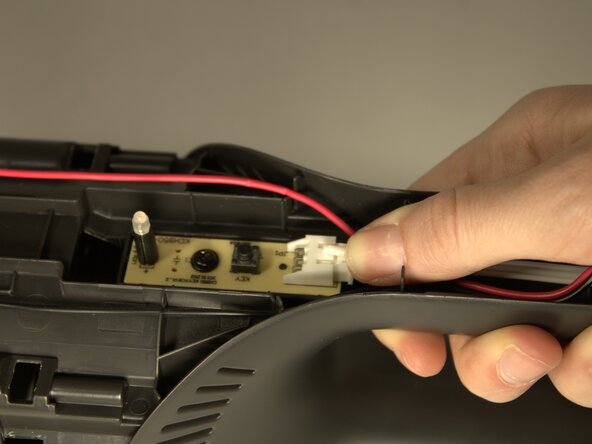
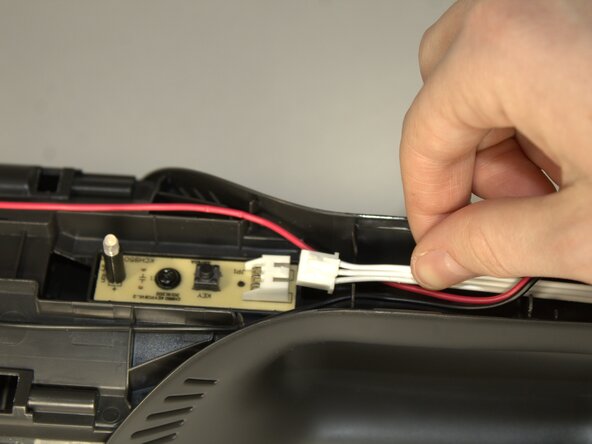
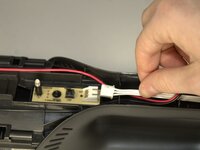
Press down on the connection point of the white wire and disconnect it.
-
-
-
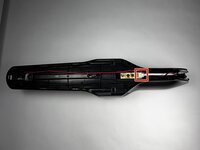
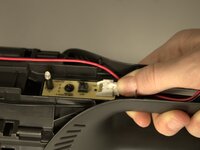
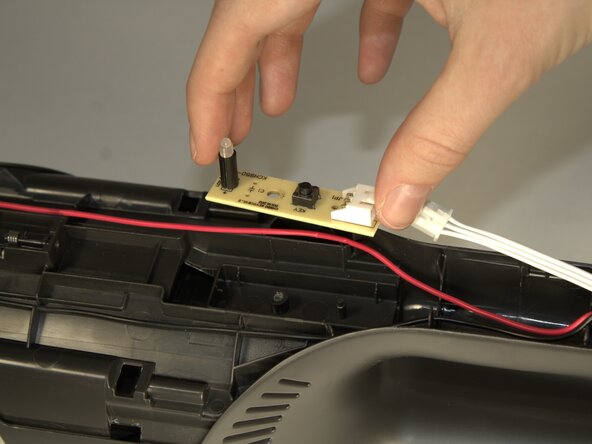
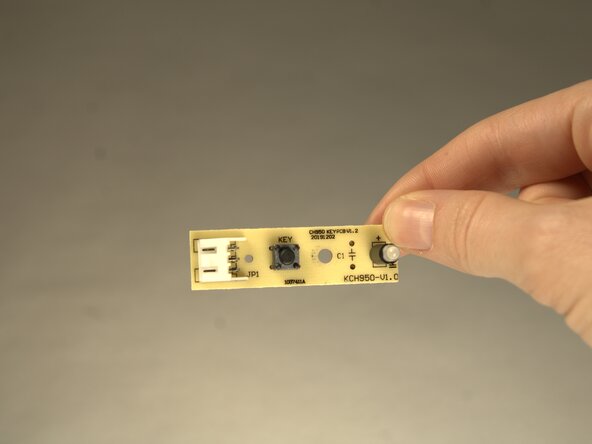
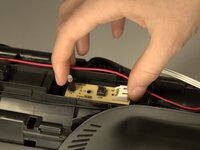
Remove the board by using your fingers and lifting the component from the body of the device.
-
-





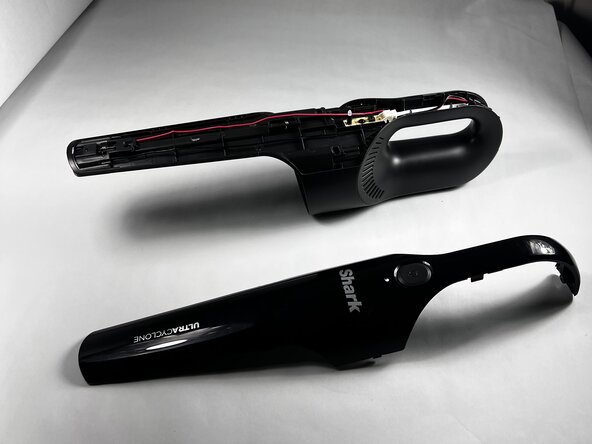



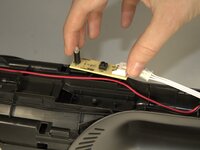
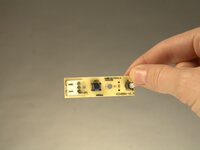
To reassemble your device, follow these instructions in reverse order.
Cancel: I did not complete this guide.
3 other people completed this guide.

Team

Colorado Mesa University, Team 1-3, Kinney Spring 2025 Member of Colorado Mesa University, Team 1-3, Kinney Spring 2025
CMU-KINNEY-S25S1G3
3 Members
72 Guides authored
