Introduction
If your Shark Rocket IX141 is not charging or is overheating, the battery may be faulty. If your LEDs are not functioning, it may also be the result of a bad battery.
A functional battery provides power to your vacuum; after many charging cycles, the battery will eventually lose some power. This is natural for chargeable batteries.
If your battery (not the device itself) is overheating take immediate action to prevent injury or fire. If your battery is swollen, take appropriate precautions.
The Shark Rocket IX141 battery is lithium-ion. To properly dispose of a lithium-ion battery, cover the terminals with plastic or insulating tape. Do NOT dispose of the battery in a household trash bin. Lithium-ion batteries should be taken to separate recycling or household hazardous waste collection points.
Use this guide to remove and replace your battery safely.
What you need
-
-
-
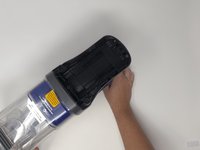
Remove the handle base from stick portion of the vacuum for easiest handling. Press the indigo button and slide the handle base away from the stick.
 Ask FixBot
-
-
-
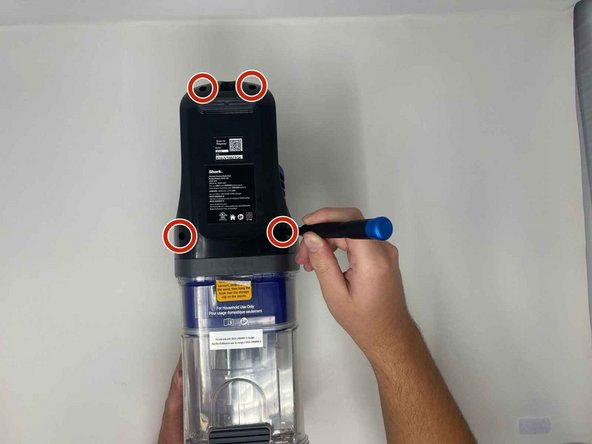
Use a Phillips #1 screwdriver to remove the four 14.5 mm screws in the top and bottom two corners
-
-
-
-
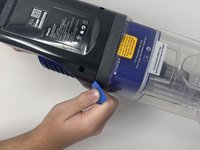
The plastic piece from here can be popped off. It may take some effort, so use an opening pick to pry the piece from the base.
-
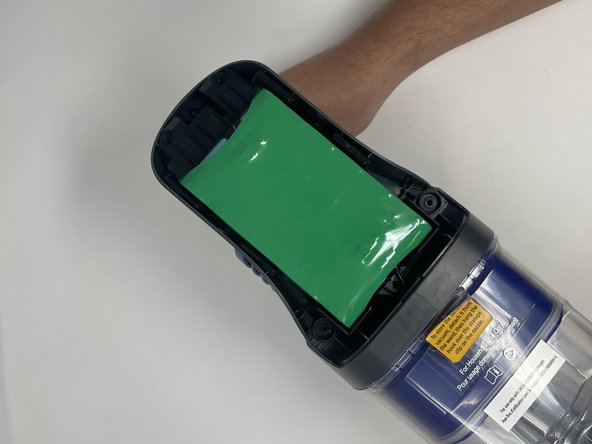
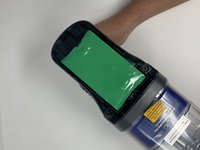
The battery will now be exposed.
-
-



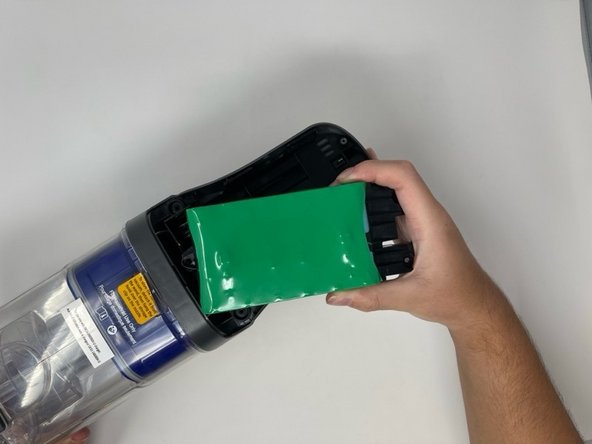
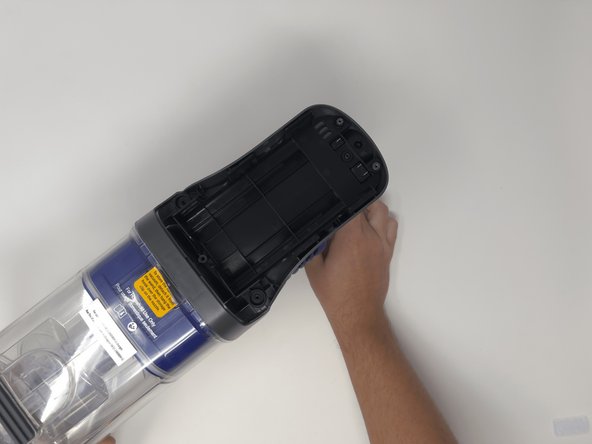
To reassemble your device, follow these instructions in reverse order.
Cancel: I did not complete this guide.
4 other people completed this guide.

Team

Utah Tech University, Team 1-5, Crenshaw Fall 2024 Member of Utah Tech University, Team 1-5, Crenshaw Fall 2024
UTAHTECH-CRENSHAW-F24S1G5
3 Members
60 Guides authored
1 Guide Comment
getting the battery cover off required so much pressure I was afraid it would break, but it didn't (it did go fly across the room when it finally came off, lol)
