Introduction
This is a step by step guide that will teach you how to replace the motor in the Shark Rocket HV381. Make sure that you dissemble the roller, brush, wheels, and LED since any of these can cause trouble during the removal of the motor.
What you need
-
-
On the right-bottom of the body, pull down the black switch. You will hear an audible click when you detach the body from the vacuum head.
 Ask FixBot
-
-
-
Laying the vacuum head on the its right side, push the orange "Eject Roller" switch down. The Roller can now be removed with ease.
-
-
-
On the top of the vacuum head is two grey "Brush Roller Access" buttons. Simultaneously press both buttons to eject the Roller Cover. Remove the Roller Cover by pulling it towards you and up.
-
-
-
The "Pull Tab" tab is located at the right. Pull the Tab up and to the right for removal.
-
-
-
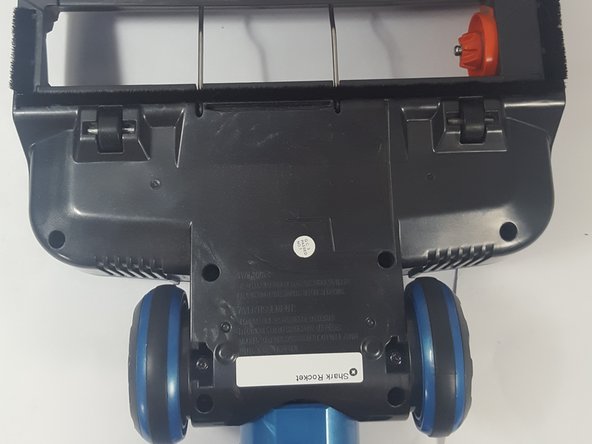
On the back of the vacuum head, locate and unscrew the four T15 screws. Once done the wheels can be removed.
-
-
-
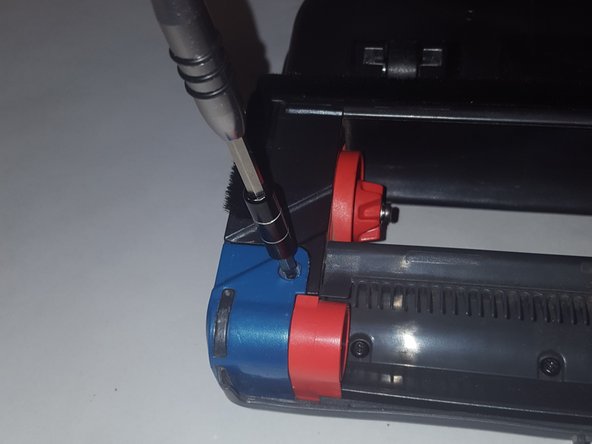
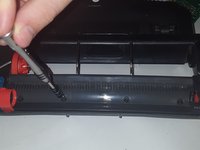
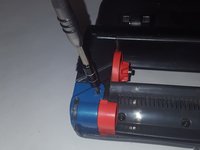
On the back of the vacuum head, located near the bottom, should be a row of screws. Using the T15 Screwdriver, remove all the screws on the bottom and the sides.
-
-
-
-
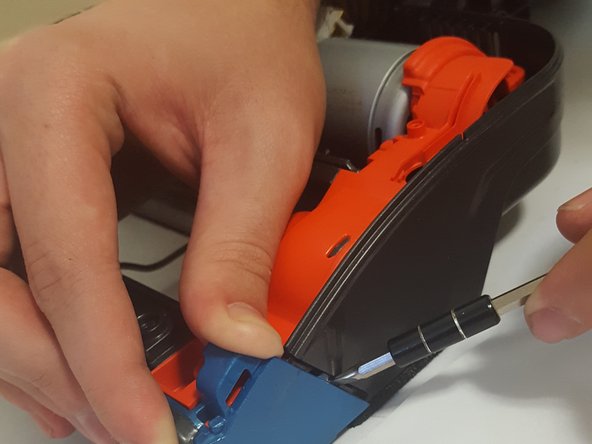
On the top side of the vacuum head, where the LED is located, use the Small Flathead screwdriver to pry open the cover. There should be no resistance.
-
-
-
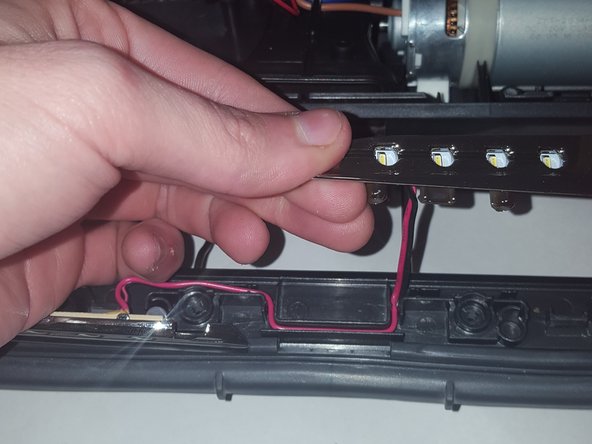
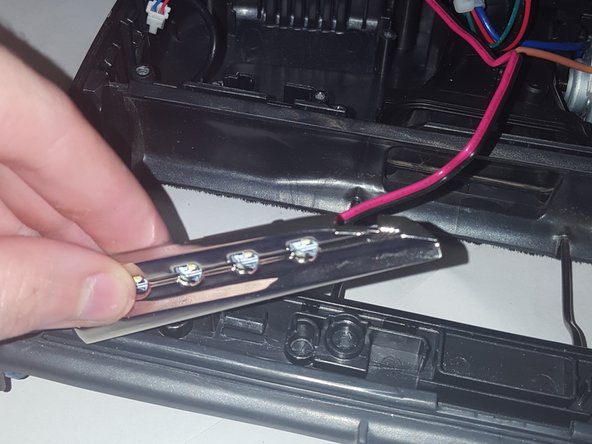
Picking the LED from the side, pull upwards to unwind the wires from their tracks.
-
-
-
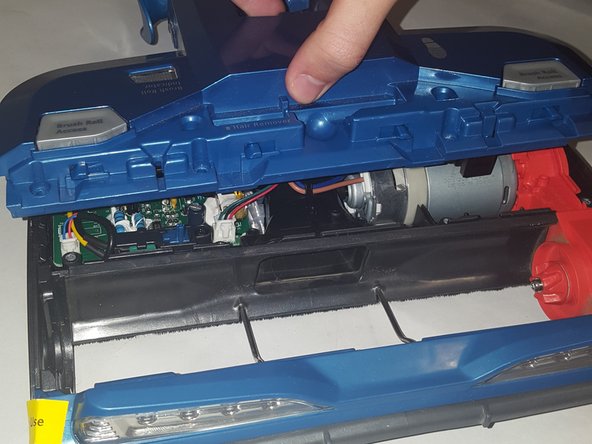
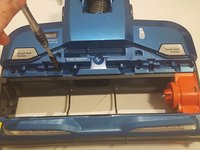
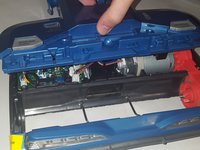
On the top of the vacuum head, to the tight of the 'Brush Roller Access' buttons, locate the two screws parallel to each other. Using the T15 to unscrew these two, lift up the panel by the flap as shown.
-
-
-
Using the T10 screwdriver, unscrew the screw as shown. This should free the panel from the wires. Place the panel to the side.
-
-
-
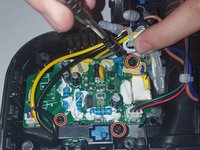
Using the T10 screwdriver, unscrew the three screws as shown in the picture. It is important that you take your time to unscrew all three at the same pace. We found that increments of half a turn worked best.
-
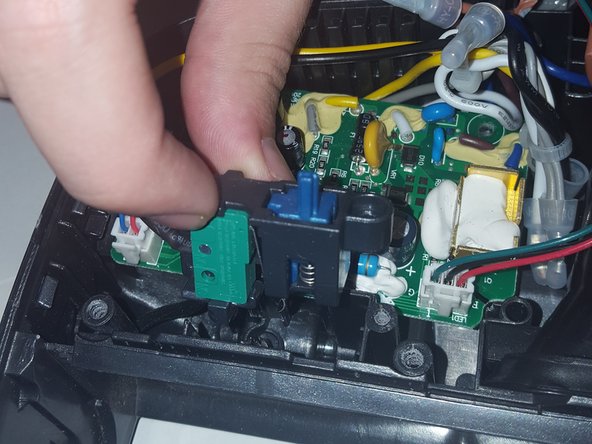
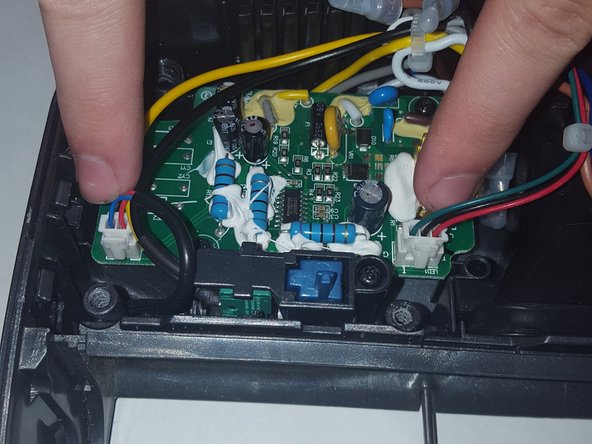
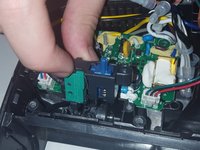
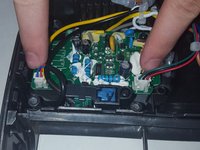
The decision to unclip the wires from the motherboard or remove the blue device doesn't matter on order. Complete both steps before proceeding.
-
-
-
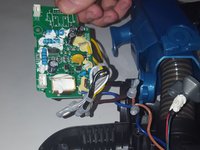
Set the freed motherboard off to the side, but take note of the wires connected to the motherboard. On the bottom of the vacuum head, while you should have removed these four screws while dissembling the wheels double check then remove the panel. Doing this will expose the engine. Using your fingers and the flat head, push the blue piece forward.
-
-
-
Slowly pull the thin wire from the front of the vacuum cleaner out of the way. It will still be connected to the vacuum cleaner but now out of your way.
-
-
-
Pinch the hose, move it upwards, and out of your way as shown. The wires will not offer any problems, however, despite how the picture.
-
-
-
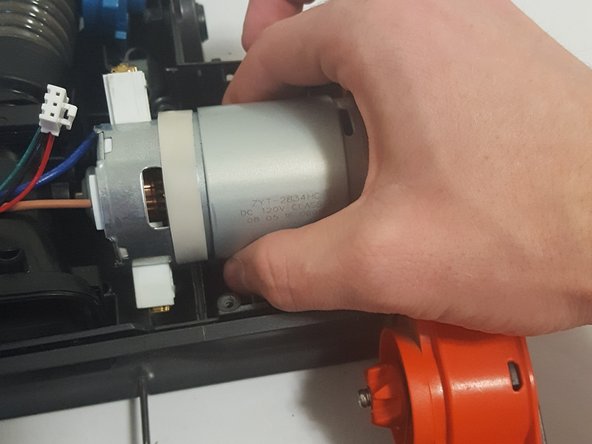
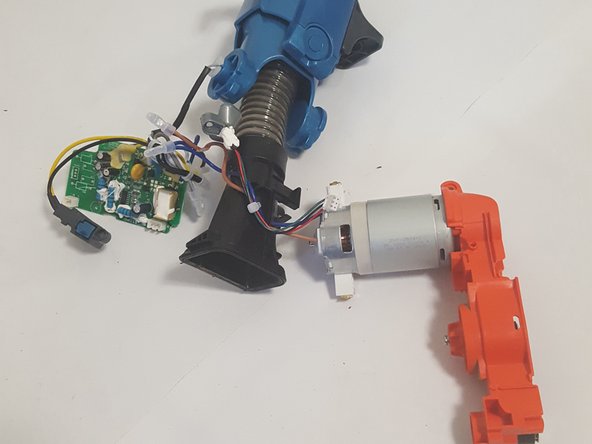
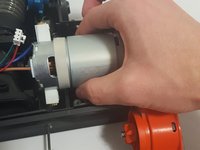
Firmly grasping the engine, pull it upwards until you hear either a soft click or loud crack. We experience both yet the vacuum was able to function just fine afterward. Keep moving it upwards until you can take the engine, motherboard, and hose out.
-
-
-
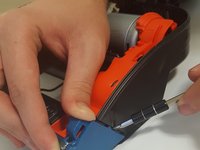
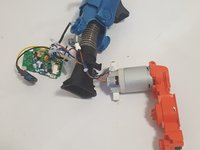
You now have access to the engine! This step is entirely optional, but the orange rotary piece can be removed using the T10 Screwdriver on the screws shown here.
-











To reassemble your device, follow these instructions in reverse order.
Cancel: I did not complete this guide.
One other person completed this guide.

Team

Arkansas State University, Team S1-G5, Chamberlain Fall 2017 Member of Arkansas State University, Team S1-G5, Chamberlain Fall 2017
ARSU-CHAMBERLAIN-F17S1G5
3 Members
10 Guides authored
2 Guide Comments
where can I buy the engine with the rotary pieces
Worst vacuum i have ever purchased. Do a video on how to throw it in trash.
