Free Shipping on Domestic Orders $75+

Shark Matrix RV2310 Brushroll Replacement

What you need

  1. Shark Matrix RV2310 Brushroll Replacement, Battery: step 1, image 1 of 3 Shark Matrix RV2310 Brushroll Replacement, Battery: step 1, image 2 of 3 Shark Matrix RV2310 Brushroll Replacement, Battery: step 1, image 3 of 3
    • Remove the two 11 mm Phillips screws holding the battery plate in place.

    • Remove the battery plate.

  2. Shark Matrix RV2310 Brushroll Replacement: step 2, image 1 of 3 Shark Matrix RV2310 Brushroll Replacement: step 2, image 2 of 3 Shark Matrix RV2310 Brushroll Replacement: step 2, image 3 of 3
    • Remove the battery from the compartment.

    • Disconnect the electrical cable connection from the battery to the robot.

  3. Shark Matrix RV2310 Brushroll Replacement, Brushroll: step 3, image 1 of 2 Shark Matrix RV2310 Brushroll Replacement, Brushroll: step 3, image 2 of 2
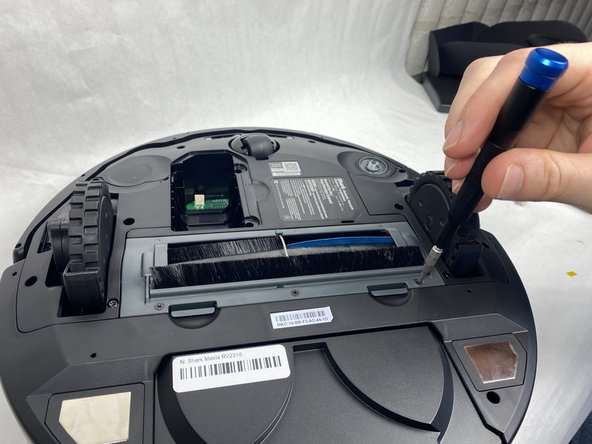
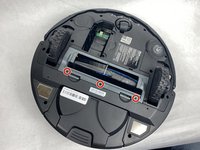
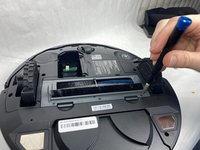
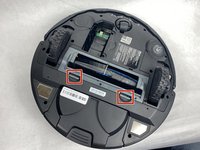
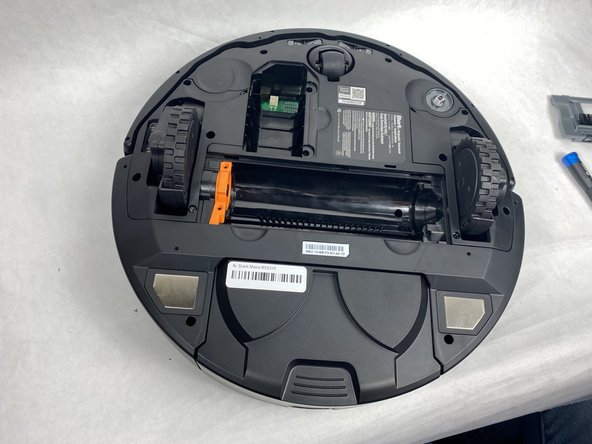
    • Remove the three 8 mm Phillips screws from the plastic plate holding the brushroll in.

    • Make sure the device's battery has been fully removed from the device before proceeding. Failure to do so could potentially result in minor/moderate injuries.

  4. Shark Matrix RV2310 Brushroll Replacement: step 4, image 1 of 3 Shark Matrix RV2310 Brushroll Replacement: step 4, image 2 of 3 Shark Matrix RV2310 Brushroll Replacement: step 4, image 3 of 3
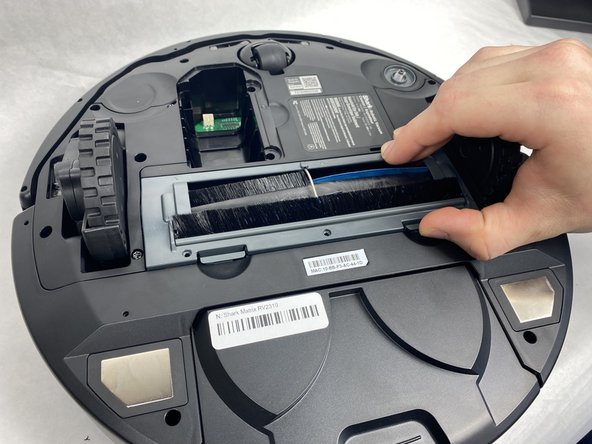
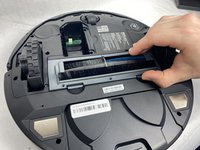
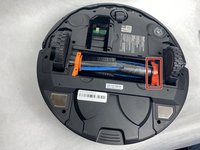
    • Press in the two tabs on the side of the plate and pull upward to remove it.

  5. Shark Matrix RV2310 Brushroll Replacement: step 5, image 1 of 3 Shark Matrix RV2310 Brushroll Replacement: step 5, image 2 of 3 Shark Matrix RV2310 Brushroll Replacement: step 5, image 3 of 3
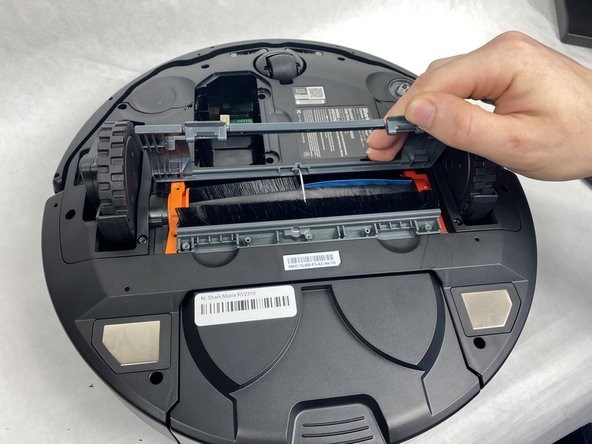
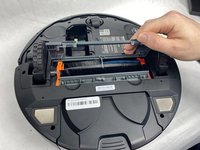
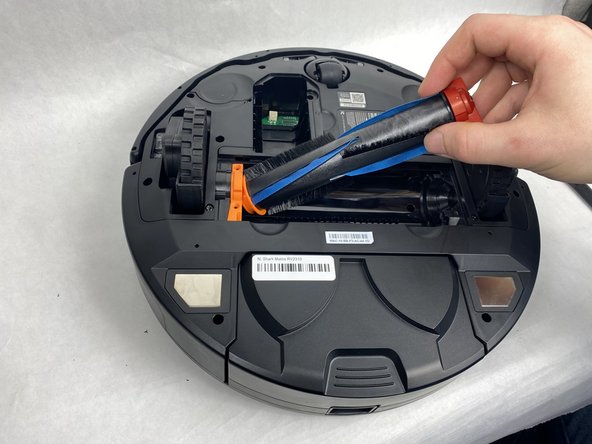
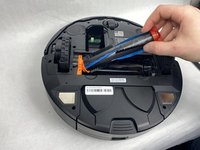
    • Pull up on the darker orange side of the brushroll to remove it.

Conclusion

To reassemble your device, follow these instructions in reverse order.

Joshua Correia

Member since: 03/22/24

655 Reputation

5 Guides authored

Team

0 Guide Comments

Add Comment

View Statistics:

Past 24 Hours: 1

Past 7 Days: 12

Past 30 Days: 41

All Time: 502