Introduction
Is your Shark ION Robot S87 battery draining quickly or not charging? This is because batteries have a life span which decreases with every charge. If that is the case, you may need to replace the battery.
What you need
-
-
-
Flip the device so its underside is facing up.
-
Use the Phillips #1 screwdriver to remove the two 14mm screws.
-
Once you have removed the screws, open the battery lid.
 Ask FixBot
-
-
-
-
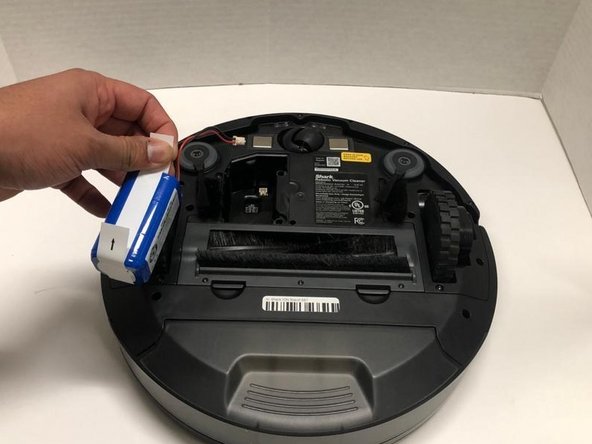
Hold both sides of the battery using the plastic tabs.
-
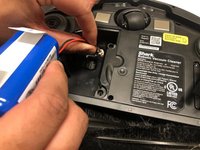
Use the plastic tabs to pull the battery out.
-
-


To reassemble your device, follow these instructions in reverse order.
Cancel: I did not complete this guide.
One other person completed this guide.

Team

York University, Team S1-G7, Woodhouse Winter 2020 Member of York University, Team S1-G7, Woodhouse Winter 2020
YORK-WOODHOUSE-W20S1G7
3 Members
72 Guides authored
