Introduction
The main brush of the Shark ION Robot R75 collects debris both from the path of the vacuum and from the side brushes. The main brush can become worn, dirty, or wrapped up with debris (especially hair) over time. When the debris buildup becomes too significant, the brush can have difficulty spinning, which will impede performance. Periodic inspection and cleaning of the side brush is necessary to keep the R75 in its optimal performance, so use this guide to both access the main brush for cleaning, or to replace it once the brush becomes too worn.
-
-
-
Push on the two tabs on the edge of the main brush cover and pull up to remove the cover.
 Ask FixBot
-
-
-


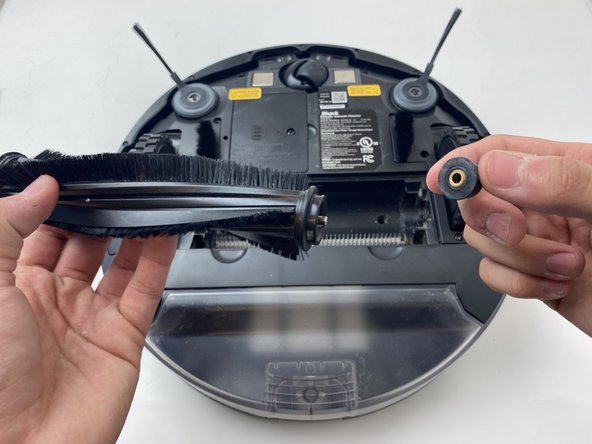
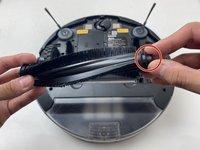
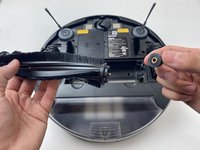
To reassemble your device, follow these instructions in reverse order.

Team

Embry-Riddle Aeronautical University, Team S3-G6, Watkins Spring 2020 Member of Embry-Riddle Aeronautical University, Team S3-G6, Watkins Spring 2020
ERAU-WATKINS-S20S3G6
4 Members
96 Guides authored
1 Guide Comment
My shark ion stopped working after about 6 months and it started giving an error on the brush. I cleaned my vacuum pretty regularly, at least once a week. I ordered a replacement brush and it still hasn't fixed it. Do you have any other suggestions?
