Free Shipping on Domestic Orders $75+

Shark AI Ultra AV2511AE Drive Wheel Motor Replacement

What you need

    1. Shark AI Ultra AV2511AE Drive Wheel Motor Replacement, Drive Wheel Motor: step 1, image 1 of 2 Shark AI Ultra AV2511AE Drive Wheel Motor Replacement, Drive Wheel Motor: step 1, image 2 of 2
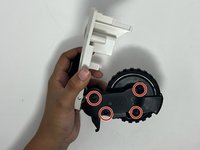
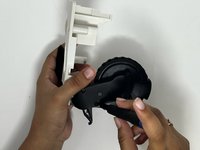
      • Put the device with the wheel side up.

      • Remove the five 11 mm screws surrounding the drive wheel using a Torx TR15 screwdriver.

      • Gently pull the wheel assembly out.

      • Make sure to pull lightly on the wheel assembly to ensure wires do not rip apart.

      Ask FixBot

      Add Comment

    2. Shark AI Ultra AV2511AE Drive Wheel Motor Replacement: step 2, image 1 of 2 Shark AI Ultra AV2511AE Drive Wheel Motor Replacement: step 2, image 2 of 2
      • Separate the wire connector from the wheel assembly using an opening tool.

      Ask FixBot

      Add Comment

    3. Shark AI Ultra AV2511AE Drive Wheel Motor Replacement: step 3, image 1 of 2 Shark AI Ultra AV2511AE Drive Wheel Motor Replacement: step 3, image 2 of 2
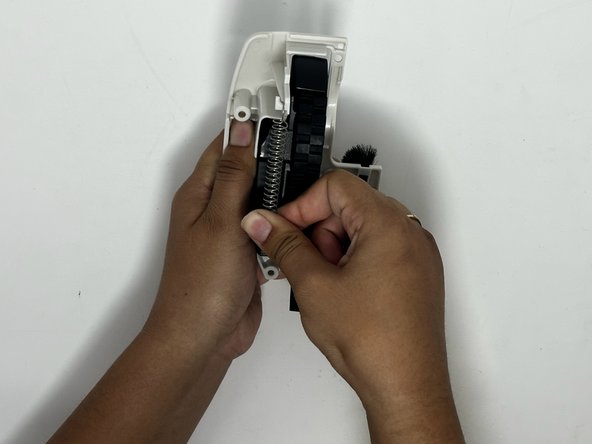
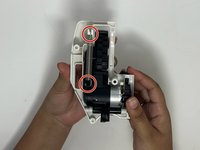
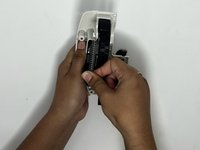
      • Remove the spring from the wheel assembly.

      Ask FixBot

      Add Comment

    4. Shark AI Ultra AV2511AE Drive Wheel Motor Replacement: step 4, image 1 of 2 Shark AI Ultra AV2511AE Drive Wheel Motor Replacement: step 4, image 2 of 2
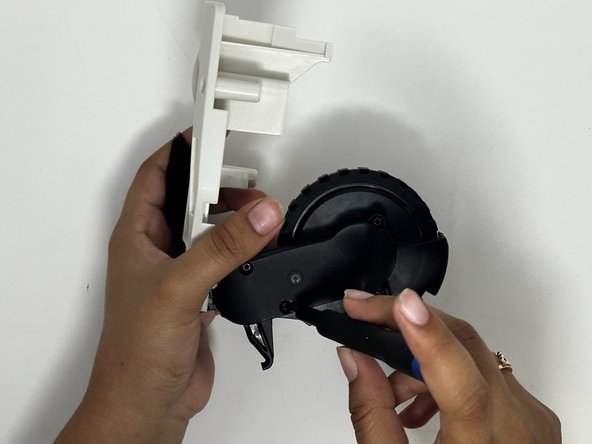
      • Remove the four 7 mm screws around the gearbox using a Torx TR8 screwdriver.

      • Remove the gearbox cover.

      • Be careful about handling the wheel assembly with the gearbox exposed. Debris can enter in and the gears may fall out.

      Ask FixBot

      Add Comment

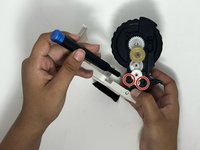
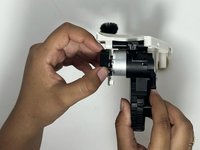
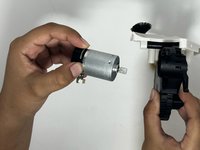
    5. Shark AI Ultra AV2511AE Drive Wheel Motor Replacement: step 5, image 1 of 3 Shark AI Ultra AV2511AE Drive Wheel Motor Replacement: step 5, image 2 of 3 Shark AI Ultra AV2511AE Drive Wheel Motor Replacement: step 5, image 3 of 3
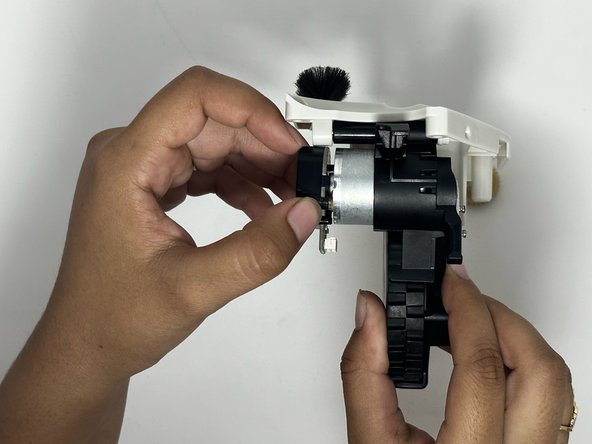
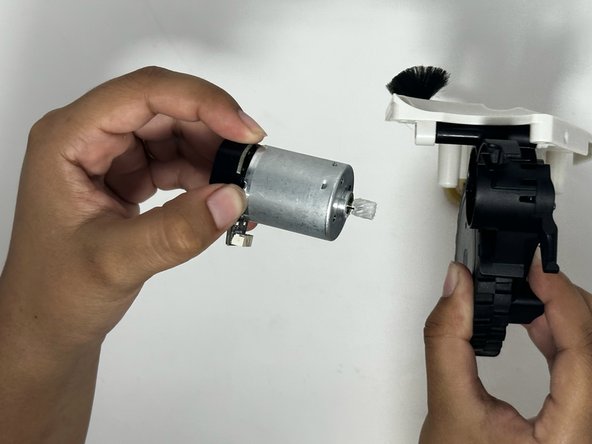
      • If holding the motor vertical, it may fall out once the screws are removed.

      • Using the Phillips #0 screwdriver, remove the two 4mm screws holding the motor to the gearbox.

      • Remove the motor.

      Ask FixBot

      Add Comment

Conclusion

To reassemble your device, follow these instructions in reverse order.

Cancel: I did not complete this guide.

Brycen Wirick

Member since: 09/20/23

278 Reputation

1 Guide authored

Team

0 Guide Comments

Add Comment

View Statistics:

Past 24 Hours: 6

Past 7 Days: 22

Past 30 Days: 55

All Time: 1,470