
Set-Top Box Numb Button Replacement

Yvo Kipping and 3 other contributors
Last updated on Jan 9, 2017
Views: 908
View statistics:
- Past 24 Hours:
- 2
- Past 7 Days:
- 15
- Past 30 Days:
- 97
- All Time:
- 908
Comments: 0
No one has left comments on this guide. Will you be first?
Go to guide commentsCompleted: 0 1
No one has marked this guide "completed." Will you be the first?
1 person has marked this guide "completed." It's you — great job!
Favorites: 0 1
No one has favorited (and subscribed to) this guide. Will you be the first?
1 person has favorited (and subscribed to) this guide — and that's you!
Missing Details
Some of this guide's details are missing. Help users by adding tools, difficulty, or time.
Introduction
Go to step 1 ↓The box has a dysfunctioning pushbutton. This repairment guide shows a step by step guideline how to replace the button. By following the steps the user will apply the right proceedings and receive tips how to make the steps easier. By clicking the link shown below, the guide will be presented.
What you need
Parts
Tools


-
-
-
Remove the 5 screws holding the outer casing in place: 3 can be found on the back and 1 on either side of the box.
-
Slide the casing backwards.
 Ask FixBot
-
-
-
Disconnect the front of the by lifting the 2 connectors . You can also apply extra pressure on the front from below.
-
Tilt the front forward and remove it.
-
Remove the connector by pressing the upper part of it and carefully pulling it.
-
-
-
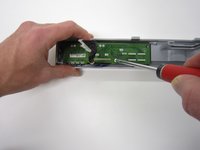
Undo the 4 screws of the front panel.
-
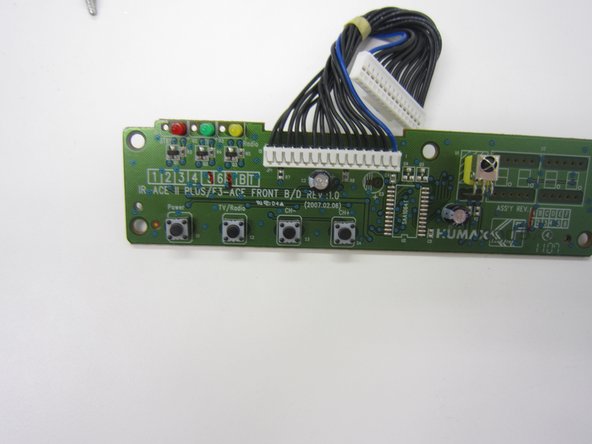
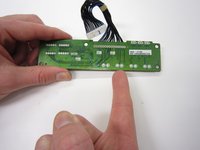
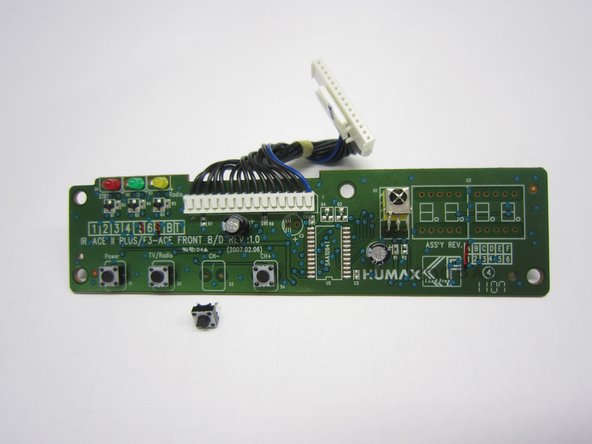
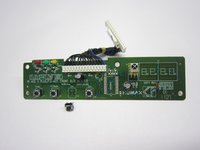
Locate your broken button. For instance, the third button from the left (front view), is the CH- button.
-
-
-
-
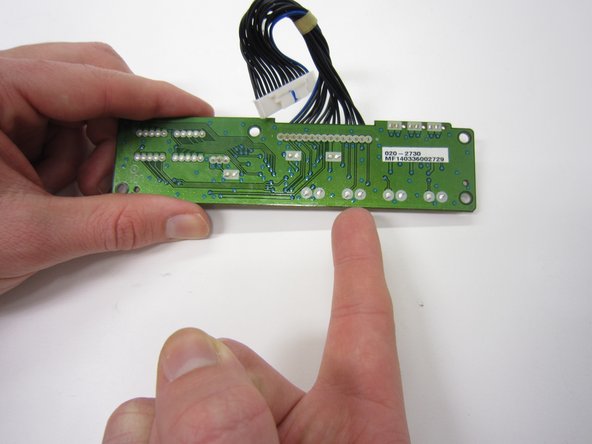
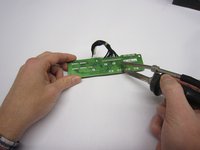
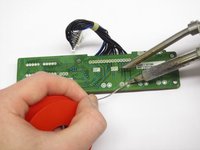
Unsolder the push button. You can push it out or maybe use some plyers.
-
Remove the old button and insert the new one.
-
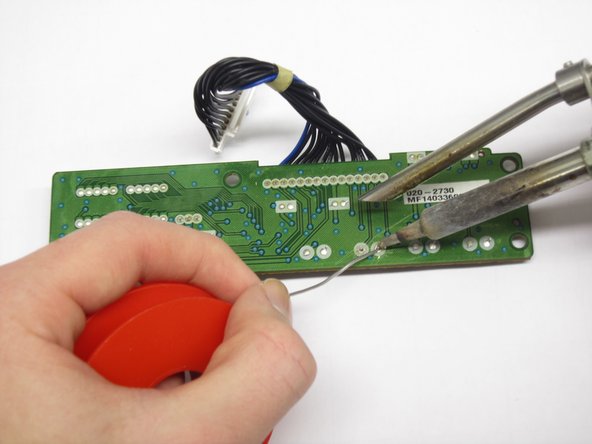
Solder the new push button on.
-
Check this link for help How To Solder and Desolder Connections
-
-



To reassemble your device, follow these instructions in reverse order.

Team

Delft University of Technology, Team 1-5, Flipsen Fall 2016 Member of Delft University of Technology, Team 1-5, Flipsen Fall 2016
TUD-FLIPSEN-F16S1G5
3 Members
12 Guides authored
