Introduction
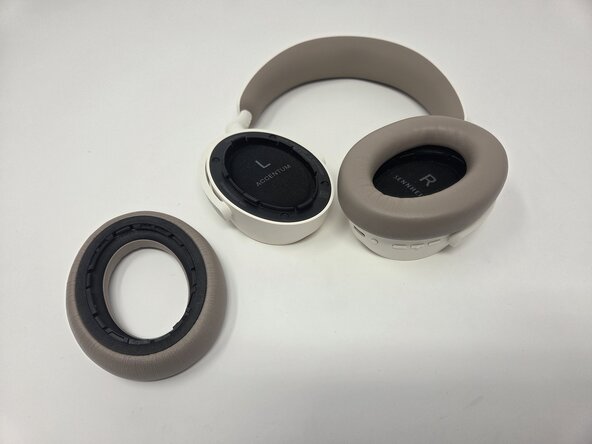
If you're experiencing inconsistencies or concerns related to your Sennheiser Accentum Wireless headphones' internal components, this guide demonstrates how to access the internal hardware. Do not use metal tools inside the device. Wear the anti-static wristband when applicable.
What you need
-
-
-
Remove the four black foam screw covers.
-
-
-
Use a Phillips #0 screwdriver to unscrew the screws on each earpiece. Each earpiece holds four, 6 mm screws.
-



 Ask FixBot


To reassemble your device, follow these instructions in reverse order.
Cancel: I did not complete this guide.
One other person completed this guide.

Team

Utah Tech University, Team 1-3, McMurrin Spring 2026 Member of Utah Tech University, Team 1-3, McMurrin Spring 2026
UTAHTECH-MCMURRIN-S26S1G3
3 Members
14 Guides authored
