Free Shipping on Domestic Orders $75+

Scuf Reflex Thumbsticks Replacement

What you need

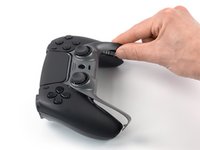
  1. Scuf Reflex Thumbsticks Replacement, Pry up the right faceplate trim edge: step 1, image 1 of 3 Scuf Reflex Thumbsticks Replacement, Pry up the right faceplate trim edge: step 1, image 2 of 3 Scuf Reflex Thumbsticks Replacement, Pry up the right faceplate trim edge: step 1, image 3 of 3
    • The faceplate trim is secured by plastic clips.

    • At the bottom tip of the right grip, insert the flat end of a spudger or a clean fingernail between the faceplate trim and the back cover.

    • Pry up to release the faceplate trim’s bottom right clip.

    Ask FixBot

    Add Comment

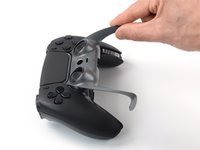
  2. Scuf Reflex Thumbsticks Replacement, Pry up the left faceplate trim edge: step 2, image 1 of 3 Scuf Reflex Thumbsticks Replacement, Pry up the left faceplate trim edge: step 2, image 2 of 3 Scuf Reflex Thumbsticks Replacement, Pry up the left faceplate trim edge: step 2, image 3 of 3
    • At the bottom tip of the left grip, insert the flat end of a spudger or a clean fingernail between the faceplate trim and the back cover.

    • Pry up to release the faceplate trim’s bottom left clip.

    Ask FixBot

    Add Comment

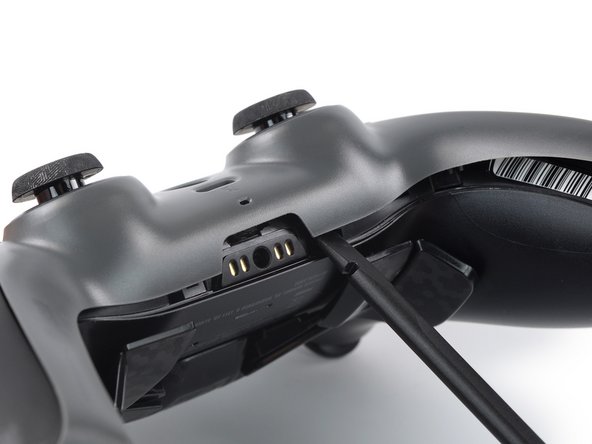
  3. Scuf Reflex Thumbsticks Replacement, Pry up the center of the faceplate trim: step 3, image 1 of 2 Scuf Reflex Thumbsticks Replacement, Pry up the center of the faceplate trim: step 3, image 2 of 2
    • Insert the flat end of a spudger between the faceplate trim and the back cover, next to the headphone jack.

    • Pry up to release the plastic clips securing the center of the faceplate trim.

    Ask FixBot

    Add Comment

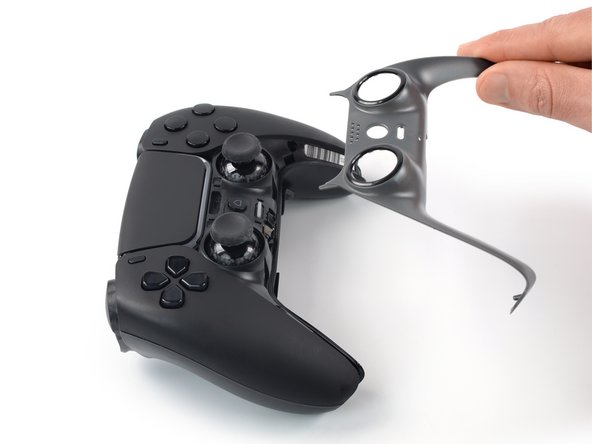
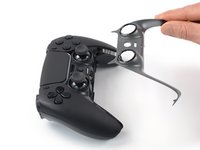
  4. Scuf Reflex Thumbsticks Replacement, Remove the faceplate trim: step 4, image 1 of 3 Scuf Reflex Thumbsticks Replacement, Remove the faceplate trim: step 4, image 2 of 3 Scuf Reflex Thumbsticks Replacement, Remove the faceplate trim: step 4, image 3 of 3
    • The top corners of the faceplate trim are slotted up underneath the faceplate.

    • Lift the bottom edge of the faceplate trim and thread it up and over the thumbsticks.

    • Pull the top corners of the faceplate trim out from underneath the faceplate and remove the faceplate trim.

    • To reinstall the faceplate trim, slide its top corners under the faceplate and over the thumbsticks, then push down along the edges of the trim to engage the clips securing it.

    Ask FixBot

    Add Comment

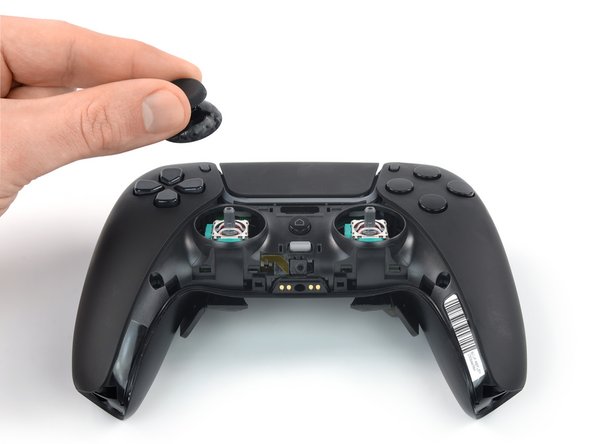
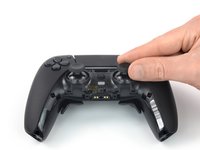
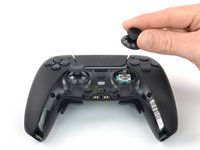
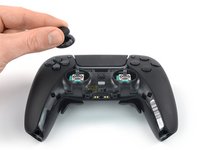
  5. Scuf Reflex Thumbsticks Replacement, Remove the thumbsticks: step 5, image 1 of 3 Scuf Reflex Thumbsticks Replacement, Remove the thumbsticks: step 5, image 2 of 3 Scuf Reflex Thumbsticks Replacement, Remove the thumbsticks: step 5, image 3 of 3
    • Pull the thumbsticks straight up and off of their joysticks to remove them.

    • To reinstall the thumbsticks, place them in their original position and push down until they lock in place.

    Ask FixBot

    Add Comment

Conclusion

To reassemble your device, follow the instructions in reverse order.

Repair didn’t go as planned? Try some basic troubleshooting, or ask our Answers community for help.

Cancel: I did not complete this guide.

10 other people completed this guide.

Dominik Schnabelrauch

Member since: 11/23/16

260,672 Reputation

682 Guides authored

Team

iFixit Member of iFixit

Staff

122 Members

27,554 Guides authored

1 Guide Comment

Actually, the base of the thumbsticks is bigger and you can't pull it up. I really don't know if the new models are different.
I had to release the entire top cover.

Igor Minoru - Reply Share

Add Comment

View Statistics:

Past 24 Hours: 7

Past 7 Days: 92

Past 30 Days: 421

All Time: 9,724