
Satechi Aluminum Keyboard Disassembly

Freeness2359 and one other contributor
Last updated on Dec 12, 2023
Views: 3.2K
View statistics:
- Past 24 Hours:
- 5
- Past 7 Days:
- 31
- Past 30 Days:
- 155
- All Time:
- 3,177
Comments: 6
4 comments on steps, 2 guide comments.
Go to guide commentsCompleted: 1 2
1 person has marked this guide "completed." Will you be next?
2 people have marked this guide "completed." Including you — great job!
Favorites: 0 1
No one has favorited (and subscribed to) this guide. Will you be the first?
1 person has favorited (and subscribed to) this guide — and that's you!
Bullets!
Better coordination with markups and the color/type of bullets will help make this guide more clear!
Community-Contributed Guide
An awesome member of our community made this guide. It was not created by iFixit staff.
Introduction
Go to step 1 ↓Overall the disassembly of the Satechi keyboard was very frustrating because of the heavy use of adhesive in the product. This product was definitely not designed to be easily repairable.
What you need
Tools


-
-
-
The power switch is located above the numpad on the vertical side of the keyboard
 Ask FixBot
-
-
-
Remove the rubber feet (they are simply glued in place)
-
Use a heat source to soften the adhesive that holds down the bottom plate
-
Check the pictures to see where the adhesive is applied inside the device
-
Use a plastic pick or some other tool to cut through the adhesive
-
Remove the bottom plate
-
-
-
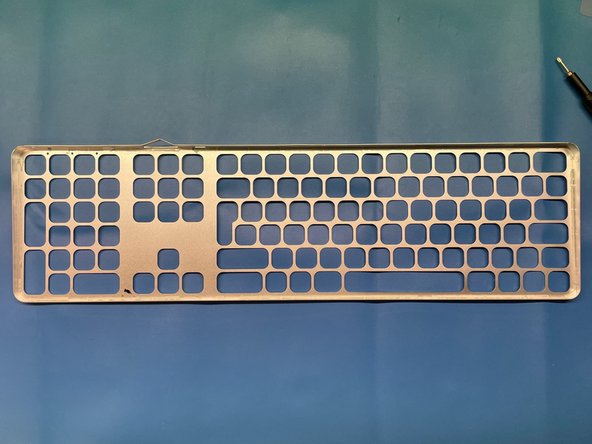
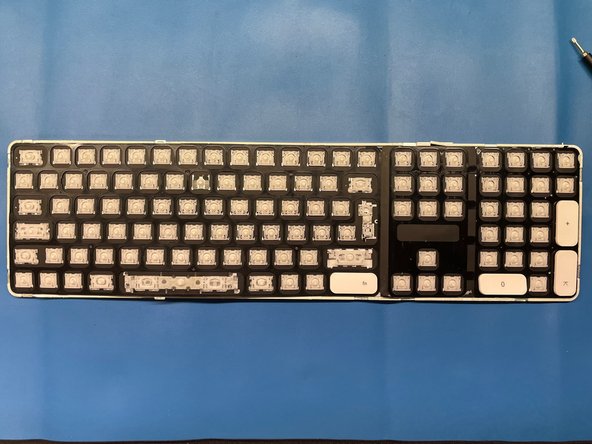
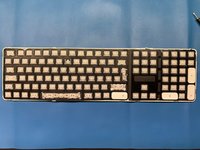
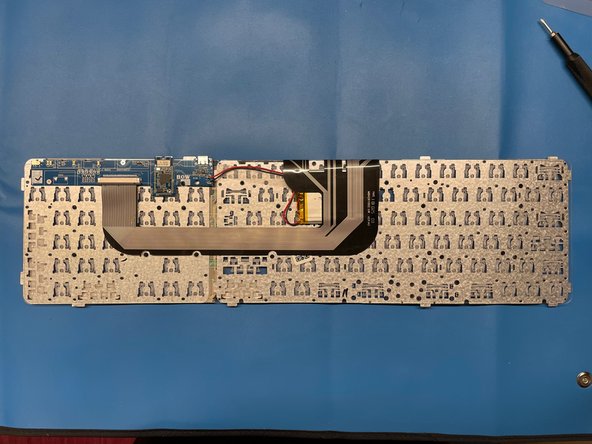
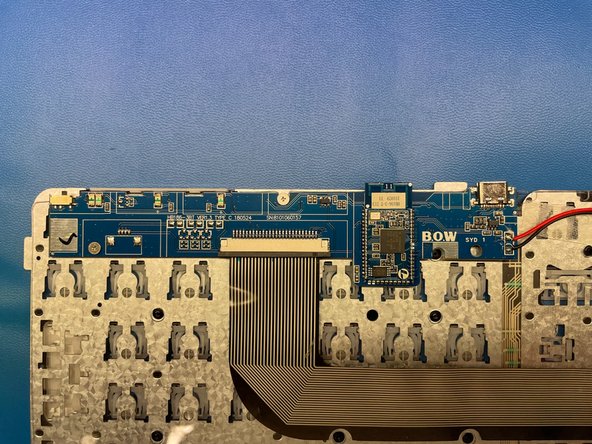
In order to get to the electronics inside we have to first remove the aluminium top cover
-
This is necessary because the plastic with the electronics underneath is clued to the top cover and is not removable without removing the clue
-
To remove the top cover first check out the images to see where to adhesive is applied on the cover
-
Use some heat source to soften the adhesive
-
Use a plastic pick or some other tool to cut through the adhesive (if the adhesive is really soft then simply applying pressure to the keycaps can help remove the cover)
-
Remove the cover
-
-
-
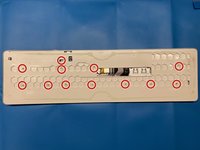
Start by removing the twelve Phillips #00 screws marked in the picture
-
Now you should be able to lift the plastic cover
-
-
-



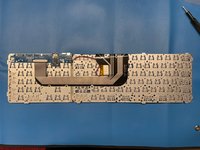
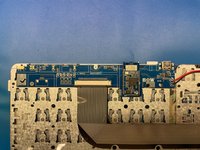

To reassemble your device, follow these instructions in reverse order.
Cancel: I did not complete this guide.
One other person completed this guide.

2 Guide Comments
It should be illegal to make electronics this hard to disassemble.
