Free Shipping on Domestic Orders $75+

Sanyo VPC-X1200 shutter assembly replacement

Views: 4.1K

View statistics:

Past 24 Hours:
1
Past 7 Days:
6
Past 30 Days:
43
All Time:
4,149
Comments: 0

No one has left comments on this guide. Will you be first?

Go to guide comments
Completed: 0

No one has marked this guide "completed." Will you be the first?

Favorites: 0

No one has favorited (and subscribed to) this guide. Will you be the first?

Time Required: 20 minutes
Difficulty: Moderate
Markup Mishap

This guide needs better markups. Help out by correcting or making some markup annotations.

Sanyo VPC-X1200 shutter assembly replacement

Introduction

Go to step 1 ↓

This guide helps you to remove and replace the lens unit

What you need

Tools

  • Phillips #00 Screwdriver
    4.9
  • Spudger
    4.9
    1. Sanyo VPC-X1200 shutter assembly replacement, Back Case: step 1, image 1 of 3 Sanyo VPC-X1200 shutter assembly replacement, Back Case: step 1, image 2 of 3 Sanyo VPC-X1200 shutter assembly replacement, Back Case: step 1, image 3 of 3
      • Remove the five case screws with a Phillips #00 Screwdriver.

      • Five 3.5mm Phillips Screws

      Ask FixBot

      Add Comment

    2. Sanyo VPC-X1200 shutter assembly replacement: step 2, image 1 of 1
      • Gently lift up the back cover and set aside.

      Ask FixBot

      Add Comment

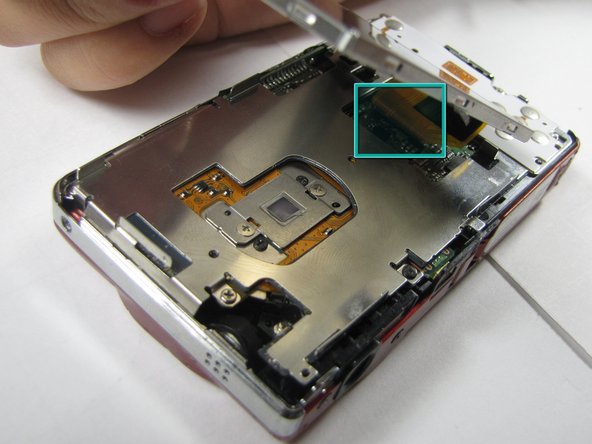
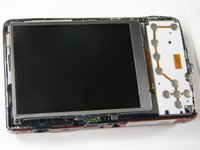
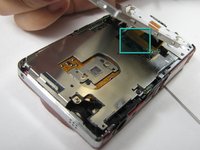
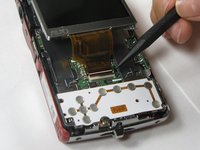
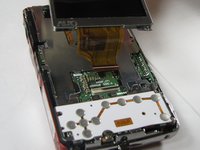
    1. Sanyo VPC-X1200 shutter assembly replacement, LCD Screen: step 3, image 1 of 2 Sanyo VPC-X1200 shutter assembly replacement, LCD Screen: step 3, image 2 of 2
      • Gently lift up on the left side of the LCD and slowly pull it to the left side of the camera but do not remove entirely, there is a ribbon connector.

      • Be careful not to rip out the ribbon connector.

      Ask FixBot

      Add Comment

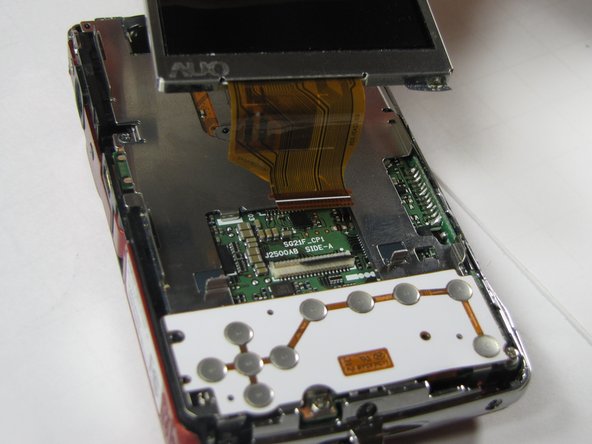
    2. Sanyo VPC-X1200 shutter assembly replacement: step 4, image 1 of 2 Sanyo VPC-X1200 shutter assembly replacement: step 4, image 2 of 2
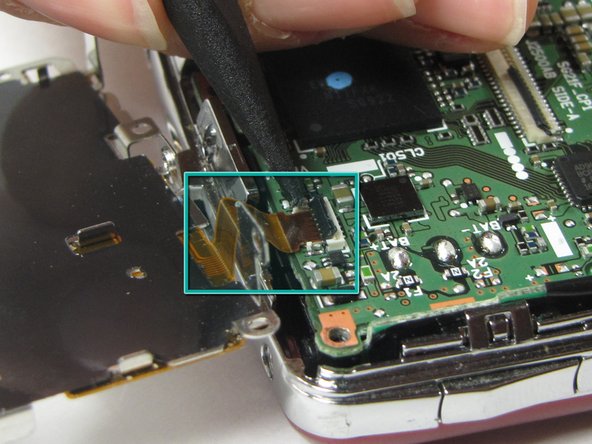
      • To clear the ribbon connection underneath the screen, lift up the black ribbon gate with the spudger.

      • Gently lift ribbon out of the gate and set screen aside.

      Ask FixBot

      Add Comment

    1. Sanyo VPC-X1200 shutter assembly replacement, Button Plate: step 5, image 1 of 2 Sanyo VPC-X1200 shutter assembly replacement, Button Plate: step 5, image 2 of 2
      • There are five screws of three different sizes which need removal.

      • One 4.5mm screw

      • Four 3.5mm screws, one on the button side

      • One 5.5mm screws

      Ask FixBot

      Add Comment

    2. Sanyo VPC-X1200 shutter assembly replacement: step 6, image 1 of 2 Sanyo VPC-X1200 shutter assembly replacement: step 6, image 2 of 2
      • Slowly lift metal tray to the right.

      • Be careful not to bend the screw tabs or rip out the ribbon cable.

      • Remove ribbon cable by using the spudger to lift up the black ribbon gate to release the ribbon

      Ask FixBot

      Add Comment

    1. Sanyo VPC-X1200 shutter assembly replacement, Lens Unit: step 7, image 1 of 1
      • Disconnect the two ribbon cables from the lens unit by using the spudger to lift the ribbon gates.

      • One gate is black and another is white.

      Ask FixBot

      Add Comment

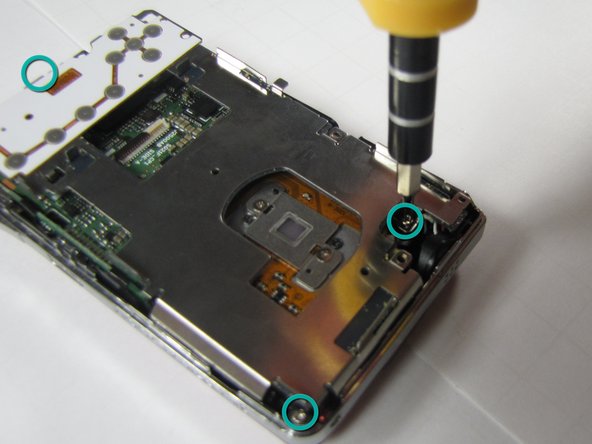
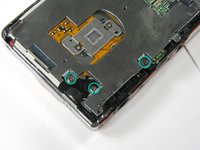
    2. Sanyo VPC-X1200 shutter assembly replacement: step 8, image 1 of 2 Sanyo VPC-X1200 shutter assembly replacement: step 8, image 2 of 2
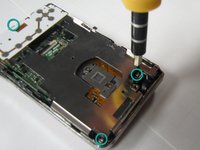
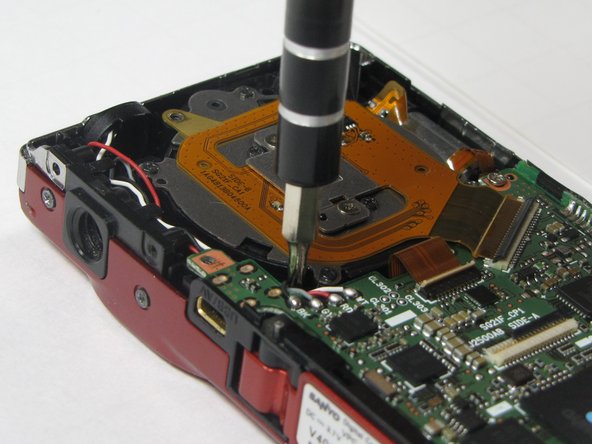
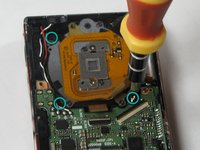
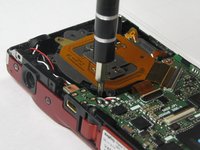
      • Remove the three silver screws.

      • Three 5.5mm screws

      Ask FixBot

      Add Comment

    3. Sanyo VPC-X1200 shutter assembly replacement: step 9, image 1 of 1
      • Lift the lens unit free of the camera. A spudger can be used to separate the lens unit if necessary.

      Ask FixBot

      Add Comment

Conclusion

To reassemble your device, follow these instructions in reverse order.

Cancel: I did not complete this guide.

Anthony Giardina

Member since: 04/19/10

35 Reputation

7 Guides authored

Team

Cal Poly, Team 7-10, Maness Spring 2010 Member of Cal Poly, Team 7-10, Maness Spring 2010

CPSU-MANESS-S10S7G10

4 Members

84 Guides authored

0 Guide Comments

Add Comment

View Statistics:

Past 24 Hours: 1

Past 7 Days: 6

Past 30 Days: 43

All Time: 4,149