
Sanyo VPC-X1200 flash replacement

Anthony Giardina and 4 other contributors
Last updated on Feb 19, 2016
Views: 2.7K
View statistics:
- Past 24 Hours:
- 0
- Past 7 Days:
- 1
- Past 30 Days:
- 50
- All Time:
- 2,725
Comments: 0
No one has left comments on this guide. Will you be first?
Go to guide commentsCompleted: 0 1
No one has marked this guide "completed." Will you be the first?
1 person has marked this guide "completed." It's you — great job!
Favorites: 0 1
No one has favorited (and subscribed to) this guide. Will you be the first?
1 person has favorited (and subscribed to) this guide — and that's you!
Markup Mishap
This guide needs better markups. Help out by correcting or making some markup annotations.
Missing Steps
Oops! This guide is currently missing one or more important steps.
Step Trimmer
This guide has unnecessary steps. Trim them to be more concise!
Introduction
Go to step 1 ↓This guide will help you to remove and replace the flash lens
What you need
Tools
-
Spudger4.9


-
-
-
Remove the five case screws with a Phillips #00 Screwdriver.
-
Five 3.5mm Phillips Screws
 Ask FixBot
-
-
-
-
-
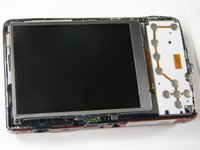
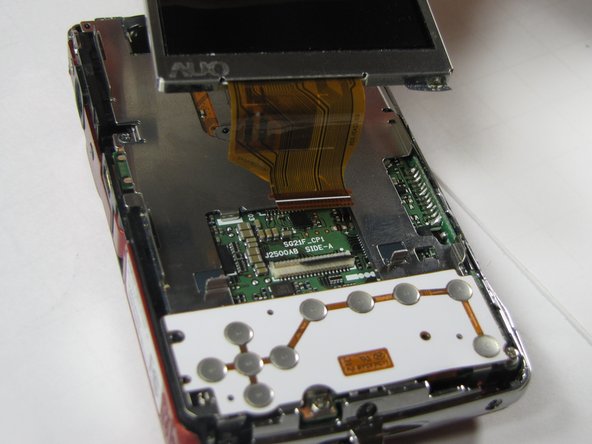
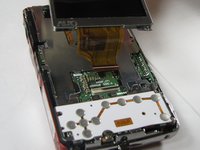
Gently lift up on the left side of the LCD and slowly pull it to the left side of the camera but do not remove entirely, there is a ribbon connector.
-
-
-
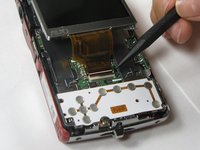
To clear the ribbon connection underneath the screen, lift up the black ribbon gate with the spudger.
-
Gently lift ribbon out of the gate and set screen aside.
-
-
-
-
-
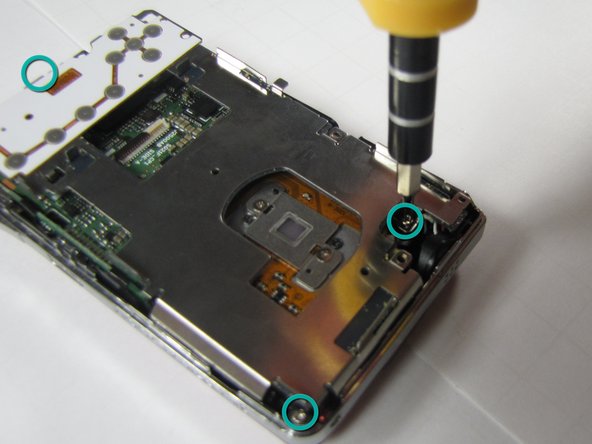
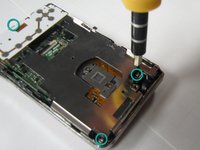
There are five screws of three different sizes which need removal.
-
One 4.5mm screw
-
Four 3.5mm screws, one on the button side
-
One 5.5mm screws
-
-
-
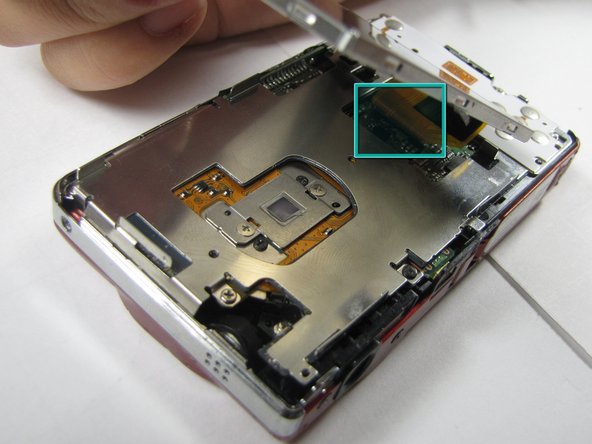
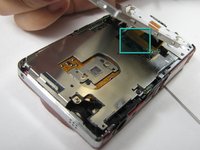
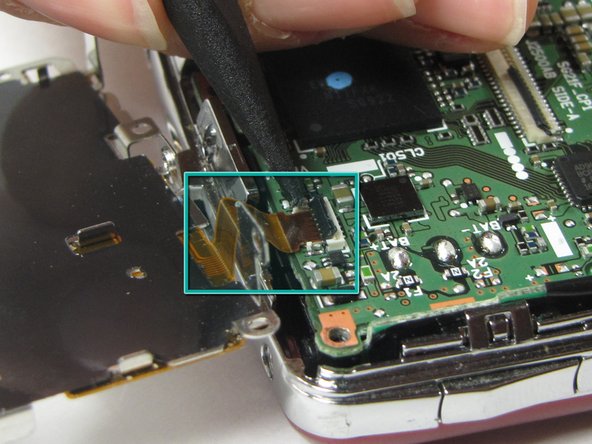
Slowly lift metal tray to the right.
-
Remove ribbon cable by using the spudger to lift up the black ribbon gate to release the ribbon
-
-
-
-
-
Disconnect the two ribbon cables from the lens unit by using the spudger to lift the ribbon gates.
-
-
-
Lift the lens unit free of the camera. A spudger can be used to separate the lens unit if necessary.
-
-
-
-
-
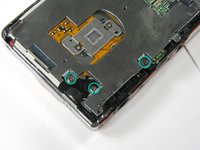
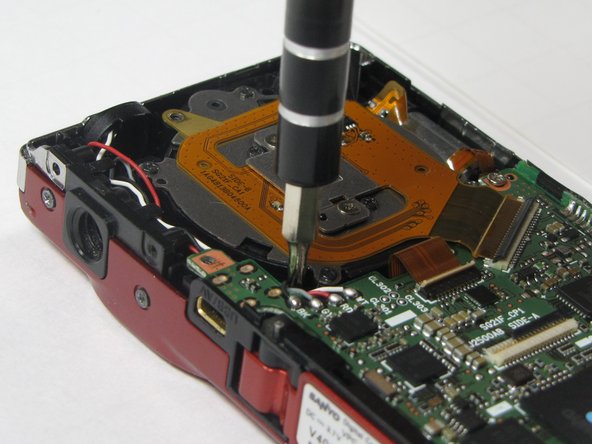
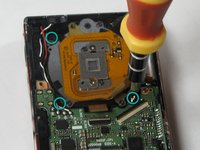
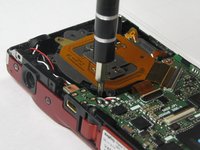
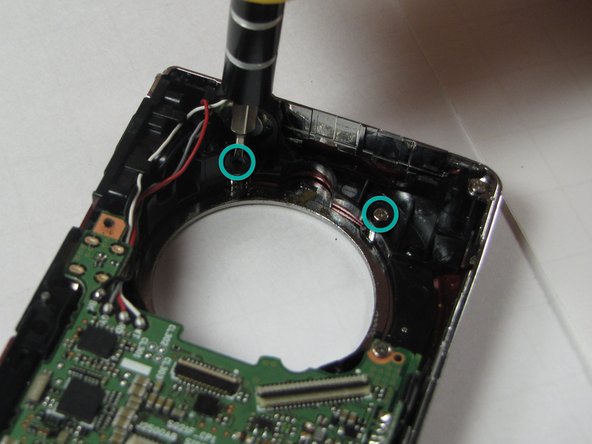
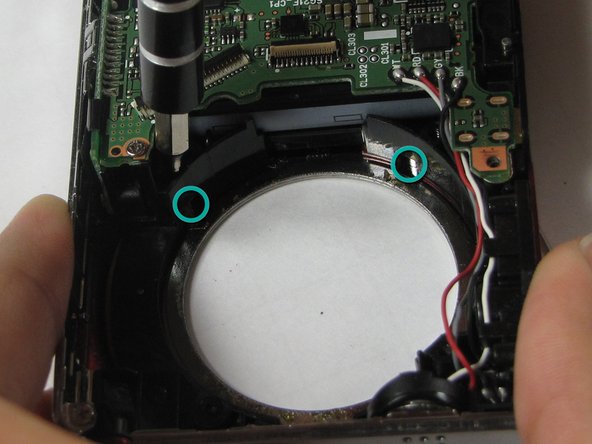
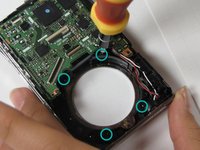
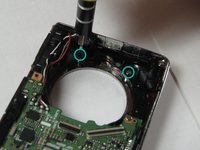
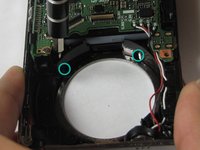
Remove 4 screws attached to the exterior silver bezel.
-
Four 3.5mm screws
-
-
-
-
Remove the flash lens using the spudger or a finger.
-
It will be attached by a piece of tape, peel the lens off of that piece of tape without removing the tape.
-
-











To reassemble your device, follow these instructions in reverse order.

Team

Cal Poly, Team 7-10, Maness Spring 2010 Member of Cal Poly, Team 7-10, Maness Spring 2010
CPSU-MANESS-S10S7G10
4 Members
84 Guides authored
