
Samsung Watch Active Sensor Array Replacement

Last updated on May 12, 2021
Views: 5.1K
View statistics:
- Past 24 Hours:
- 2
- Past 7 Days:
- 21
- Past 30 Days:
- 98
- All Time:
- 5,111
Comments: 5
5 comments on steps.
Completed: 1 2
1 person has marked this guide "completed." Will you be next?
2 people have marked this guide "completed." Including you — great job!
Favorites: 0 1
No one has favorited (and subscribed to) this guide. Will you be the first?
1 person has favorited (and subscribed to) this guide — and that's you!
Introduction
Go to step 1 ↓Use this guide to replace a malfunctioning or defective sensor array on your Samsung Galaxy Watch Active.
What you need
Tools
-
-
Spudger4.9
-


-
-
-
Turn off the Galaxy Watch Active by pushing and holding the bottom button for approximately 3 seconds. You should feel a short vibration.
-
When the "Power off" symbol appears tap the center of the screen to make it shut down. You should feel a longer vibration for confirmation.
 Ask FixBot
-
-
-
Use a Tri-point Y00 screwdriver to remove the four 4 mm-long screws on the back of the watch.
-
-
-
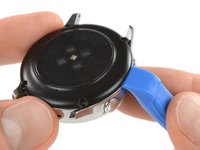
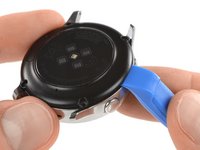
Use an opening tool and place it between the plastic back cover and the metal housing near the buttons.
-
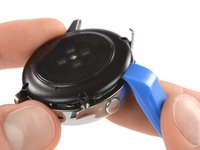
Push the tip of the opening tool into the gap to separate the back cover from the housing.
-
-
-
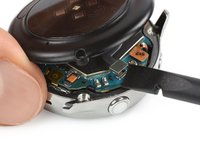
Carefully lift the back cover approximately 2 cm to access the sensor array connector near the two buttons.
-
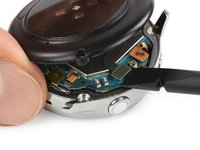
Use a spudger to disconnect the sensor array from the motherboard.
-
-
-
-
-
-
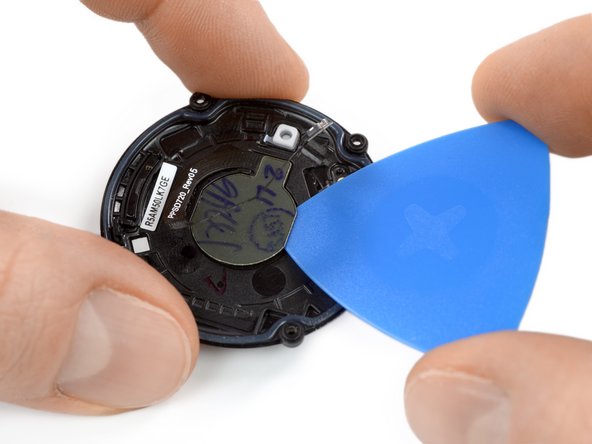
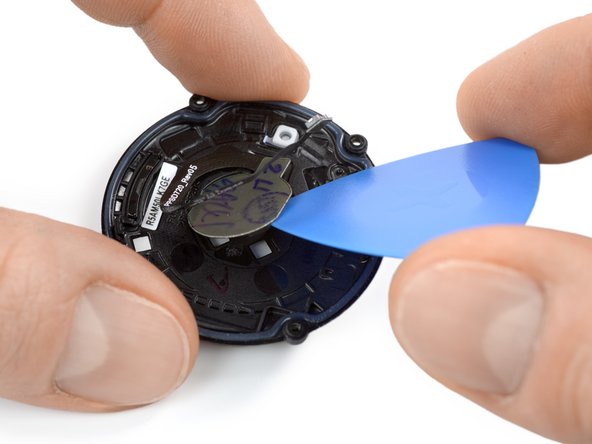
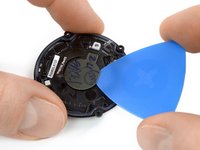
Use an opening pick and slide it underneath the sensor array which is slightly glued in place.
-
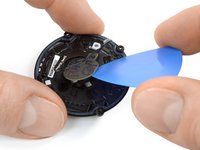
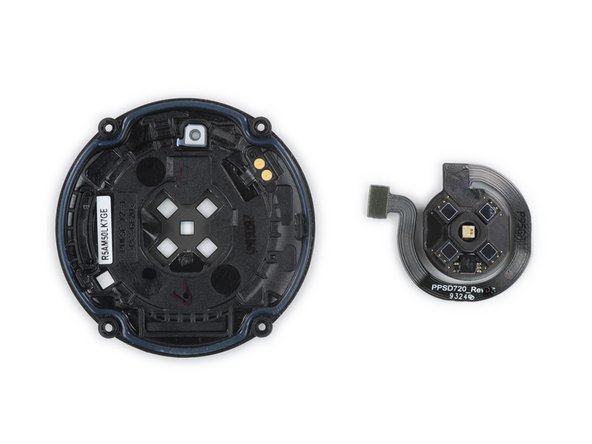
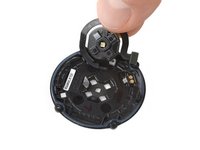
Carefully twist the opening pick to separate the sensor array from the back cover.
-
-







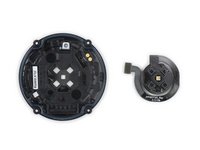
To reassemble your device, follow these instructions in reverse order.
Take your e-waste to an R2 or e-Stewards certified recycler.
Repair didn’t go as planned? Try some basic troubleshooting, or ask our Answers community for help.
Cancel: I did not complete this guide.
One other person completed this guide.

Team

Tobias Isakeit - Repairability Engineer Member of Tobias Isakeit - Repairability Engineer
Business
1 Member
2,268 Guides authored
