Introduction
The Samsung UBD-KM85C is an Ultra HD Blu-ray player that creates great quality for your DVDs. Over time, it may experience internal issues. The motherboard is the most important part as it coordinates all functions in a device. If you're having trouble with performance, power, or the display being unresponsive, then your motherboard needs to be replaced.
If this has happened to you, this guide will teach you how to replace your motherboard step by step.
Before beginning this guide, unplug the device.
What you need
-
-
On the back side of the unit, remove the three 8.1mm screws marked with a Phillips #1 screwdriver.
 Ask FixBot
-
-
-
From the back, lift the case upwards away from the unit then forwards, releasing the prongs on the front.
-
-
-
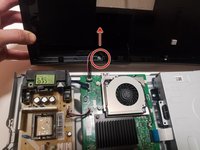
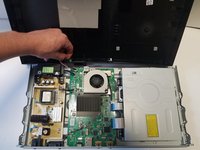
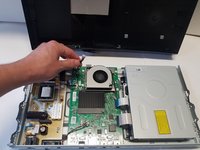
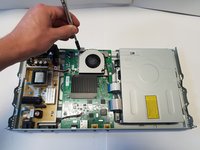
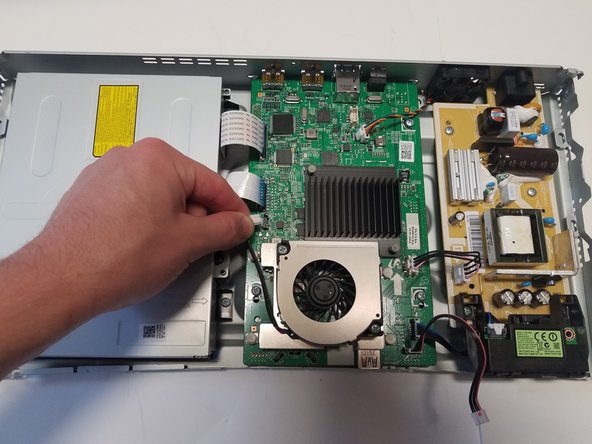
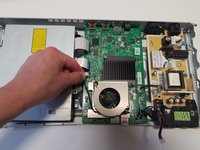
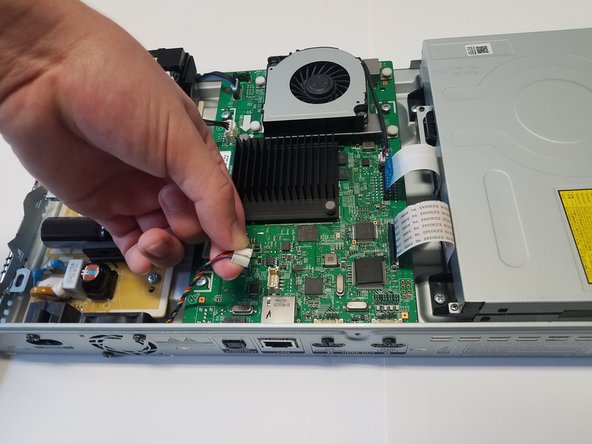
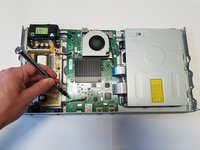
There is one group of wires located towards the front of the case and attached directly to the motherboard and the case. Using two fingers in a pinching motion, release the wire from the clip and disconnect it.
-
-
-
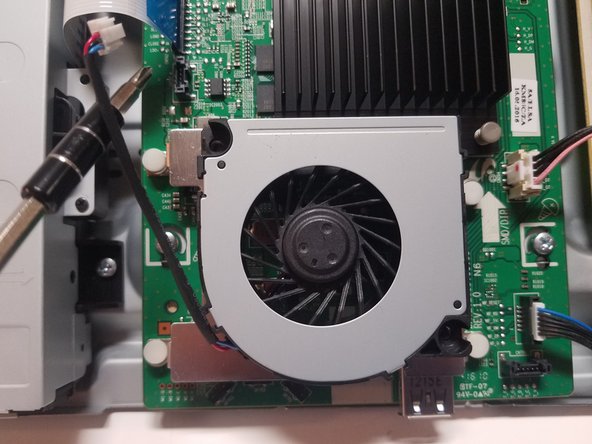
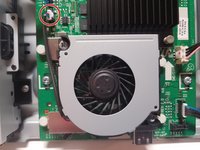
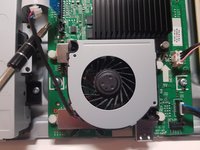
Fan A is located on top of the motherboard and is screwed into a stand by two 6.5mm screws. The stand is also connected to the motherboard.
-
-
-
-
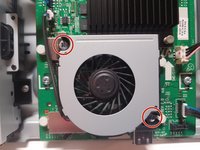
The two 6.5mm screws holding the fan in place on opposing corners must be removed with a #1 Phillips head screwdriver to change the fan.
-
-
-
There is one wire connecting the fan to the motherboard that must be unplugged in order to release it. To unplug, use your fingers to pinch the white clip at the end and gently pull upwards to release.
-
-
-
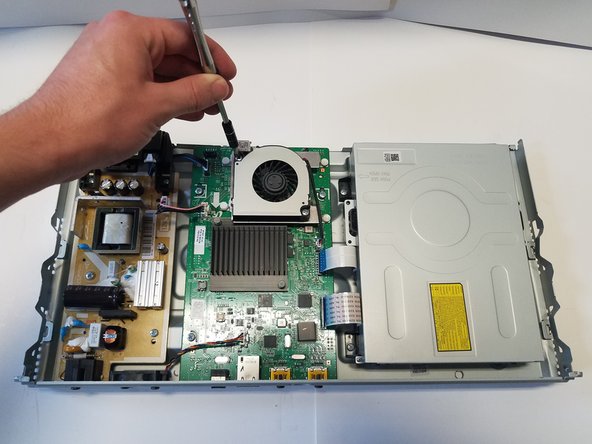
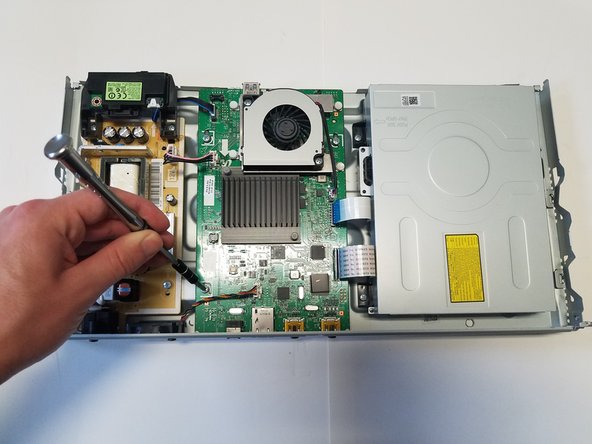
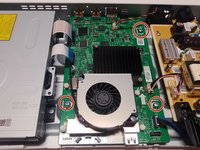
The motherboard is in the middle of the device and has all wires and connections of the device components running to it.
-
Remove the fan located on top of it.
-
-
-
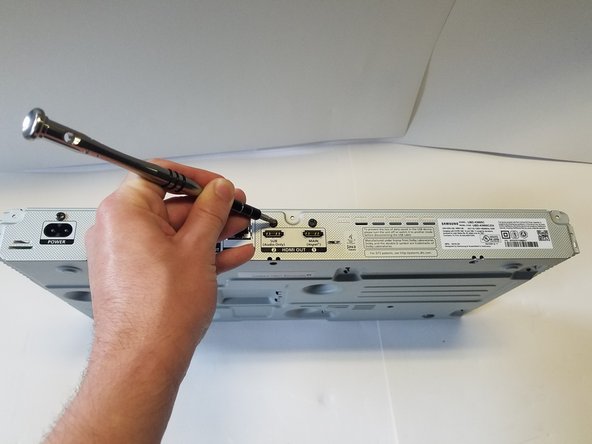
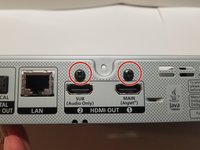
Remove the Two outer 8.1mm screws located above the HDMI ports with a #1 Phillips head screwdriver.
-







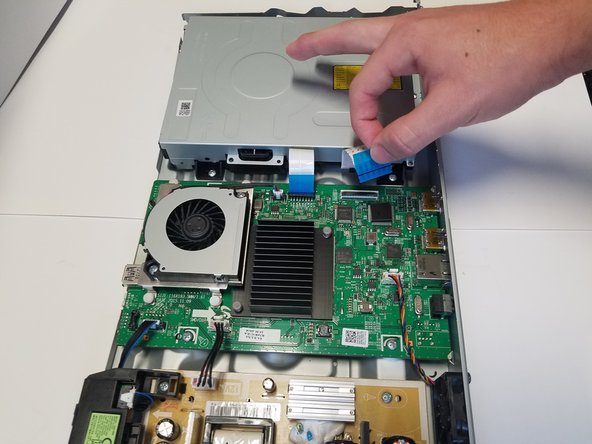
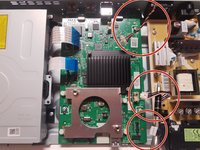
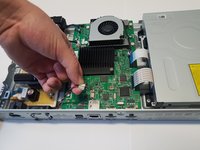
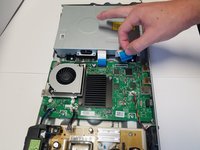



To reassemble your device, follow these instructions in reverse order.
Cancel: I did not complete this guide.
One other person completed this guide.

Team

Baylor, Team S2-G1, Johnson Spring 2018 Member of Baylor, Team S2-G1, Johnson Spring 2018
BU-JOHNSON-S18S2G1
3 Members
6 Guides authored
