Free Shipping on Domestic Orders $75+

Samsung T139 Screen Replacement

Views: 1.1K

View statistics:

Past 24 Hours:
4
Past 7 Days:
21
Past 30 Days:
95
All Time:
1,113
Comments: 0

No one has left comments on this guide. Will you be first?

Go to guide comments
Completed: 3

3 people have marked this guide "completed." Will you be next?

Favorites: 0

No one has favorited (and subscribed to) this guide. Will you be the first?

Time Required: 10 - 15 minutes
Difficulty: Moderate
Samsung T139 Screen Replacement

Introduction

Go to step 1 ↓

If you are having problems with the screen on your Samsung T139, use this guide to replace it.

What you need

Tools

    1. Samsung T139 Screen Replacement, Remove Back Cover: step 1, image 1 of 3 Samsung T139 Screen Replacement, Remove Back Cover: step 1, image 2 of 3 Samsung T139 Screen Replacement, Remove Back Cover: step 1, image 3 of 3
      • Power off your phone before beginning disassembly

      • Apply pressure to the back cover and slide towards the base

      Ask FixBot

      Add Comment

    2. Samsung T139 Screen Replacement, Remove Battery: step 2, image 1 of 2 Samsung T139 Screen Replacement, Remove Battery: step 2, image 2 of 2
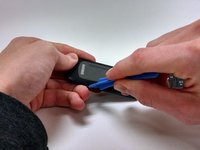
      • With a plastic opening tool, lift and remove the battery

      Ask FixBot

      Add Comment

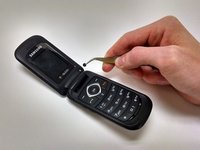
    1. Samsung T139 Screen Replacement, Remove Screw Stickers: step 3, image 1 of 2 Samsung T139 Screen Replacement, Remove Screw Stickers: step 3, image 2 of 2
      • Remove stickers covering screws

      Ask FixBot

      Add Comment

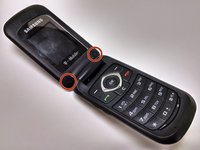
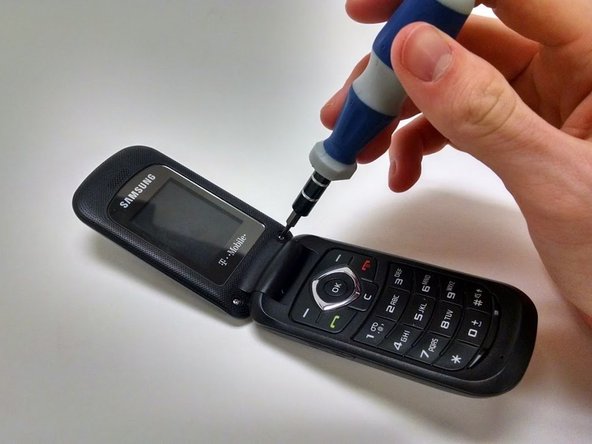
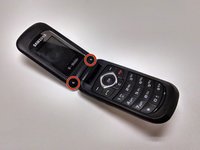
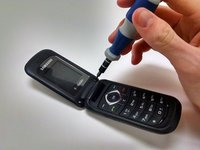
    2. Samsung T139 Screen Replacement, Remove Screws: step 4, image 1 of 2 Samsung T139 Screen Replacement, Remove Screws: step 4, image 2 of 2
      • Remove the two Phillips 1.0mm #0 screws

      Ask FixBot

      Add Comment

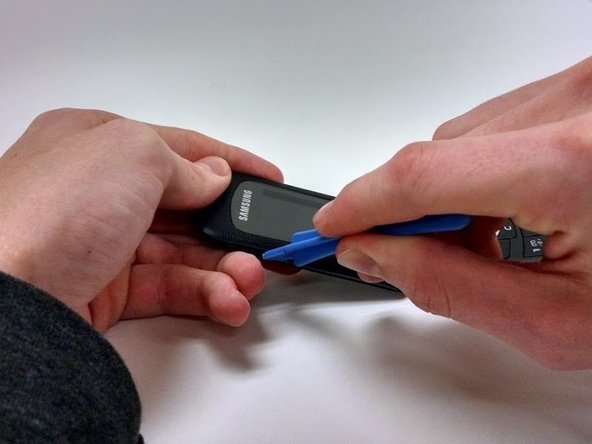
    3. Samsung T139 Screen Replacement, Remove Face Plate: step 5, image 1 of 3 Samsung T139 Screen Replacement, Remove Face Plate: step 5, image 2 of 3 Samsung T139 Screen Replacement, Remove Face Plate: step 5, image 3 of 3
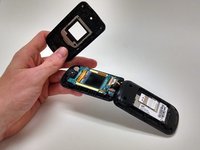
      • Using plastic opening tool, work around the face plate until it pops off

      Ask FixBot

      Add Comment

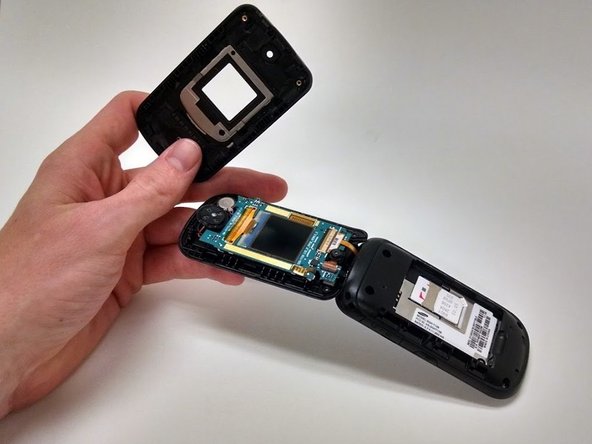
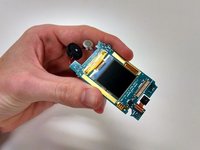
    4. Samsung T139 Screen Replacement, Remove Screen: step 6, image 1 of 2 Samsung T139 Screen Replacement, Remove Screen: step 6, image 2 of 2
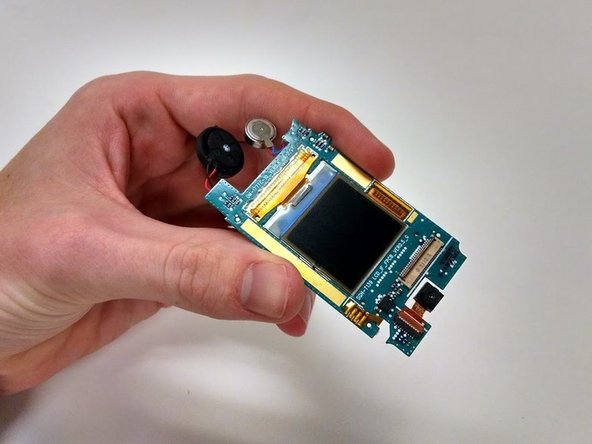
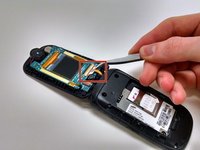
      • Gently pull away ribbon cord

      • Lift away screen circuit board

      Ask FixBot

      Add Comment

Conclusion

To reassemble your device, follow these instructions in reverse order.

Cancel: I did not complete this guide.

3 other people completed this guide.

Reagan May

Member since: 10/23/14

588 Reputation

5 Guides authored

Team

Michigan Tech, Team 1-1, Lauer Fall 2014 Member of Michigan Tech, Team 1-1, Lauer Fall 2014

MTU-LAUER-F14S1G1

3 Members

60 Guides authored

0 Guide Comments

Add Comment

View Statistics:

Past 24 Hours: 4

Past 7 Days: 21

Past 30 Days: 95

All Time: 1,113