What you need
-
-
Remove the microSD card before attempting to open the device. Wedge the opening tools inside the device and move it around the perimeter (between the black and silver panels, not between the glass and the black panel) until you have loosened the adhesive that is keeping it together.
 Ask FixBot
-
-
-
-
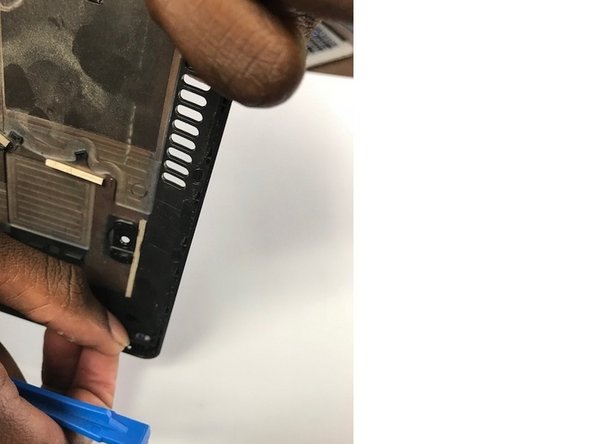
With the back panel already removed from the body of the tablet, push the power button(the button with the O/I symbol next to it) out of the panel from the inside. Do so with either your fingers or the removal tools.
-


To reassemble your device, follow these instructions in reverse order.
Cancel: I did not complete this guide.
One other person completed this guide.

Team

University of North Texas, Team S3-G7, Thompson Fall 2017 Member of University of North Texas, Team S3-G7, Thompson Fall 2017
UNT-THOMPSON-F17S3G7
4 Members
5 Guides authored
