Free Shipping on Domestic Orders $75+

Samsung ST150F Rear Panel Control Board Replacement

What you need

  1. Samsung ST150F Rear Panel Control Board Replacement, Outer Casing: step 1, image 1 of 3 Samsung ST150F Rear Panel Control Board Replacement, Outer Casing: step 1, image 2 of 3 Samsung ST150F Rear Panel Control Board Replacement, Outer Casing: step 1, image 3 of 3
    • Remove these screws from the camera using a phillips head screwdriver.

    Ask FixBot

    Add Comment

  2. Samsung ST150F Rear Panel Control Board Replacement: step 2, image 1 of 1
    • Lay the camera down on the table and remove the metal shell from the front.

    Ask FixBot

    Add Comment

  3. Samsung ST150F Rear Panel Control Board Replacement: step 3, image 1 of 1
    • Wedge a spudger/flathead screwdriver inside of the shell where the screws were to pry the shell off of the back.

    Ask FixBot

    Add Comment

  4. Samsung ST150F Rear Panel Control Board Replacement: step 4, image 1 of 1
    • Remove the shell the from the back of the camera.

    Ask FixBot

    Add Comment

  5. Samsung ST150F Rear Panel Control Board Replacement, Rear Panel Control Board: step 5, image 1 of 1
    • Remove the Phillips head screw from the rear panel control board to reveal the LCD's connection to the motherboard.

    Ask FixBot

    Add Comment

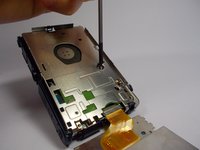
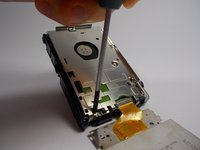
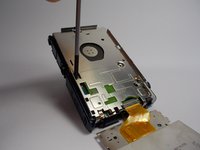
  6. Samsung ST150F Rear Panel Control Board Replacement: step 6, image 1 of 3 Samsung ST150F Rear Panel Control Board Replacement: step 6, image 2 of 3 Samsung ST150F Rear Panel Control Board Replacement: step 6, image 3 of 3
    • Remove the Phillips head screws from the metal back plate.

    Ask FixBot

    Add Comment

  7. Samsung ST150F Rear Panel Control Board Replacement: step 7, image 1 of 1
    • Use the spudger to life the tab on the side of the metal plate.

    Ask FixBot

    Add Comment

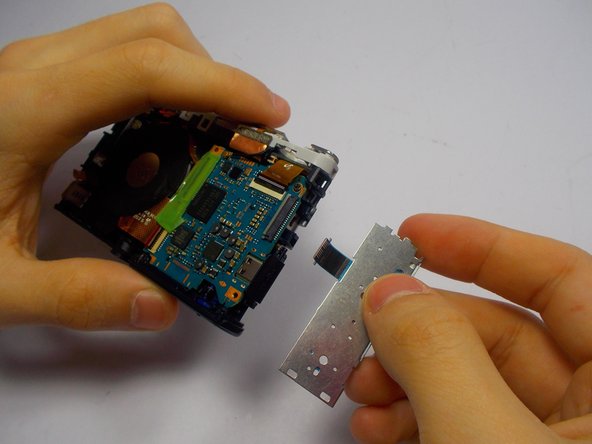
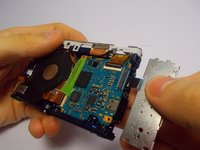
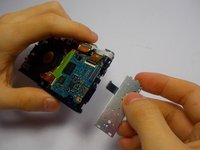
  8. Samsung ST150F Rear Panel Control Board Replacement: step 8, image 1 of 2 Samsung ST150F Rear Panel Control Board Replacement: step 8, image 2 of 2
    • Pull gently on the control panel to remove it from the motherboard.

    Ask FixBot

    Add Comment

Conclusion

To reassemble your device, follow these instructions in reverse order.

Cancel: I did not complete this guide.

One other person completed this guide.

Matthew Eaton

Member since: 03/29/15

107 Reputation

1 Guide authored

Team

0 Guide Comments

Add Comment

View Statistics:

Past 24 Hours: 3

Past 7 Days: 7

Past 30 Days: 36

All Time: 1,050