
Samsung SPH-M360 Keyboard Replacement

Hunter Parker and one other contributor
Last updated on Jan 5, 2016
Views: 681
View statistics:
- Past 24 Hours:
- 2
- Past 7 Days:
- 15
- Past 30 Days:
- 87
- All Time:
- 681
Comments: 0
No one has left comments on this guide. Will you be first?
Go to guide commentsCompleted: 0 1
No one has marked this guide "completed." Will you be the first?
1 person has marked this guide "completed." It's you — great job!
Favorites: 0 1
No one has favorited (and subscribed to) this guide. Will you be the first?
1 person has favorited (and subscribed to) this guide — and that's you!
Needs Better Images
Better photos will improve this guide. Help out by taking, editing, or uploading new ones!
Markup Mishap
This guide needs better markups. Help out by correcting or making some markup annotations.
Better Introduction
Improve this guide by completing or revising its introduction.
Introduction
Go to step 1 ↓Performing this guide will require no more than a finger.
What you need
Tools


-
-
-
Locate the arrow on the panel of the rear side of the phone.
-
Use one or two fingers to apply light pressure downwards on the rear panel and push or pull in the direction of the arrow.
 Ask FixBot
-
-
-
Place finger inside the small semi-spherical slot near the top of the battery.
-
Lightly pull the battery away from the phone. This should not require much effort.
-
-
-
-
-
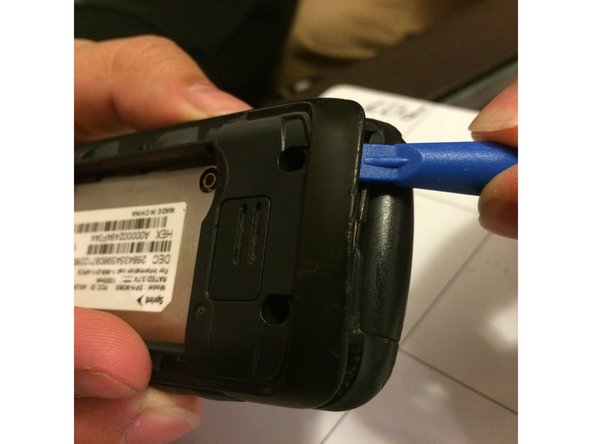
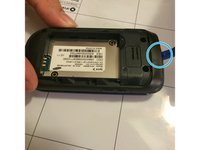
Starting near the top of the casing, use the plastic opening tool to gently pry the casing open.
-
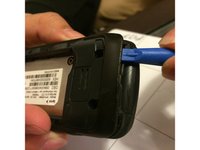
Slowly work the plastic opening tool around the edge of the casing, gently prying it around at all sides.
-
-
-
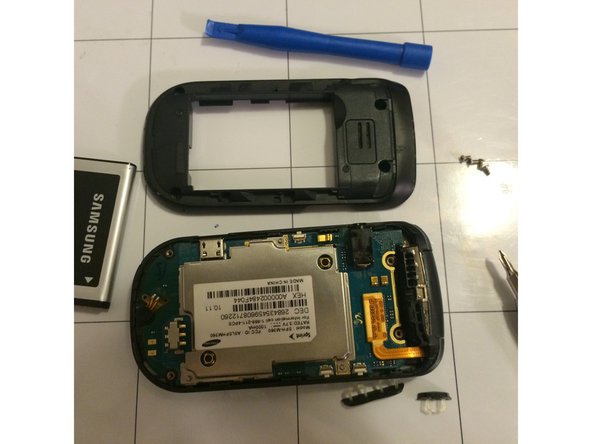
Once the casing has been fully pried off of the phone, it should be easily removed by hand.
-
-
-
-
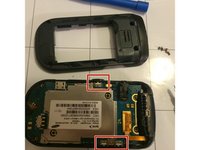
Use the plastic opening tool to gently detach the golden strip from the logic board.
-
The strip should detach easily with little force required.
-
-
-
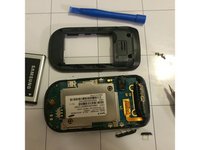
Use the plastic opening tool to pry the logic board out of the phone case from the bottom area of the phone.
-
-
-
-
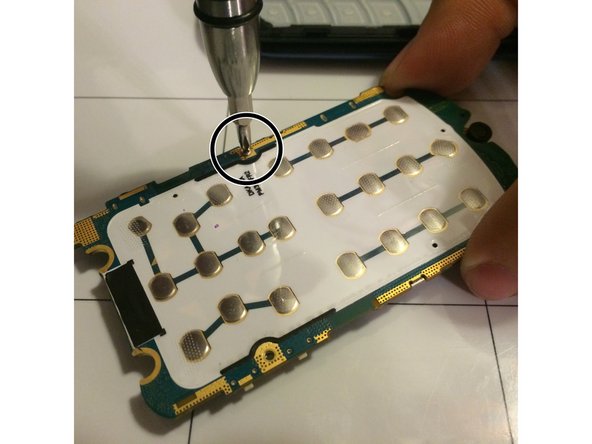
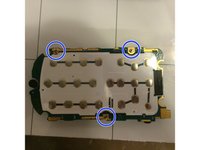
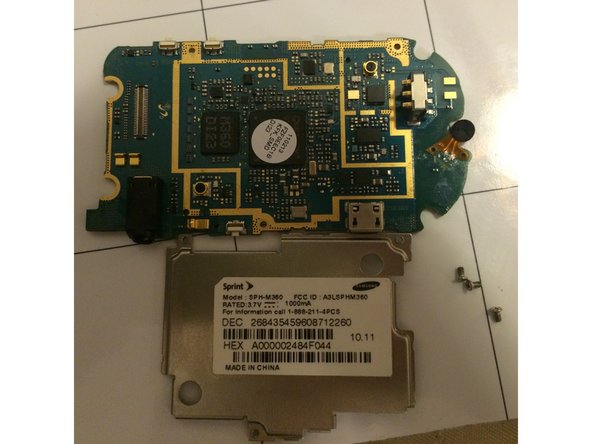
Flip the logic board over and locate the three screws along the edges.
-
Carefully unscrew the three screws to remove the panel covering the logic board.
-
-
-
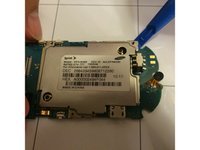
Flip the logic board back over and use the plastic opening tool to remove the metal cover on the logic board.
-
This will not require much force, so be gentle.
-
-
-
-
-
Flip open the phone so that the text on the keyboard is showing.
-
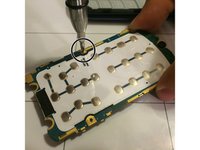
Place one or two fingers on the text side of the keyboard and apply pressure until the keyboard has been completely detached from the phone casing.
-
-







To reassemble your device, place the keyboard back into the phone casing and apply light pressure to ensure that it is back in place.

Team

University of Memphis, Team 3-5, Kim Fall 2015 Member of University of Memphis, Team 3-5, Kim Fall 2015
UM-KIM-F15S3G5
4 Members
60 Guides authored
