
Samsung SPH-A660 Keypad Replacement

Mike Buerli and 5 other contributors
Last updated on Jan 28, 2014
Views: 2.7K
View statistics:
- Past 24 Hours:
- 1
- Past 7 Days:
- 10
- Past 30 Days:
- 30
- All Time:
- 2,729
Comments: 0
No one has left comments on this guide. Will you be first?
Go to guide commentsCompleted: 0 1
No one has marked this guide "completed." Will you be the first?
1 person has marked this guide "completed." It's you — great job!
Favorites: 0 1
No one has favorited (and subscribed to) this guide. Will you be the first?
1 person has favorited (and subscribed to) this guide — and that's you!
Needs Better Images
Better photos will improve this guide. Help out by taking, editing, or uploading new ones!
Introduction
Go to step 1 ↓Is your keypad not working properly? There may be extra dust and dirt stuck up underneath it that is hindering its operations. To fix this problem follow these steps.
What you need
Tools


-
-
-
To remove the battery, push up with your finger on the tab located on the top center of the back of the phone.
-
Next, pull the battery off the back of the phone.
-
-
-
-
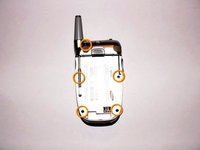
Once the battery pack is removed from the phone, remove the five indicated screws with a size #00 Philips screwdriver.
-
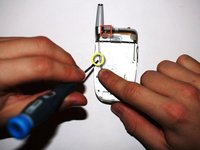
Bend back the antenna to access the indicated left middle screw in order to unscrew it.
-
-
-
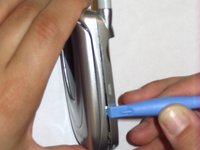
Place the phone on its side.
-
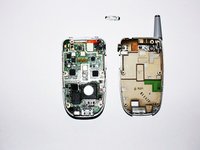
Insert the small plastic opening tool into the slot that runs along the side of the phone.
-
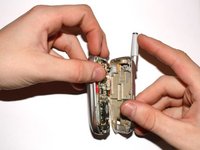
Slowly pry open the phone by working your way around its edges with the opening tool.
-
-
-
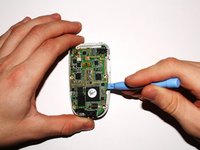
Carefully lift the highlighted connector between the logic board and the screen by using either your fingers or a plastic opening tool as shown in the picture.
-
-
-
Remove the green logic board from the phone by gently lifting it up with the plastic opening tool. Be cautious to not break the logic board.
-
-
-
-
-
-
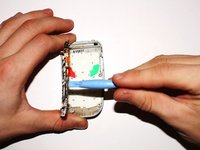
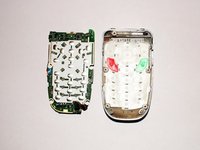
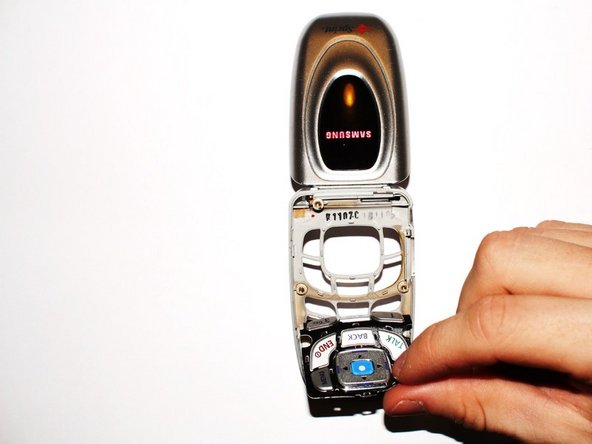
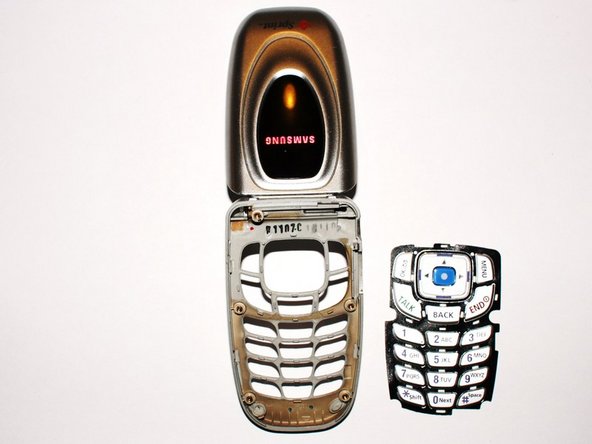
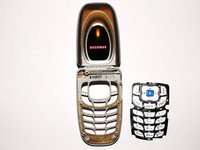
Remove the keypad from the body by grasping the white rubbery pad and lifting it off the phone.
-
-
-
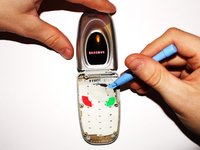
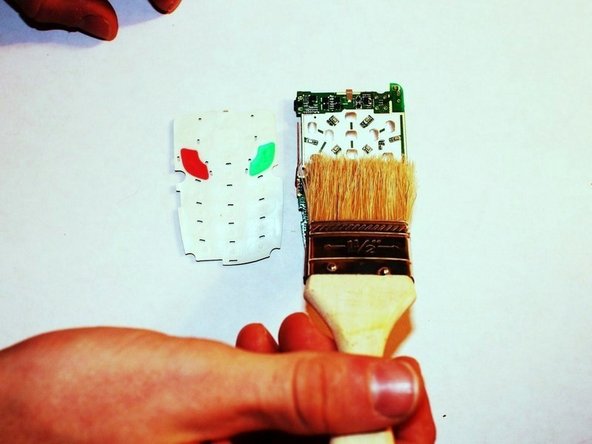
Remove the dirt and grime that may accumulate under the keypad by using an air can or in this case, a brush.
-
-


 Ask FixBot








To reassemble your device, follow these instructions in reverse order.

Team

Cal Poly, Team 13-26, Maness Winter 2010 Member of Cal Poly, Team 13-26, Maness Winter 2010
CPSU-MANESS-W10S13G26
3 Members
60 Guides authored
