Free Shipping on Domestic Orders $75+

Samsung SGH-F480 Disassembly

What you need

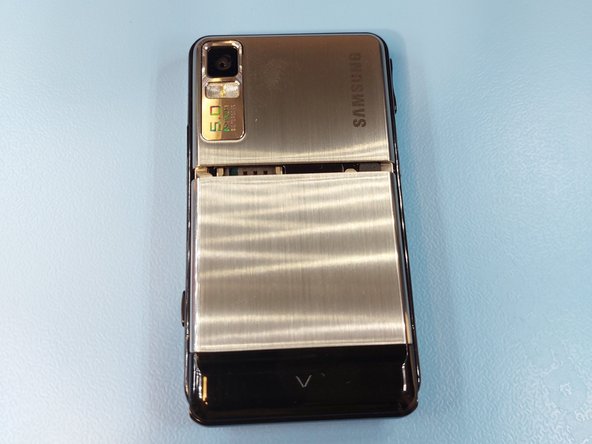
  1. Samsung SGH-F480 Disassembly, Removing the back panel: step 1, image 1 of 2 Samsung SGH-F480 Disassembly, Removing the back panel: step 1, image 2 of 2
    • Flip the device around and remove the back panel by pulling it down.

    Ask FixBot

    Add Comment

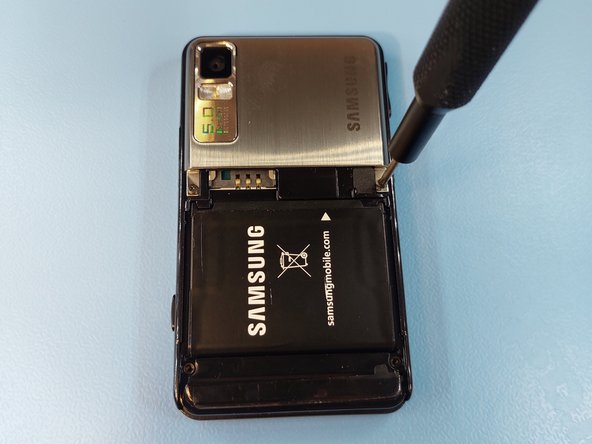
  2. Samsung SGH-F480 Disassembly: step 2, image 1 of 2 Samsung SGH-F480 Disassembly: step 2, image 2 of 2
    • Remove the four Phillips #00 screws.

    Ask FixBot

    Add Comment

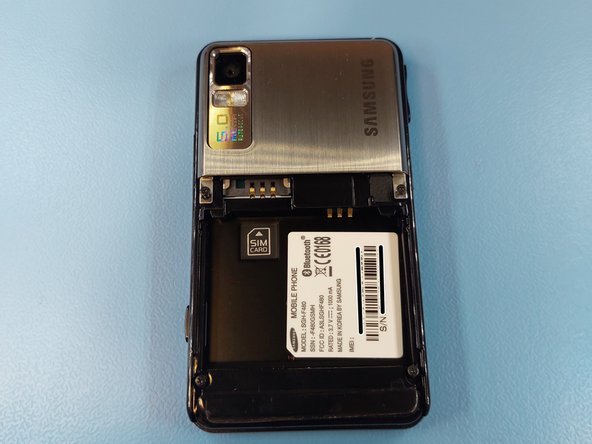
  3. Samsung SGH-F480 Disassembly, Removing the battery: step 3, image 1 of 2 Samsung SGH-F480 Disassembly, Removing the battery: step 3, image 2 of 2
    • The battery can be removed with a gentle tap on the screen.

    Ask FixBot

    Add Comment

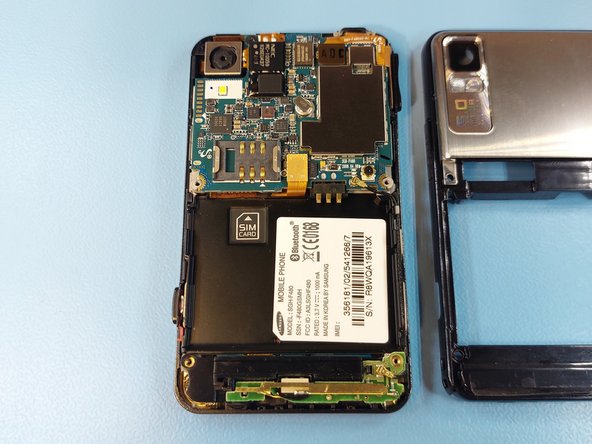
  4. Samsung SGH-F480 Disassembly: step 4, image 1 of 2 Samsung SGH-F480 Disassembly: step 4, image 2 of 2
    • Further inside can be got by separating the frames. Slide an opening pick between the frames, starting from the bottom corners.

    • Do not try to separate the frames by pulling, the plastic is fragile and will break if bent.

    Ask FixBot

    Add Comment

  5. Samsung SGH-F480 Disassembly: step 5, image 1 of 3 Samsung SGH-F480 Disassembly: step 5, image 2 of 3 Samsung SGH-F480 Disassembly: step 5, image 3 of 3
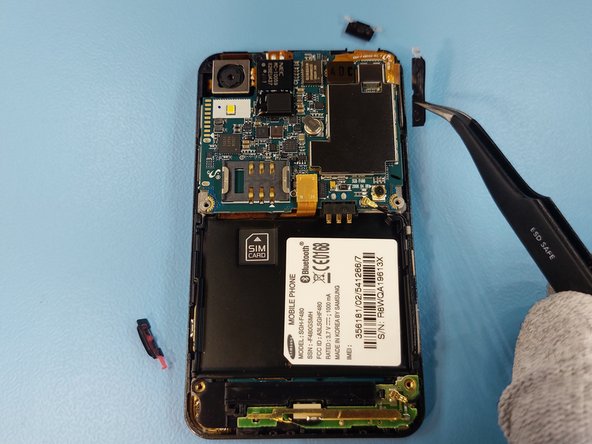
    • Remove all the button caps, as they may drop out later on.

    Ask FixBot

    Add Comment

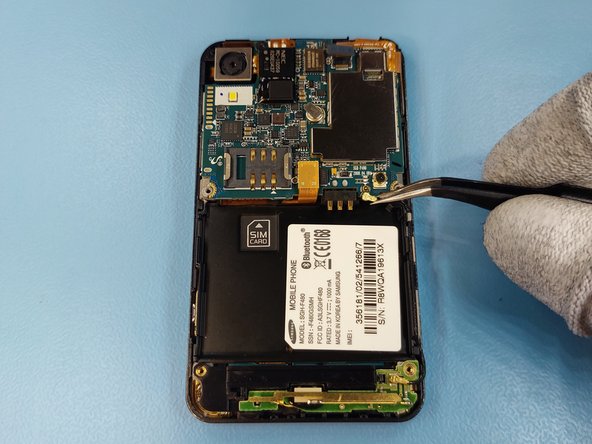
  6. Samsung SGH-F480 Disassembly: step 6, image 1 of 3 Samsung SGH-F480 Disassembly: step 6, image 2 of 3 Samsung SGH-F480 Disassembly: step 6, image 3 of 3
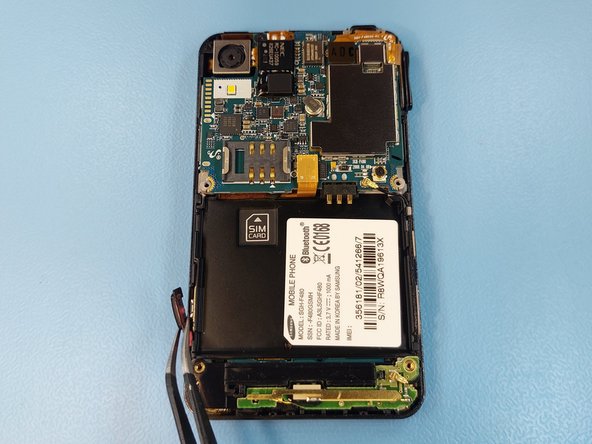
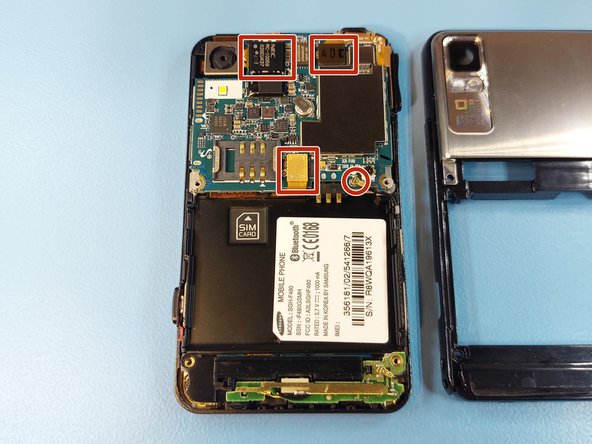
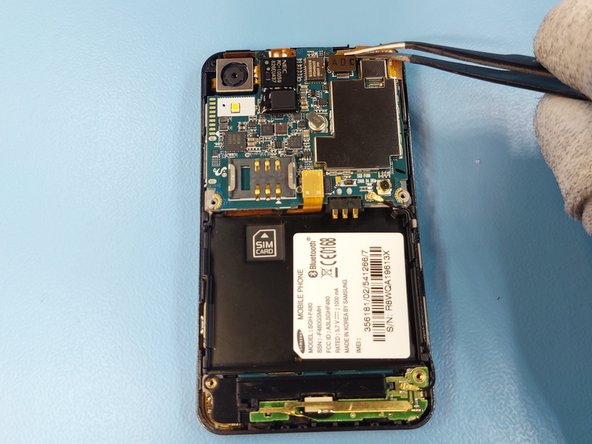
    • Disconnect all the connectors on the motherboad.

    Ask FixBot

    Add Comment

  7. Samsung SGH-F480 Disassembly: step 7, image 1 of 1
    • Remove the one Phillips #00 screw from next to the camera module.

    Ask FixBot

    Add Comment

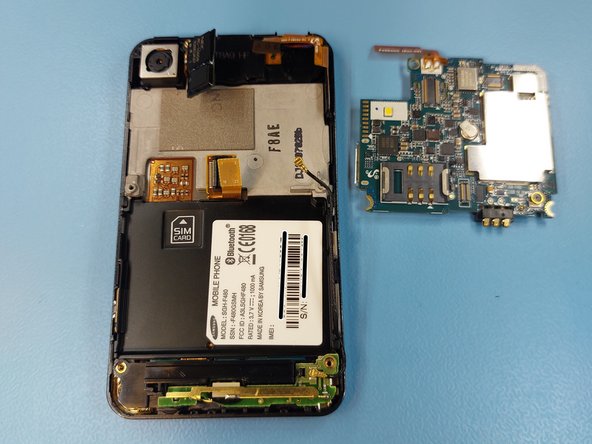
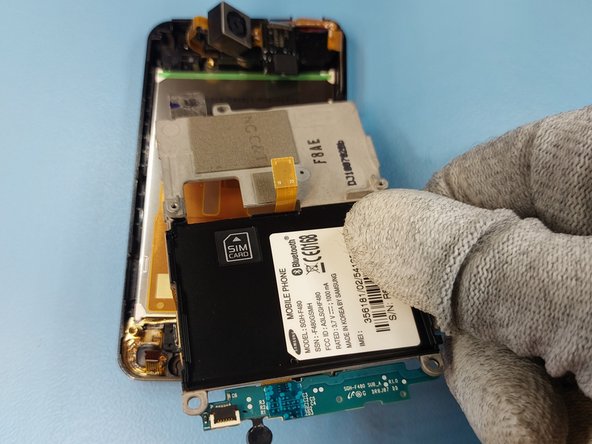
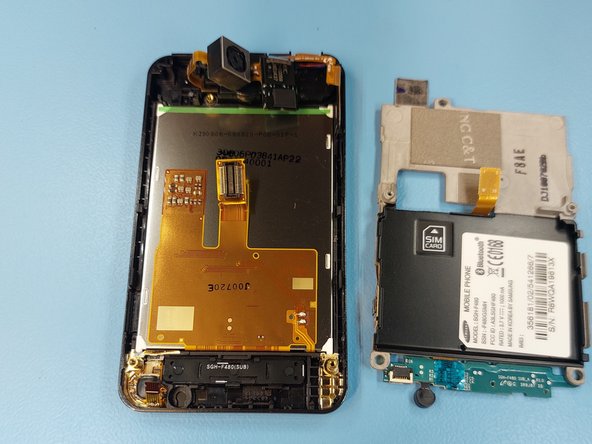
  8. Samsung SGH-F480 Disassembly, Removing the motherboard: step 8, image 1 of 2 Samsung SGH-F480 Disassembly, Removing the motherboard: step 8, image 2 of 2
    • Remove the motherboard by lifting.

    • Be careful when removing the motherboard, as it is surrounded by fragile cables, that will rip very easily.

    Ask FixBot

    Add Comment

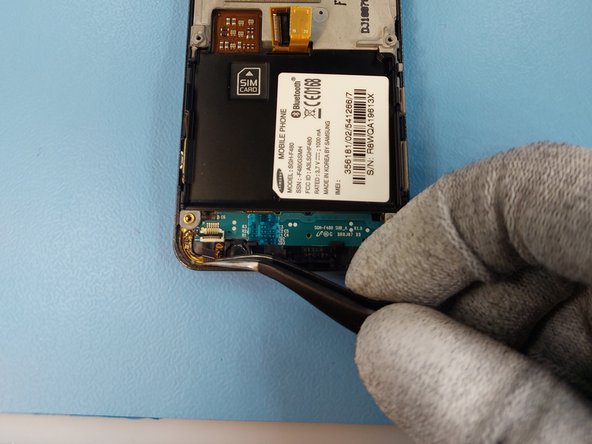
  9. Samsung SGH-F480 Disassembly: step 9, image 1 of 1
    • The component from the bottom can be removed easily by lifting as it isn't held by anything anymore.

    Ask FixBot

    Add Comment

  10. Samsung SGH-F480 Disassembly: step 10, image 1 of 2 Samsung SGH-F480 Disassembly: step 10, image 2 of 2
    • Open the connectors latch and pull the cable out of the connector.

    Ask FixBot

    Add Comment

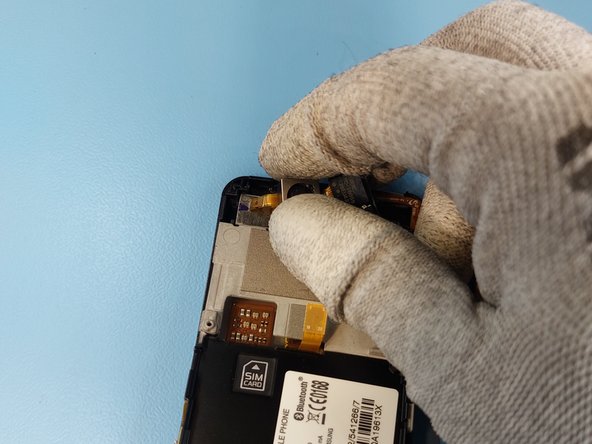
  11. Samsung SGH-F480 Disassembly: step 11, image 1 of 2 Samsung SGH-F480 Disassembly: step 11, image 2 of 2
    • The camera module is installed to the frame with glue. Separate it by sliding a Jimmy tool under the module.

    Ask FixBot

    Add Comment

  12. Samsung SGH-F480 Disassembly: step 12, image 1 of 3 Samsung SGH-F480 Disassembly: step 12, image 2 of 3 Samsung SGH-F480 Disassembly: step 12, image 3 of 3
    • The frame can be separated from the screen by sliding the Jimmy tool as shown on the image.

    Ask FixBot

    Add Comment

  13. Samsung SGH-F480 Disassembly: step 13, image 1 of 1
    • Remove the menu button by lifting.

    Ask FixBot

    Add Comment

  14. Samsung SGH-F480 Disassembly: step 14, image 1 of 1
    • Remove the front earpiece by sliding the Jimmy tool between the frame and the module.

    Ask FixBot

    Add Comment

  15. Samsung SGH-F480 Disassembly, Removing the camera module: step 15, image 1 of 1
    • Lift the camera module from its socket.

    Ask FixBot

    Add Comment

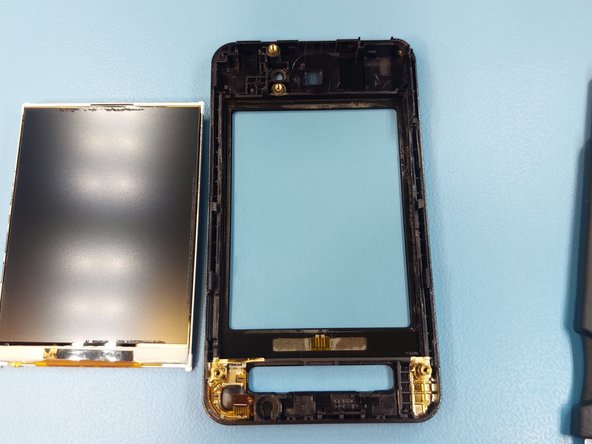
  16. Samsung SGH-F480 Disassembly, Removing the display: step 16, image 1 of 2 Samsung SGH-F480 Disassembly, Removing the display: step 16, image 2 of 2
    • The display can be removed by sliding a Jimmy tool between the frame and the display.

    • Be careful not to slide it too far as the display itself is extremely fragile.

    Ask FixBot

    Add Comment

Conclusion

To reassemble your device, follow these instructions in reverse order.

Cancel: I did not complete this guide.

One other person completed this guide.

HoPo-_

Member since: 07/07/23

726 Reputation

3 Guides authored

0 Guide Comments

Add Comment

View Statistics:

Past 24 Hours: 1

Past 7 Days: 24

Past 30 Days: 56

All Time: 791