Introduction
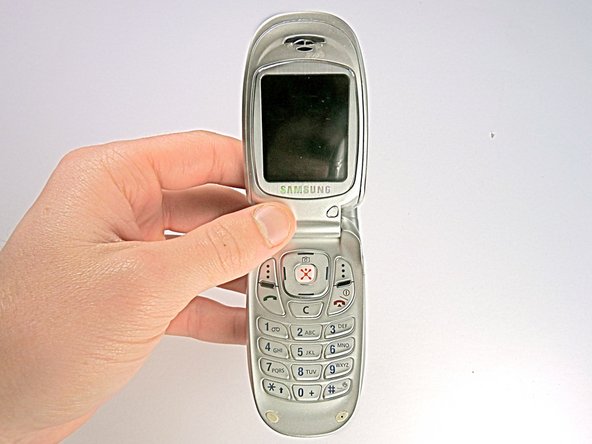
This guide will show you how to replace the camera in your Samsung SGH-E317 phone. This guide will fix the issue if the lens is blurry, has a broken sensor, or cannot capture photos.
Before we start, it is important to know about some problems and how to avoid them. Make sure you have the right tools and a clean, bright workspace to keep your phone safe. It is all about taking your time and not rushing.
Be careful about static electricity, which can hurt your phone's insides. In step 6, when you work with the wires, pay attention to where you align the wedge so you don't break them.
With easy-to-follow instructions and lots of pictures, even if you're new to fixing stuff, you can do it. Pretty soon, your Samsung SGH-E317 camera will be back to normal.
Before you begin, turn off your phone, and unplug it from the charger.
What you need
-
-
-
Remove the back panel by pressing up on switch, located at the top on the back of the phone.
 Ask FixBot
-
-
-
-
-
Wedge the end of a plastic opening tool into the crack between the back panel and the phone.
-
-
-
-
Remove the camera and volume buttons and place them in a safe spot until reassembly.
-
-
-
Using a plastic opening tool, unplug the ribbon cable connecting the front LCDs to the motherboard.
-
-
-
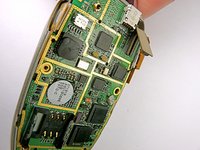
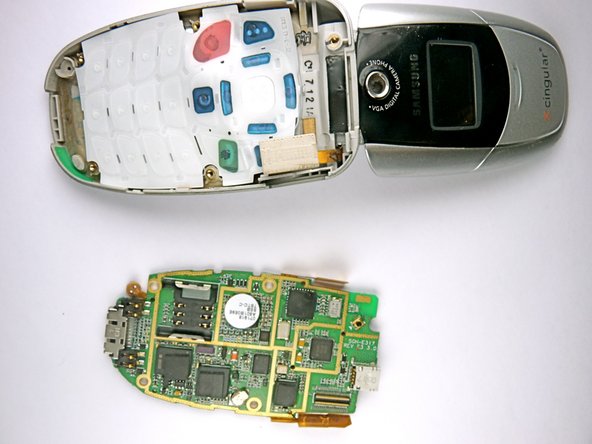
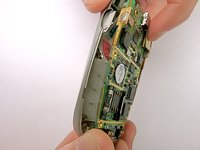
Detach the motherboard by grabbing the edges of it and lifting it straight out of the phone.
-
-
-
-
Use a spudger to remove the plastic screw coverings at the base of the LCD screen.
-
-
Tool used on this step:Tweezers$4.99
-
Use the screwdriver to remove the two 4.5mm screws located underneath the plastic coverings.
-
-
-
Wedge the plastic opening tool under the crevice on the inner surface of the phone screen.
-
Gently pry the top panel off around the entire frame.
-
-
-
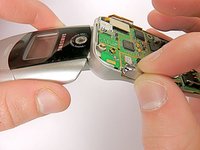
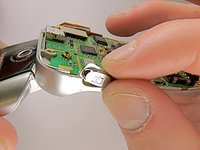
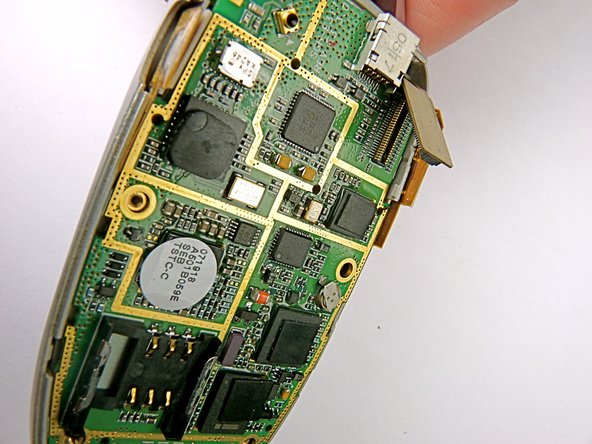
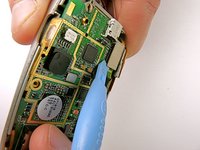
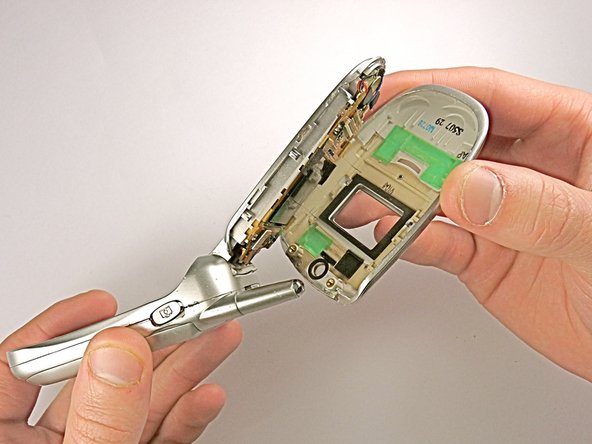
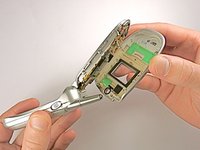
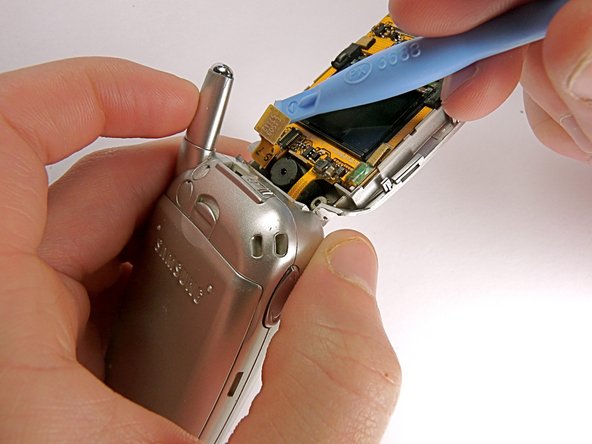
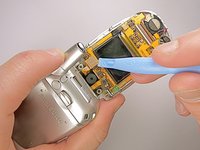
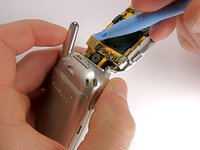
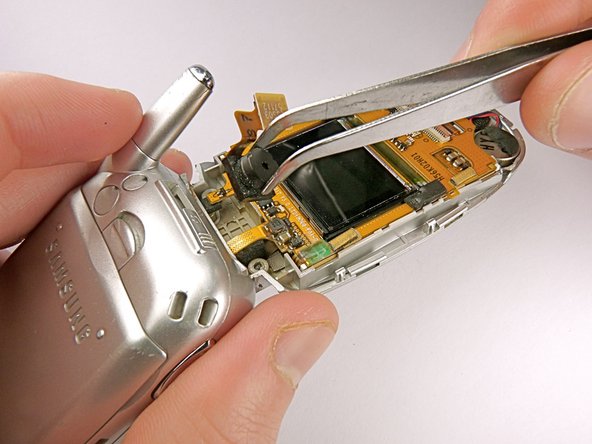
Use the wedge to detach the connecting wire panel from the LCD display system.
-
-











To reassemble your device, follow these instructions in reverse order.Take your e-waste to an R2 or e-Stewards certified recycler.

Team

Cal Poly, Team 11-23, Maness Winter 2011 Member of Cal Poly, Team 11-23, Maness Winter 2011
CPSU-MANESS-W11S11G23
4 Members
60 Guides authored
