Introduction
In rare occurrences the motherboard of a phone can malfunction and will need to be replaced. This can happen for a variety of reasons but most common are dropping the phone or allowing dirt and debris to compromise the device. This replacement is relatively easy, but you might encounter some resistance when removing the back casing. Take your time and don't rush through the steps as you don't want to break anything.
What you need
-
-
-
Use your thumbs to pull down on the back cover to remove it and expose the battery.
 Ask FixBot
-
-
-
Locate the indent in the case below the battery. (see red square)
-
Place your finger at the indent and pull up on the battery to remove it.
-
-
-
-
-
-
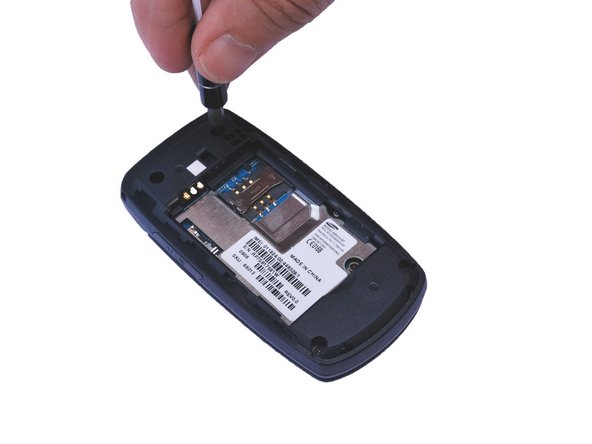
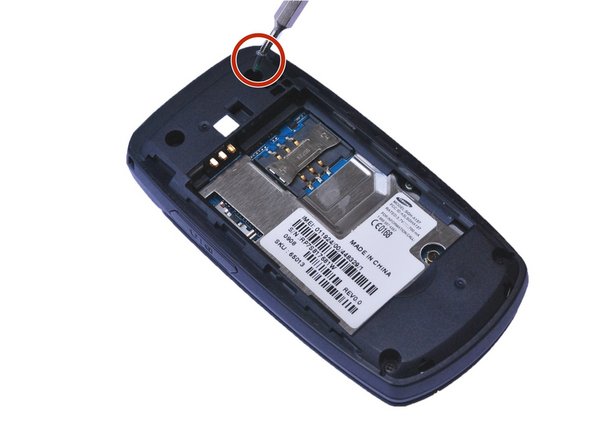
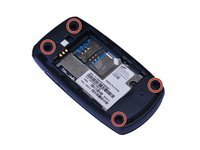
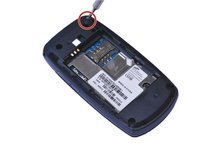
Locate the 4 screw holes and remove the 0.4 mm Phillips head screws using a #000 Phillips head screwdriver. (See red circles)
-
-
-
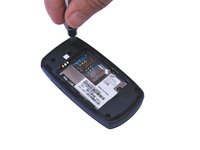
Using a plastic opening tool, gently pry open the back of the phone at the seam.
-
-
-
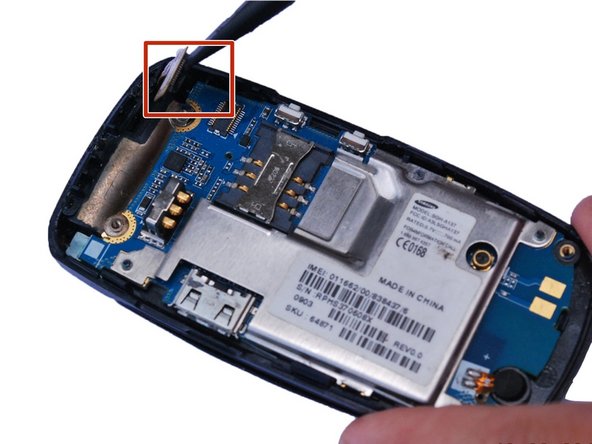
Place the flat edge of a spudger under the edge of the press-fit connector and , gently pry the connector straight up from its socket. (Highlighted by the red square)
-
-





To reassemble your device, follow these instructions in reverse order.
Cancel: I did not complete this guide.
3 other people completed this guide.

Team

USF Sarasota-Manatee, Team 1-1, Stewart Fall 2015 Member of USF Sarasota-Manatee, Team 1-1, Stewart Fall 2015
USFSM-STEWART-F15S1G1
5 Members
74 Guides authored
