Introduction
Installing the front cover of the phone.
What you need
-
-
-
Use a Philips #0 screwdriver to remove the two screws below the screen.
 Ask FixBot
-
-
-
-
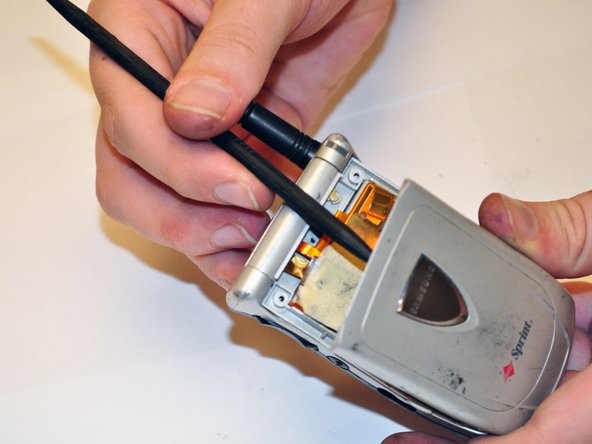
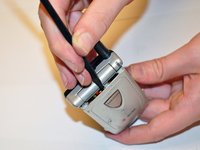
Using the spudger, separate the black speaker cover from the top part of the phone.
-
Gently remove the black speaker cover completely.
-
Remove the two screws, approximately 10 mm in length, behind the black speaker cover with the screwdriver.
-
-
-
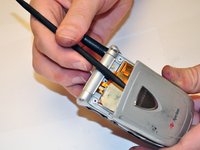
Once the two screws are taken out, use the spudger to remove the front cover of the phone.
-
-


Conclusion
To reassemble your device, follow these instructions in reverse order.

Team

Clemson, Team 14-6, Benson Fall 2012 Member of Clemson, Team 14-6, Benson Fall 2012
CLEM-BENSON-F12S14G6
3 Members
72 Guides authored
