Free Shipping on Domestic Orders $75+

Samsung SCH-3500 Back Cover Replacement

What you need

  1. Samsung SCH-3500 Back Cover Replacement, Battery: step 1, image 1 of 2 Samsung SCH-3500 Back Cover Replacement, Battery: step 1, image 2 of 2
    • Place the phone so that the back is facing you. Depress the locking tab on the back of the phone with a finger or thumb.

    Ask FixBot

    Add Comment

  2. Samsung SCH-3500 Back Cover Replacement: step 2, image 1 of 1
    • Slide the battery toward bottom of the phone, about a quarter of an inch, to clear the hooks that keep it secured to the back of the phone.

    Ask FixBot

    Add Comment

  3. Samsung SCH-3500 Back Cover Replacement: step 3, image 1 of 1
    • Lift the battery away from the phone case.

    Ask FixBot

    Add Comment

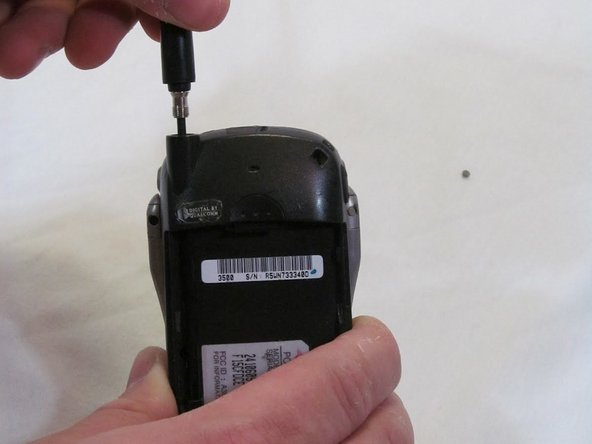
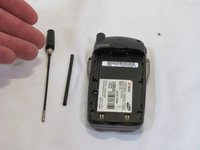
  4. Samsung SCH-3500 Back Cover Replacement, Antenna: step 4, image 1 of 2 Samsung SCH-3500 Back Cover Replacement, Antenna: step 4, image 2 of 2
    • Grasp the antenna firmly and rotate it counterclockwise to unscrew it from the phone.

    Ask FixBot

    Add Comment

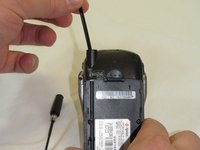
  5. Samsung SCH-3500 Back Cover Replacement: step 5, image 1 of 1
    • When unscrewed, pull the antenna straight up and out.

    Ask FixBot

    Add Comment

  6. Samsung SCH-3500 Back Cover Replacement: step 6, image 1 of 2 Samsung SCH-3500 Back Cover Replacement: step 6, image 2 of 2
    • Pull the guide tube free from its retaining ring and slide it out the top.

    Ask FixBot

    Add Comment

  7. Samsung SCH-3500 Back Cover Replacement, Back Cover: step 7, image 1 of 1
    • Remove the four screws using a T6 Torx screwdriver.

    Ask FixBot

    Add Comment

  8. Samsung SCH-3500 Back Cover Replacement: step 8, image 1 of 2 Samsung SCH-3500 Back Cover Replacement: step 8, image 2 of 2
    • Work from the bottom of the phone, separating the two halves of the case.

    • Note: Take care to keep the logic board with the front case half. Part of the logic board is exposed to the sticker under the battery on the rear case half.

    Ask FixBot

    Add Comment

  9. Samsung SCH-3500 Back Cover Replacement: step 9, image 1 of 1
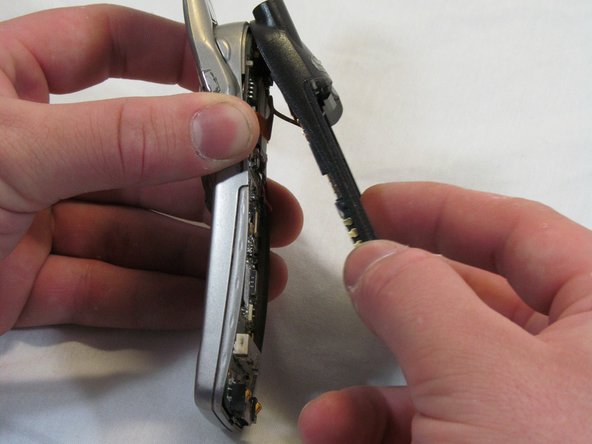
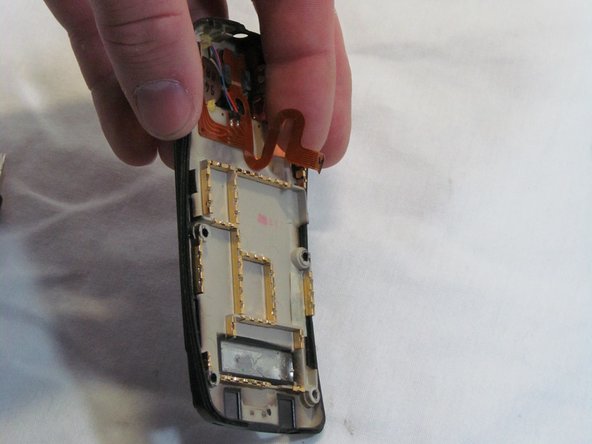
    • Angle the rear case half away from the top of the front case half, pivoting the hooks out of their clasps.

    • Caution: Do not fully separate the halves. There is an antenna ribbon connected to the logic board from the back cover.

    Ask FixBot

    Add Comment

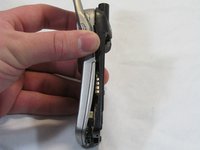
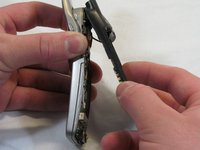
  10. Samsung SCH-3500 Back Cover Replacement: step 10, image 1 of 3 Samsung SCH-3500 Back Cover Replacement: step 10, image 2 of 3 Samsung SCH-3500 Back Cover Replacement: step 10, image 3 of 3
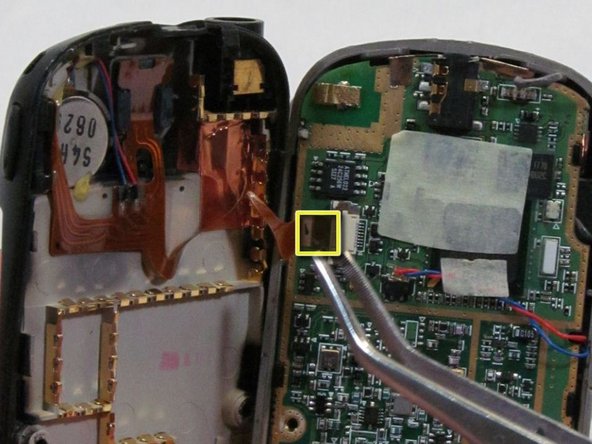
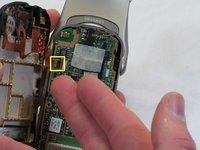
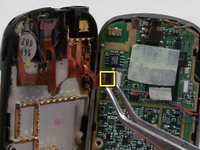
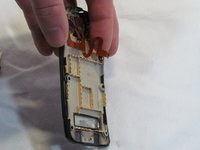
    • Disconnect the antenna ribbon cable from the logic board at the Zero Insertion Force (ZIF) connector. The brown portion of the connector lifts up to release the cable end.

    • The Back Cover is now removed. Congratulations.

    Ask FixBot

    Add Comment

Conclusion

To reassemble your device, follow these instructions in reverse order.

Cancel: I did not complete this guide.

One other person completed this guide.

Brett Tomashitis

Member since: 03/09/12

36 Reputation

5 Guides authored

Team

Clemson, Team 2-6, Benson Spring 2012 Member of Clemson, Team 2-6, Benson Spring 2012

CLEM-BENSON-S12S2G6

2 Members

15 Guides authored

0 Guide Comments

Add Comment

View Statistics:

Past 24 Hours: 1

Past 7 Days: 4

Past 30 Days: 24

All Time: 894