Introduction
Samsung SCH-3500 has an easy to replace antenna in the upper right hand corner that will probably wear out over a long period of time. These replacement antennas can be found online and can be shipped right to your door. A new one will be the only part you will need for this guide on replacing an antenna on a Samsung SCH-3500. No other external tools required to do replacement. Pictures of individual steps provided with further details listed beside.
-
-
Place the phone so that the back is facing you. Depress the locking tab on the back of the phone with a finger or thumb.
 Ask FixBot
-
-
-
Slide the battery toward bottom of the phone, about a quarter of an inch, to clear the hooks that keep it secured to the back of the phone.
-
-
-
-
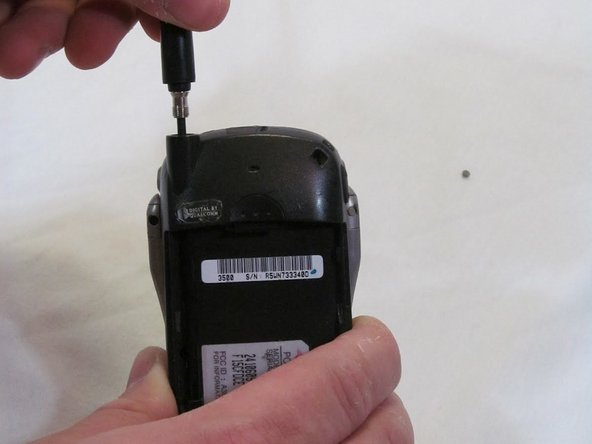
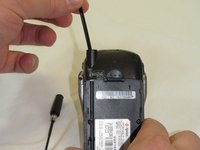
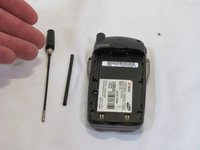
Grasp the antenna firmly and rotate it counterclockwise to unscrew it from the phone.
-




To reassemble your device, follow these instructions in reverse order.

Team

Clemson, Team 2-6, Benson Spring 2012 Member of Clemson, Team 2-6, Benson Spring 2012
CLEM-BENSON-S12S2G6
2 Members
15 Guides authored
