Free Shipping on Domestic Orders $75+

Samsung Radiant360 R3 Tweeter Replacement

What you need

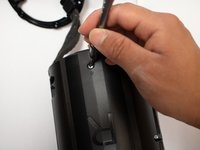
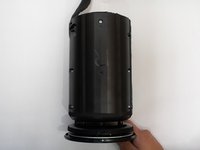
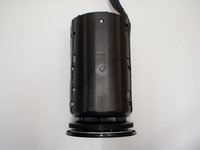
  1. Samsung Radiant360 R3 Tweeter Replacement, Wireless Setup Button and USB Module: step 1, image 1 of 3 Samsung Radiant360 R3 Tweeter Replacement, Wireless Setup Button and USB Module: step 1, image 2 of 3 Samsung Radiant360 R3 Tweeter Replacement, Wireless Setup Button and USB Module: step 1, image 3 of 3
    Tool used on this step:
    Tweezers
    $4.99
    Buy
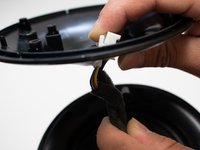
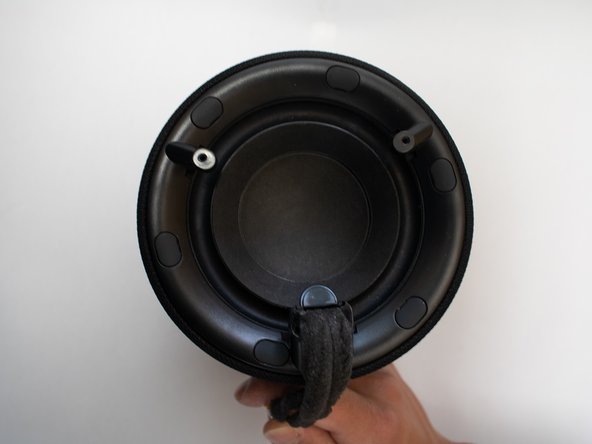
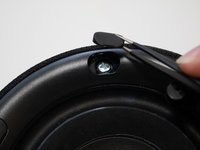
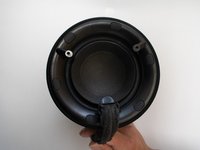
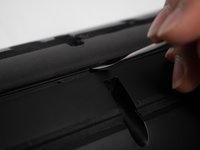
    • Flip the device so that the bottom of the device is facing you. Remove these feet with a pair of tweezers.

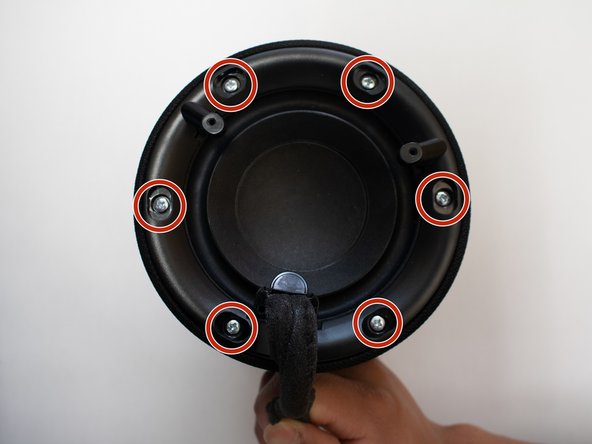
    • Remove the four 10mm long screws with the Phillips #1 screwdriver.

    Ask FixBot

    Add Comment

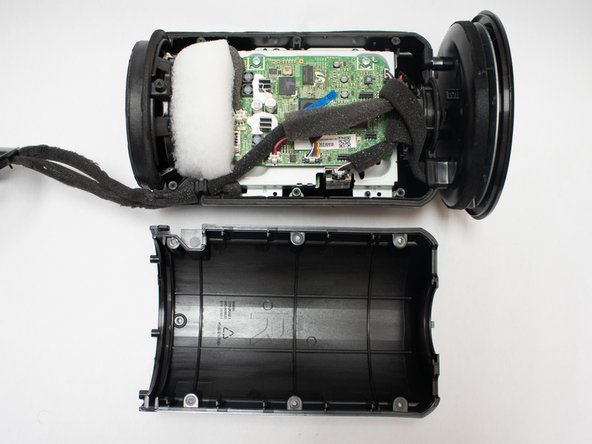
  2. Samsung Radiant360 R3 Tweeter Replacement: step 2, image 1 of 1
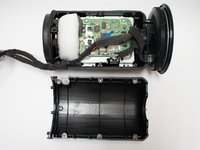
    • Remove the bottom shell from the speaker.

    Ask FixBot

    Add Comment

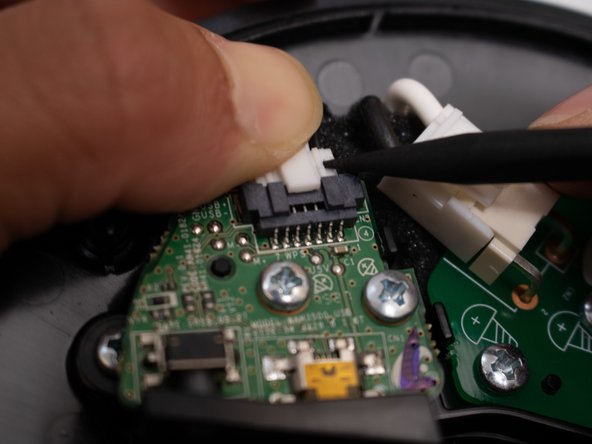
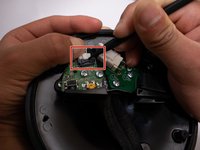
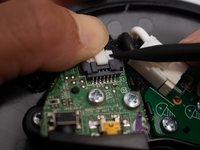
  3. Samsung Radiant360 R3 Tweeter Replacement: step 3, image 1 of 2 Samsung Radiant360 R3 Tweeter Replacement: step 3, image 2 of 2
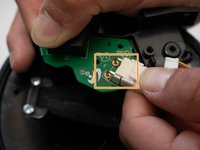
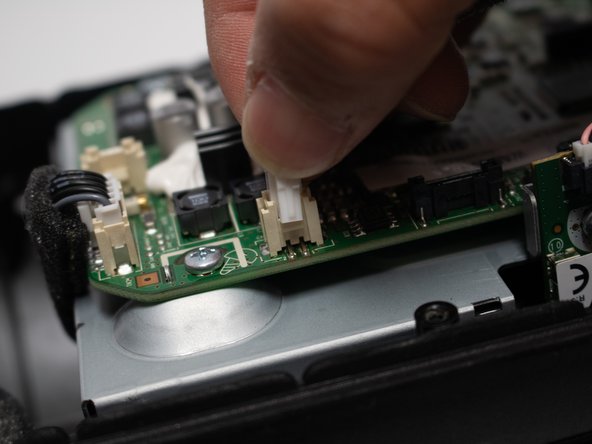
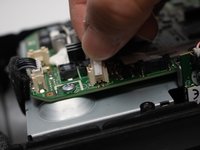
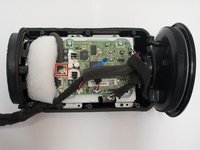
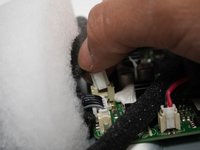
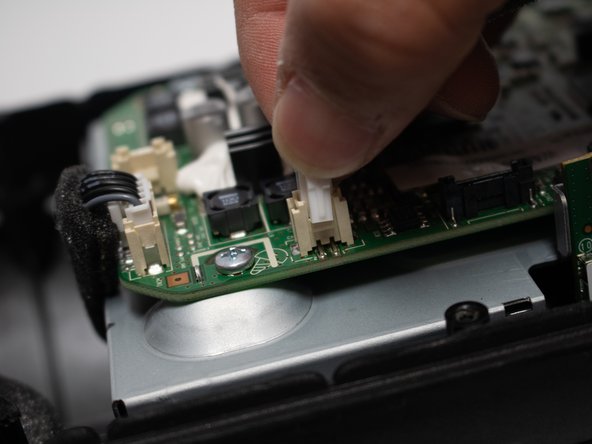
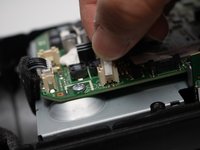
    • Remove the connector from the board by pressing down on the center tab while nudging the connector away with a spudger.

    • Be careful not to pull directly on the wires or apply too much pressure, or you risk breaking the connector.

    Ask FixBot

    Add Comment

  4. Samsung Radiant360 R3 Tweeter Replacement: step 4, image 1 of 1
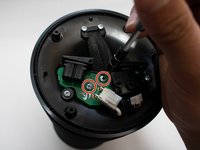
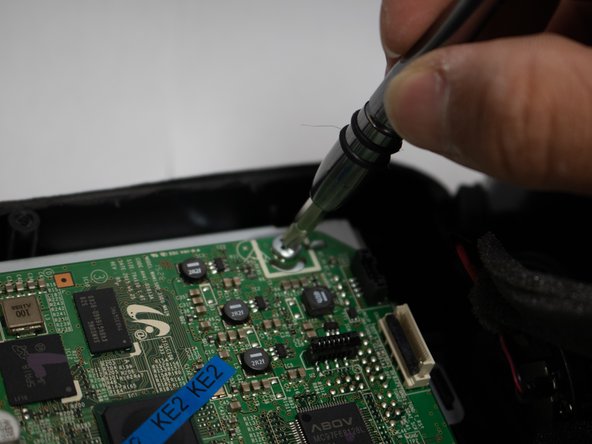
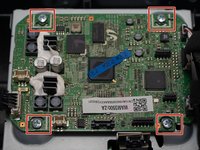
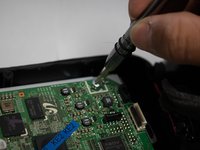
    • Remove the two 10mm long screws from the board utilizing the Phillips #1 screwdriver.

    Ask FixBot

    Add Comment

  5. Samsung Radiant360 R3 Tweeter Replacement: step 5, image 1 of 1
    • Use a spudger to press the plastic tab away from the board until the board pops up.

    • Remove the board with the USB module from the device.

    Ask FixBot

    Add Comment

  6. Samsung Radiant360 R3 Tweeter Replacement, Wireless Module: step 6, image 1 of 2 Samsung Radiant360 R3 Tweeter Replacement, Wireless Module: step 6, image 2 of 2
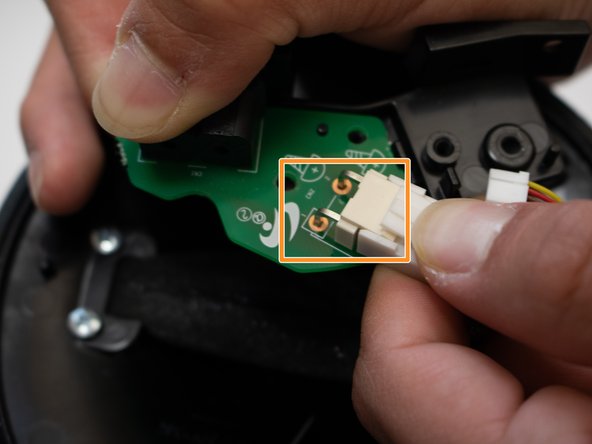
    • Remove the two 12mm long screws with the Phillips #1 screwdriver.

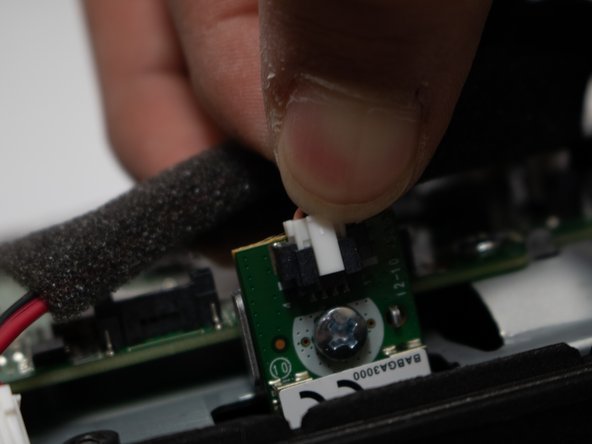
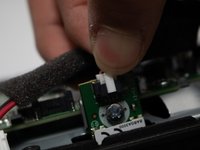
    • Unplug white plug connected to the green circuit board.

    Ask FixBot

    Add Comment

  7. Samsung Radiant360 R3 Tweeter Replacement: step 7, image 1 of 2 Samsung Radiant360 R3 Tweeter Replacement: step 7, image 2 of 2
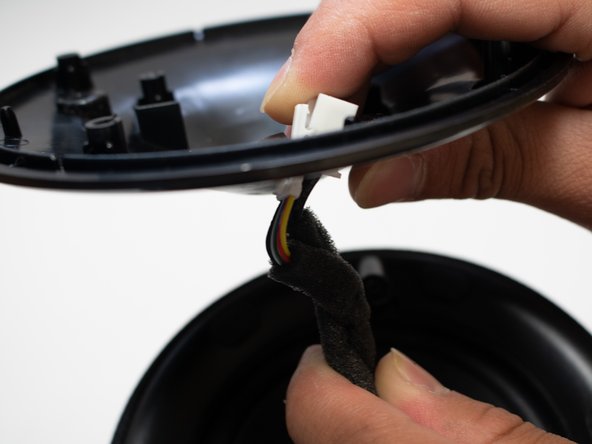
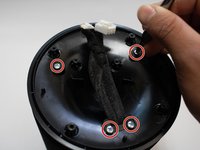
    • Remove the four 12mm long screws with the Phillips #1 screwdriver.

    • Remove the cover, and slide the cord through the hole.

    Ask FixBot

    Add Comment

  8. Samsung Radiant360 R3 Tweeter Replacement: step 8, image 1 of 3 Samsung Radiant360 R3 Tweeter Replacement: step 8, image 2 of 3 Samsung Radiant360 R3 Tweeter Replacement: step 8, image 3 of 3
    Tool used on this step:
    Tweezers
    $4.99
    Buy
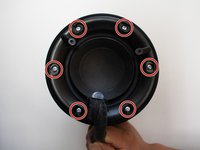
    • Remove rubber covers covering the screws with pair of tweezers.

    • Remove the six 12mm screws that are under the rubber covers with the Phillips #1 screwdriver.

    Ask FixBot

    Add Comment

  9. Samsung Radiant360 R3 Tweeter Replacement: step 9, image 1 of 1
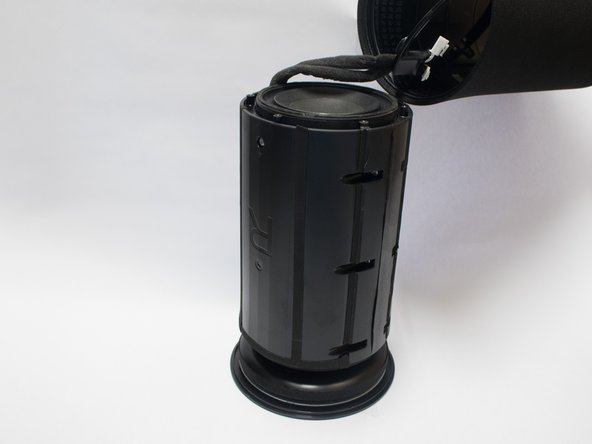
    • Remove the unscrewed cover as much as possible.

    • It is very difficult to get plugs at the end of the cord through the cover without breaking, so just slide to the edge.

    Ask FixBot

    Add Comment

  10. Samsung Radiant360 R3 Tweeter Replacement: step 10, image 1 of 3 Samsung Radiant360 R3 Tweeter Replacement: step 10, image 2 of 3 Samsung Radiant360 R3 Tweeter Replacement: step 10, image 3 of 3
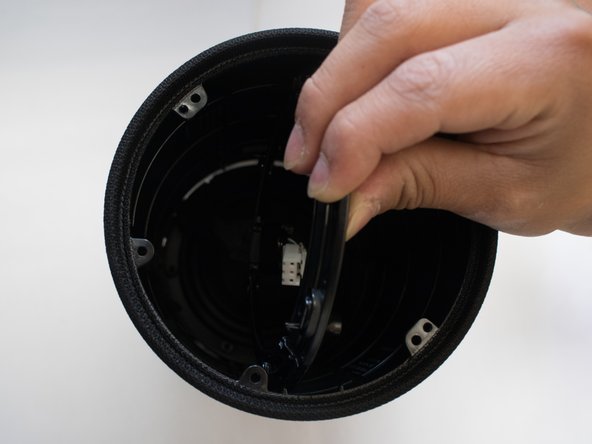
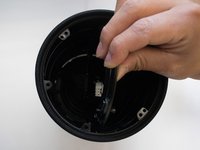
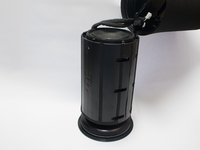
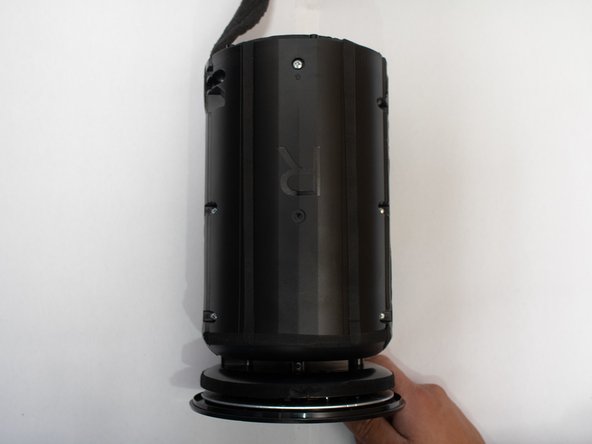
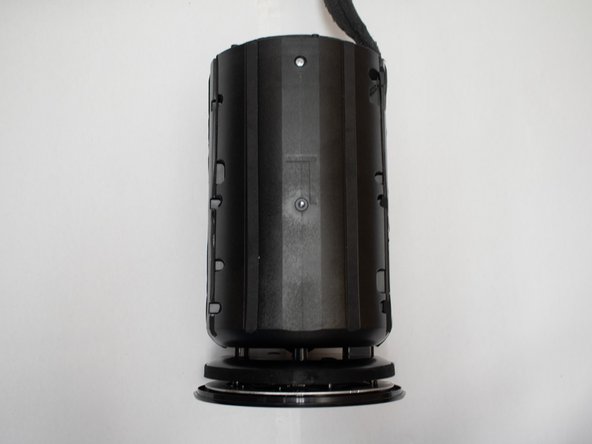
    • Push the body out through the outer shell of device.

    • Carefully push the ring attached to the cable through the shell.

    Ask FixBot

    Add Comment

  11. Samsung Radiant360 R3 Tweeter Replacement: step 11, image 1 of 3 Samsung Radiant360 R3 Tweeter Replacement: step 11, image 2 of 3 Samsung Radiant360 R3 Tweeter Replacement: step 11, image 3 of 3
    • Remove the eight 12mm long screws around the body with the Phillips #1 screwdriver.

    Ask FixBot

    Add Comment

  12. Samsung Radiant360 R3 Tweeter Replacement: step 12, image 1 of 2 Samsung Radiant360 R3 Tweeter Replacement: step 12, image 2 of 2
    • Pry the two halves of the body open using a metal spudger.

    Ask FixBot

    Add Comment

  13. Samsung Radiant360 R3 Tweeter Replacement: step 13, image 1 of 3 Samsung Radiant360 R3 Tweeter Replacement: step 13, image 2 of 3 Samsung Radiant360 R3 Tweeter Replacement: step 13, image 3 of 3
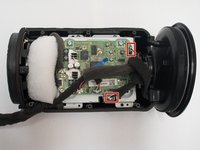
    • Remove the plugs located topmost right and closest to the bottom in picture.

    Ask FixBot

    Add Comment

  14. Samsung Radiant360 R3 Tweeter Replacement: step 14, image 1 of 1
    • Remove the four 12mm long screws with the Phillips #1 screwdriver .

    Ask FixBot

    Add Comment

  15. Samsung Radiant360 R3 Tweeter Replacement: step 15, image 1 of 1
    • Unscrew the four 8mm screws on the side of the motherboard with the Phillips #1 screwdriver .

    • Remove the Wireless Module from the device.

    Ask FixBot

    Add Comment

  16. Samsung Radiant360 R3 Tweeter Replacement, Subwoofer: step 16, image 1 of 2 Samsung Radiant360 R3 Tweeter Replacement, Subwoofer: step 16, image 2 of 2
    • Disconnect the plug in the device.

    Ask FixBot

    Add Comment

  17. Samsung Radiant360 R3 Tweeter Replacement: step 17, image 1 of 1
    • Slide the subwoofer out of the speaker.

    Ask FixBot

    Add Comment

  18. Samsung Radiant360 R3 Tweeter Replacement, Motherboard: step 18, image 1 of 2 Samsung Radiant360 R3 Tweeter Replacement, Motherboard: step 18, image 2 of 2
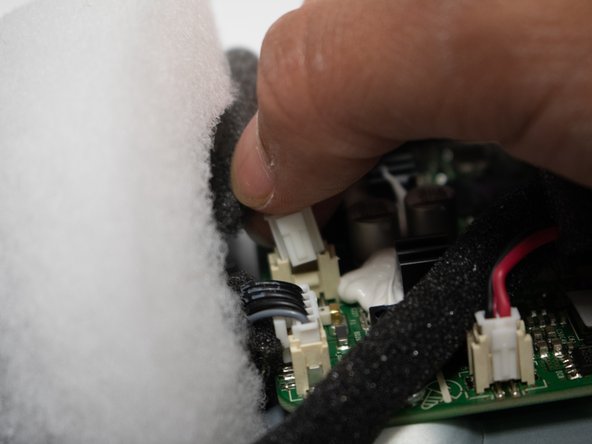
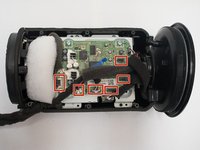
    • Disconnect the six plugs on the motherboard.

    Ask FixBot

    Add Comment

  19. Samsung Radiant360 R3 Tweeter Replacement: step 19, image 1 of 1
    • Remove the ZIF cable.

    • Pull up the tab with a spudger, and life the cable.

    Ask FixBot

    Add Comment

  20. Samsung Radiant360 R3 Tweeter Replacement: step 20, image 1 of 2 Samsung Radiant360 R3 Tweeter Replacement: step 20, image 2 of 2
    • Remove the four 12mm screws with the Phillips #1 screwdriver .

    • Remove the motherboard from the device.

    Ask FixBot

    Add Comment

  21. Samsung Radiant360 R3 Tweeter Replacement, Tweeter: step 21, image 1 of 1
    • Remove the six 8mm screws using the Phillips #1 screwdriver.

    • Remove the six 12mm screws using the Phillips #1 screwdriver.

    Ask FixBot

    Add Comment

  22. Samsung Radiant360 R3 Tweeter Replacement: step 22, image 1 of 1
    • Remove the six 12mm screws with the Phillips #1 screwdriver.

    Ask FixBot

    Add Comment

  23. Samsung Radiant360 R3 Tweeter Replacement: step 23, image 1 of 1
    • Remove the touch panel by sliding it off the end.

    Ask FixBot

    Add Comment

  24. Samsung Radiant360 R3 Tweeter Replacement: step 24, image 1 of 1
    • Remove the tweeter speaker from the casing.

    Ask FixBot

    Add Comment

Conclusion

To reassemble your device, follow these instructions in reverse order.

Cancel: I did not complete this guide.

One other person completed this guide.

Fadi Alzammar

Member since: 04/22/18

782 Reputation

5 Guides authored

Team

Cal Poly, Team S25-G18, Maness Spring 2018 Member of Cal Poly, Team S25-G18, Maness Spring 2018

CPSU-MANESS-S18S25G18

4 Members

5 Guides authored

0 Guide Comments

Add Comment

View Statistics:

Past 24 Hours: 0

Past 7 Days: 3

Past 30 Days: 18

All Time: 460